








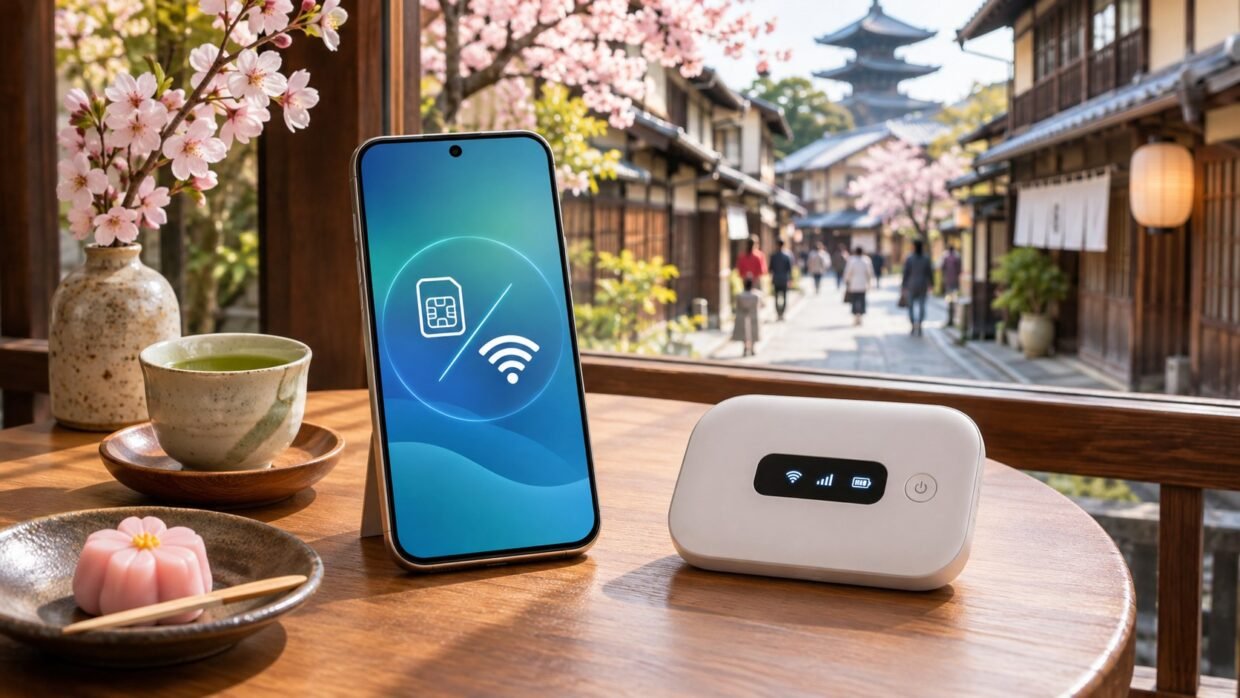
You have landed in Japan, found your suitcase, and opened the directions to your hotel. The phone responds with a loading circle. A lovely minimalist design. Slightly less useful than a train platform number.
For most solo travelers with a compatible, unlocked phone, an eSIM is the easiest starting point. A pocket Wi-Fi router becomes more interesting when several people need one shared connection, your phone cannot use a travel eSIM, or you want a separate device handling the internet.
The right choice depends on how you travel. Two people who spend every day together have different needs from two people who say “see you at dinner” and disappear into opposite ends of Tokyo.
Japan eSIM vs Pocket Wi-Fi: The Quick Comparison
| Your situation | Start by considering | Main tradeoff |
|---|---|---|
| Solo traveler, compatible phone | Travel eSIM | Check compatibility and activation rules |
| Couple who often split up | Separate mobile plans | Two plans, but independent connections |
| Family staying together | Pocket Wi-Fi | Shared allowance, battery, and range |
| Phone lacks eSIM support | Pocket Wi-Fi or compatible physical SIM | Router logistics or SIM compatibility |
| Occasional laptop session | eSIM with permitted hotspot use | Phone battery and extra data use |
Before buying either, check your existing mobile plan. Japan roaming might already be included or available through a travel pass. Compare its actual allowance and restrictions with the alternatives.
Your eSIM or pocket router supplies internet access. If you also want a VPN for the trip, check NordVPN’s current plans below.
What an eSIM Does for Your Trip
An eSIM lets a supported phone install a mobile plan digitally. You purchase the appropriate Japan package, follow the provider’s installation instructions, and select that line for mobile data. There is no rental box to collect or return.
That convenience suits a trip with several hotel changes. Your connection goes wherever your phone goes, including the spontaneous detour for a bakery you definitely did not plan the entire morning around.
Check the exact phone, not just the brand
A Samsung, Pixel, or iPhone name alone does not confirm compatibility. Model, purchase region, carrier restrictions, and the provider’s requirements matter. Check your exact model with its manufacturer and the eSIM provider before paying.
Apple’s international eSIM guidance explains the supported iPhone requirements and regional exceptions. To use another carrier’s plan, your iPhone must be unlocked. Under Settings → General → About, look for the carrier-lock field showing no SIM restrictions.
Installation and activation can be different moments
Do the preparation on a reliable connection, with your order details available. Read when the package clock starts before installing it a week early.
For example, Airalo’s activation explanation says many packages begin when the eSIM connects to a supported destination network, while others can begin at installation. The selected package’s activation policy decides.
Also check whether it is data-only. A data-only package supplies internet access, not a Japanese number for ordinary calls and SMS. Messaging apps can use data, but a restaurant booking or verification code may still require your usual phone line.
What a Pocket Wi-Fi Router Changes
A pocket router connects to a mobile network and shares that connection over Wi-Fi. Your phone, tablet, or laptop joins it using a network name and password. Your phone does not need eSIM support for that Wi-Fi connection.
JNTO’s connectivity guide describes airport rental and advance booking options, including hotel delivery from some providers. Check the specific company: collection points, delivery arrangements, and returns are not identical.
For a family, the appealing part is sharing one connection. The awkward part is that it follows one person. If that person heads back to the hotel, everyone else needs another way online.
As a current example, WiFiBOX’s Japan page lists up to five connected devices. That is a connection limit, not five separate data allowances. Its advertised maximum battery duration is also a specification, not a promise for your particular day.
Charge the router each evening and decide who carries it. Include pickup and return in your itinerary. A cheap rental becomes less charming when its return location is in a different terminal from your departure.
WiFiBOX describes returns to a different WiFiBOX location from pickup. Other companies may use counter or postal returns. Confirm the exact location’s access hours, return deadline, and what happens if your flight changes.
Can You Just Share an eSIM Through Your Phone?
Often, yes. A permitted personal hotspot can connect a companion’s phone or your laptop, which may remove the need for a separate router.
However, tethering is something to verify. Airalo’s hotspot guidance, for example, makes support dependent on the device and network. Read the selected plan’s sharing rules and any separate hotspot allowance.
Sharing also makes one phone responsible for everybody’s connection. Bring a charging plan, and remember that a laptop can start syncing files as soon as it gets online. “I only checked one email” does not necessarily describe everything the laptop did.
Compare the Full Trip, Not the Smallest Price Tag
Put your travel dates and number of users into both options. Compare the total eSIM cost for everyone against the complete router rental, including delivery, optional cover, and any extra charges shown at checkout.
Then compare what you actually receive:
- Data: a total trip allowance or a fresh allowance each day?
- Speed: what happens after the high-speed allocation runs out?
- Coverage: which Japanese network supports the plan, and does its coverage fit your itinerary?
- Sharing: permitted hotspot use, device limits, and any separate restrictions?
- Support: how will you contact the provider if setup fails?
The word “unlimited” needs a second look. On November 3, 2026, WiFiBOX’s Japan page described its Unlimited(3GB) option as slowing to a maximum of 1 Mbps after 3 GB in a day, resetting at midnight Japan time. That is different from having unrestricted high-speed data all day.
Estimate your needs before comparing plans. Our guide to how much mobile data you need for a week abroad includes practical scenarios for maps, messages, social browsing, and video.
Your Before-Departure Setup
- Save the essentials offline: accommodation address, booking details, airport transfer, and provider instructions.
- For an eSIM: confirm compatibility, installation timing, data-line selection, and whether the travel line needs roaming enabled.
- For a router: save the collection details, access hours, return instructions, and contact information.
- Review your home line: disable unwanted data roaming and automatic data switching where applicable. Keeping the line active for calls or messages may still incur carrier charges.
- Download useful maps over Wi-Fi: check that the intended area is available and the download finished.
One useful limitation: Google Maps does not provide offline transit, walking, or cycling directions. A downloaded map is helpful backup; it does not replace live train planning.
Once you arrive, test a webpage and a route before leaving the airport connection behind. If something fails, check the selected data line and the provider’s settings before deleting the eSIM.
Where Does a VPN Fit?
Your eSIM or router supplies internet access. A VPN works over that existing connection and can change the public IP websites see. It will not create mobile coverage, add data to your allowance, or recharge a flat router.
If you specifically need a Japanese VPN connection, our Japanese IP address guide explains that separate step and its limitations. Choose your travel connectivity first.
For the VPN part of your travel setup, compare NordVPN, Surfshark, and ExpressVPN below. Arrange your mobile connection separately, then test both before departure.
Affiliate links: we may earn a commission if you buy through these links.
FAQ
Which would you choose for a first Japan trip?
For one person with a compatible, unlocked phone, I would start with an eSIM. For a family staying together, I would compare a router against separate plans using the same total data requirement.
Is pocket Wi-Fi automatically faster?
No. The network, local signal, congestion, hardware, and plan restrictions all matter. The format alone does not establish a speed winner.
Can I rely on free Wi-Fi?
It can cover parts of the trip, but you may need directions between hotspots. JNTO notes free airport access and public options; check your accommodation separately. Keep an independent connection if being online while moving matters.
What if our group separates?
Anyone outside the router’s Wi-Fi range needs their own connection. Separate mobile plans, or a small backup plan for the person splitting off, can be worth more than the smallest shared bill.


