






If you’re a golf fan, there’s no better place to watch live coverage than ESPN+. From PGA Tour Live and LPGA to the brand-new TGL, ESPN+ gives you thousands of hours of exclusive content. But here’s the issue — it’s geo-blocked outside the US, and you can’t even sign up without a US-based payment method.
Whether you already have an ESPN+ account or need to create one from abroad, I’ll show you exactly how to stream golf live from anywhere in the world.
Already Have an ESPN+ Account?
Great. You’re halfway there. If you’re just traveling abroad or living outside the US with an active ESPN+ subscription, you’ll only need one thing:
Use a VPN to Unblock ESPN+ Abroad
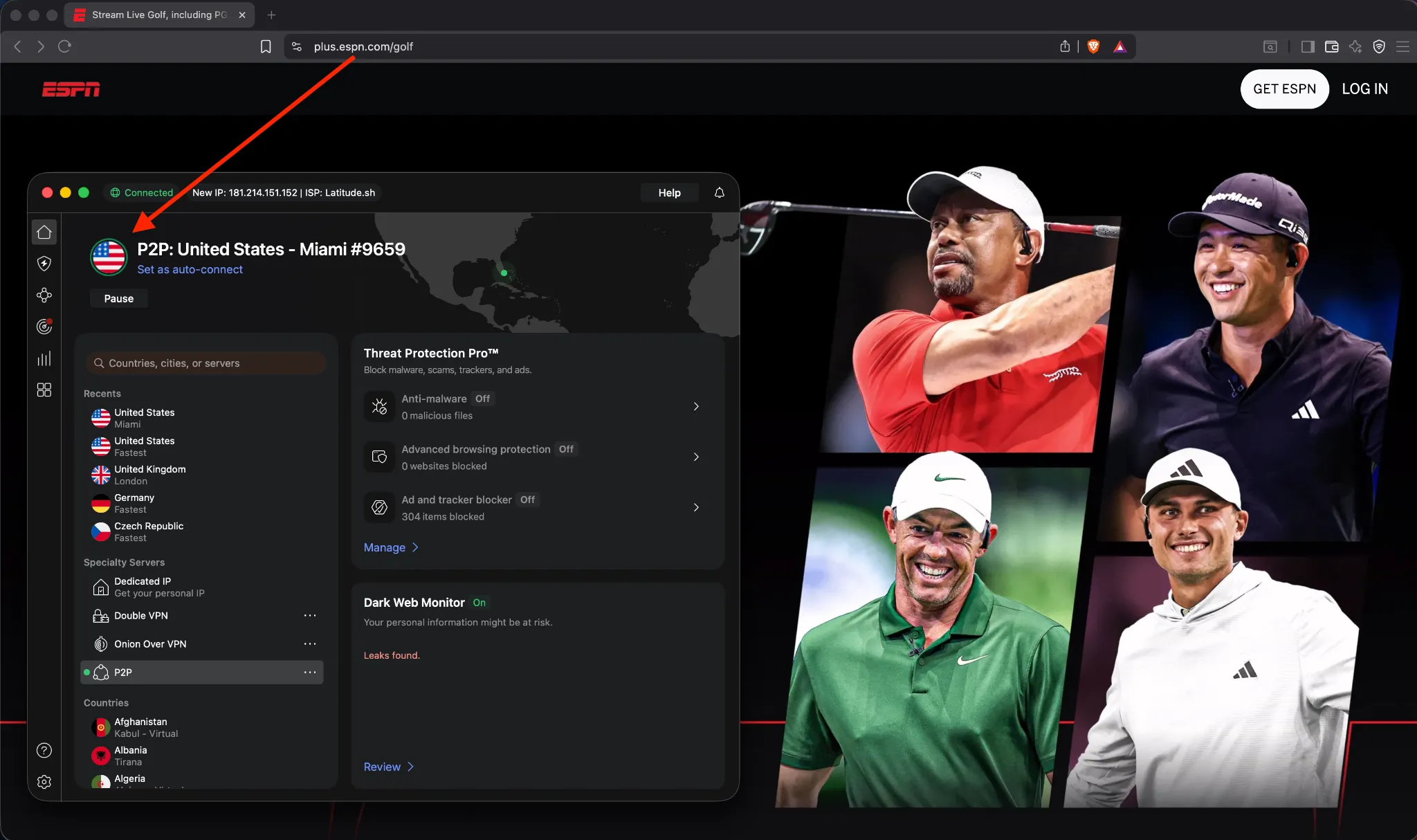
ESPN+ uses location tracking and IP filters. If it detects you’re outside the US, it blocks the stream even if you’re a paying subscriber.
Here’s what to do:
- Get a reliable VPN – I recommend:
- NordVPN – best speeds for HD streaming
- Surfshark – cheap, easy to use
- ExpressVPN – perfect for Apple TV or Smart TVs
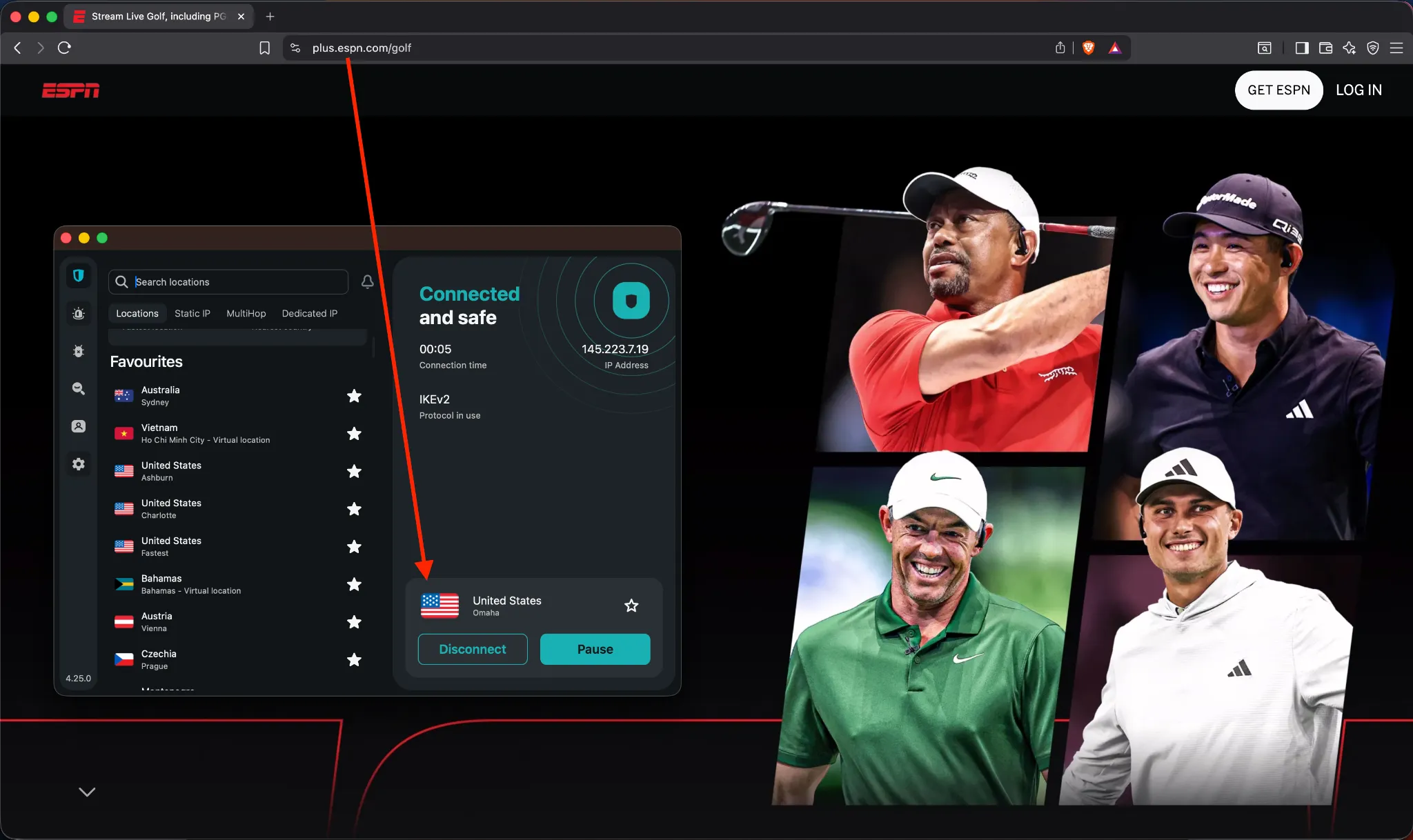
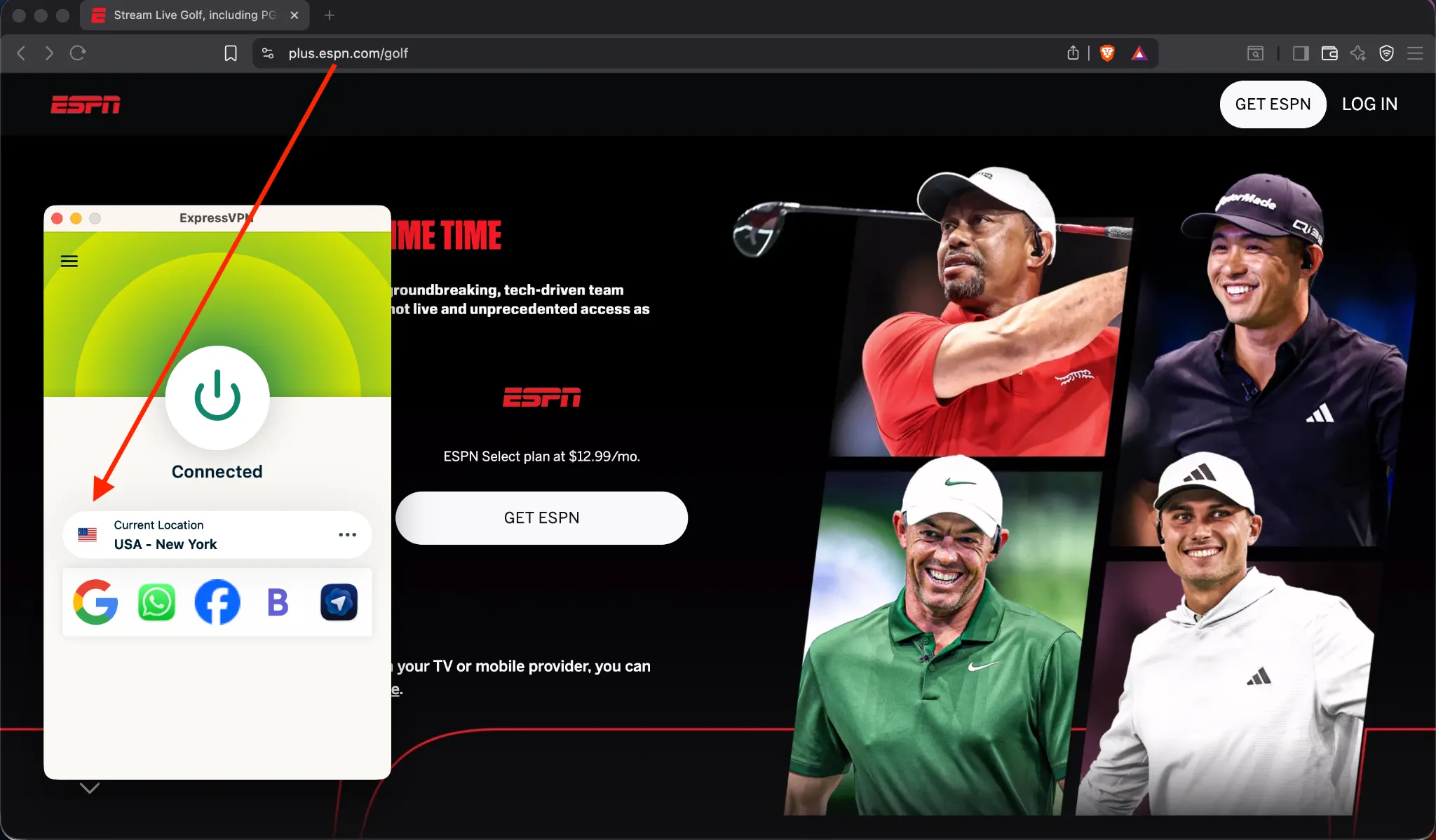
- Connect to a US server – Try New York, Miami, or Chicago for top performance
- Open the ESPN app or go to plus.espn.com
Your US-based IP will now let you stream all live golf content.
Works on iPhone, Android, laptop, Fire TV, Apple TV (via Smart DNS or VPN router)
Don’t Have an ESPN+ Account Yet?
No problem. You can still create one, even from outside the US. Here’s how to bypass both the geo-block and the payment wall.
What You’ll Need to Set Up ESPN+ From Abroad
| Tool | Purpose | Recommendation |
|---|---|---|
| VPN | Spoof your location to the US | NordVPN, Surfshark, ExpressVPN |
| US App Store / Payment | Required to install app & subscribe | Gift cards or StatesCard |
| ESPN+ Account | Access to all golf streams | Create via app or browser |
| Streaming Device | Watch anywhere | Phone, tablet, laptop, Fire TV, Apple TV, Smart TV |
3 Ways to Pay for ESPN+ Without a US Card
Apple Users (iPhone, iPad, Apple TV)
- Create a new Apple ID set to the United States
- Buy a US Apple Gift Card (e.g. from MyGiftCardSupply)
- Redeem the gift card on the new account
- Download ESPN app from US App Store
- Subscribe to ESPN+ using your gift card balance
Simple and fast. Works perfectly for Apple users.
Android Users (Android phones, Fire TV)
- Create a new Google account with US region
- Connect VPN to the US
- Buy and redeem a US Google Play Gift Card
- Download ESPN app
- Subscribe using the gift card balance
Great for Fire TV sticks, Android TVs, and phones.
Universal Option: StatesCard (Virtual US Card)
If you want to subscribe via browser on your laptop or smart TV:
- Sign up for a virtual US debit card at StatesCard.com
- Fund the card with PayPal or international card
- Connect your VPN to the US
- Go to plus.espn.com and create your account
- Use StatesCard for payment
Works on desktop, smart TVs, and any browser
🏌️ What You’ll Get on ESPN+ (Golf Content Breakdown)
Once inside ESPN+, here’s what you unlock:
1) PGA Tour Live (All Season)
- Main Feed – Overall broadcast of the day’s top action
- Marquee Group – Watch featured players all 18 holes
- Featured Groups – Follow two or more groups in detail
- Featured Holes – Shot-by-shot action on signature holes
2) LPGA, Korn Ferry, NCAA, and More
- LPGA events with multi-camera coverage
- NCAA golf championships
- Developmental tours and amateur championships
3) The TGL (Tech-Driven League)
- Co-founded by Tiger Woods & Rory McIlroy
- Fast-paced, team-based simulator golf
- Live every Monday night on ESPN+
What About The Majors?
| Tournament | ESPN+ Coverage |
|---|---|
| The Masters | Featured Groups, Amen Corner, Holes 15–16 (Thu/Fri) |
| PGA Championship | Full coverage from Thursday to Sunday |
| US Open / The Open | Not available on ESPN+ (check Peacock or local services) |
Best Devices to Watch ESPN+ Golf Abroad
| Device | Works with VPN? |
|---|---|
| iPhone / iPad | ✅ |
| Android phones / tablets | ✅ |
| Fire TV Stick | ✅ |
| Apple TV | ✅ |
| Smart TV (Samsung, LG) | ✅ |
| Laptop / PC | ✅ |
Recap: Watch Golf on ESPN+ From Anywhere
| You Have an ESPN+ Account | You Don’t Have an ESPN+ Account |
|---|---|
| Get a VPN (NordVPN, Surfshark, ExpressVPN) | Get a VPN (NordVPN, Surfshark, ExpressVPN) |
| Connect to a US server | Create US Apple/Google account or use StatesCard |
| Open the app or ESPN+ site | Download ESPN app or sign up via browser |
| Start watching golf! | Subscribe and unlock PGA Tour Live & more |
Final Tip: Use the Disney Bundle
If you’re signing up anyway, go for the Disney Bundle (Disney+ + Hulu + ESPN+) for just $35.99/month. You get access to 3 major platforms, and it works perfectly with all top VPNs.
Wrapping Up
It doesn’t matter where you are — golf fans around the world deserve the same premium ESPN+ experience as US viewers.
Whether you already have an account or you’re starting from scratch, this guide has everything you need to:
- Watch PGA Tour Live
- Enjoy TGL matches weekly
- Access ESPN+ golf shows, replays, and exclusives
All from anywhere in the world.
FAQ
Can I watch ESPN+ golf outside the US?
Yes. ESPN+ is geo-blocked, but if you connect to a US server with a reliable VPN (like NordVPN, Surfshark, or ExpressVPN), you can stream golf tournaments from anywhere.
Do I need an ESPN+ subscription to watch live golf?
Yes. You need an active ESPN+ subscription. If you’re outside the US, use a VPN to sign up or log in with a US IP address.
Which VPN works best for ESPN+ golf streaming?
NordVPN, Surfshark, and ExpressVPN consistently unblock ESPN+ and deliver smooth golf streams. All offer fast US servers, apps for every device, and strong privacy features.