Looking for a way to get a Philippine IP address? Whether you want to access Filipino TV platforms like iWantTFC or GMA Network, log into your local bank account from abroad, play games on SEA servers, or just secure your online identity with a local IP – you’re in the right place.
I tested several VPNs with virtual and physical Philippine servers, tried them for streaming, banking, and gaming, and filtered out the ones that didn’t work. This guide walks you through everything – from how to change your IP to the Philippines, to choosing the right VPN.
Quick Summary for Busy Readers
Here’s the top VPNs that reliably assign a working Philippines IP address:
| VPN Service | Best For | Type of PH Servers | Deal |
|---|---|---|---|
| IPVanish | Secure access & banking | Virtual (SG-based) | 83% off deal → |
| NordVPN | Streaming + privacy | Virtual (SEA route) | Get 77% off → |
| Surfshark | Unlimited devices + GMA | Virtual (via HK) | Save 87% → |
| CyberGhost | Easiest to use | Virtual & physical | Try 45-day free → |
| PIA VPN | Advanced control (Linux) | Mixed (PH/SEA) | 84% off now → |
Why Change Your IP Address to the Philippines?
Here are the most common reasons users need a Philippine IP:
1. Access Streaming Services
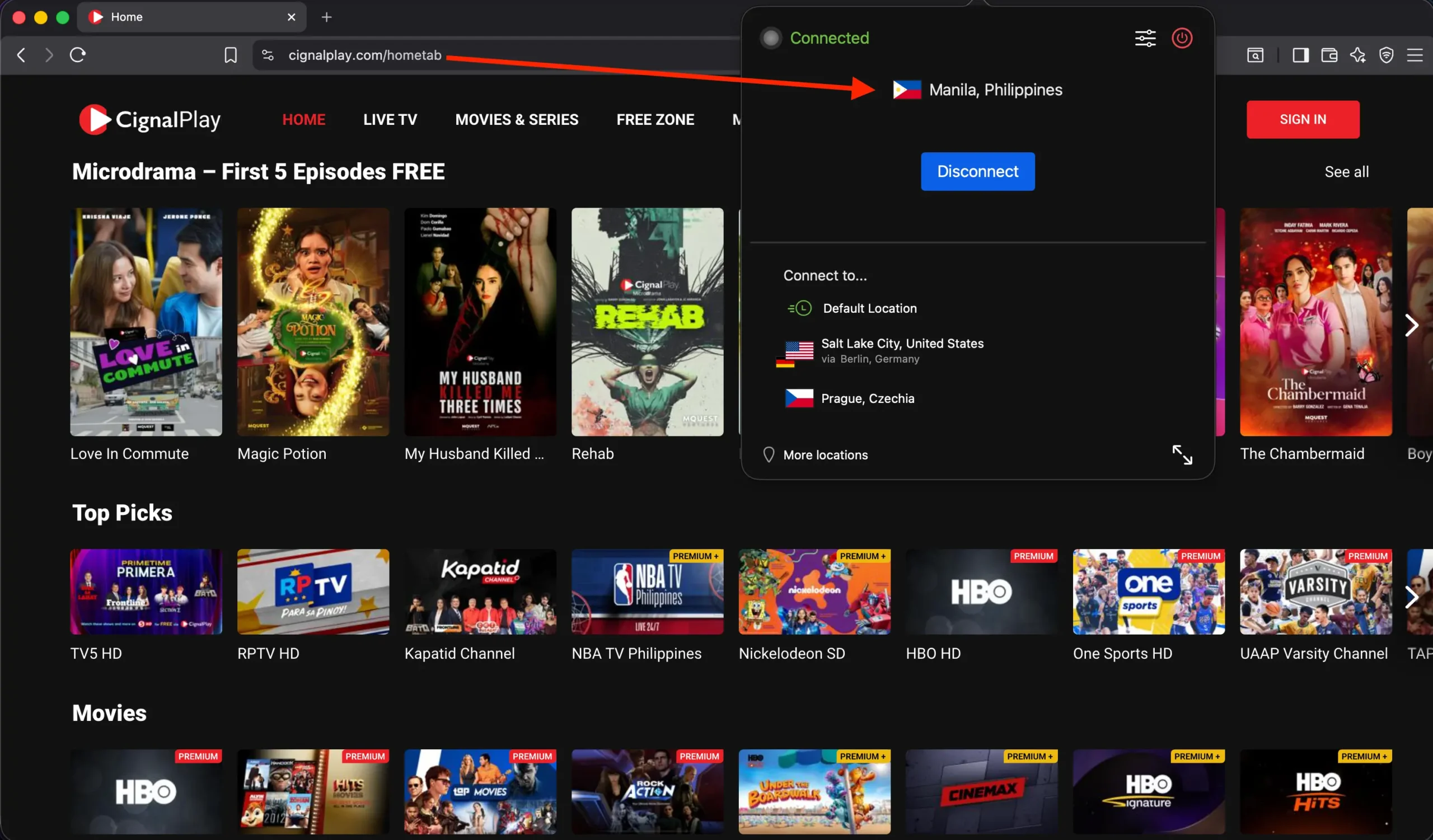
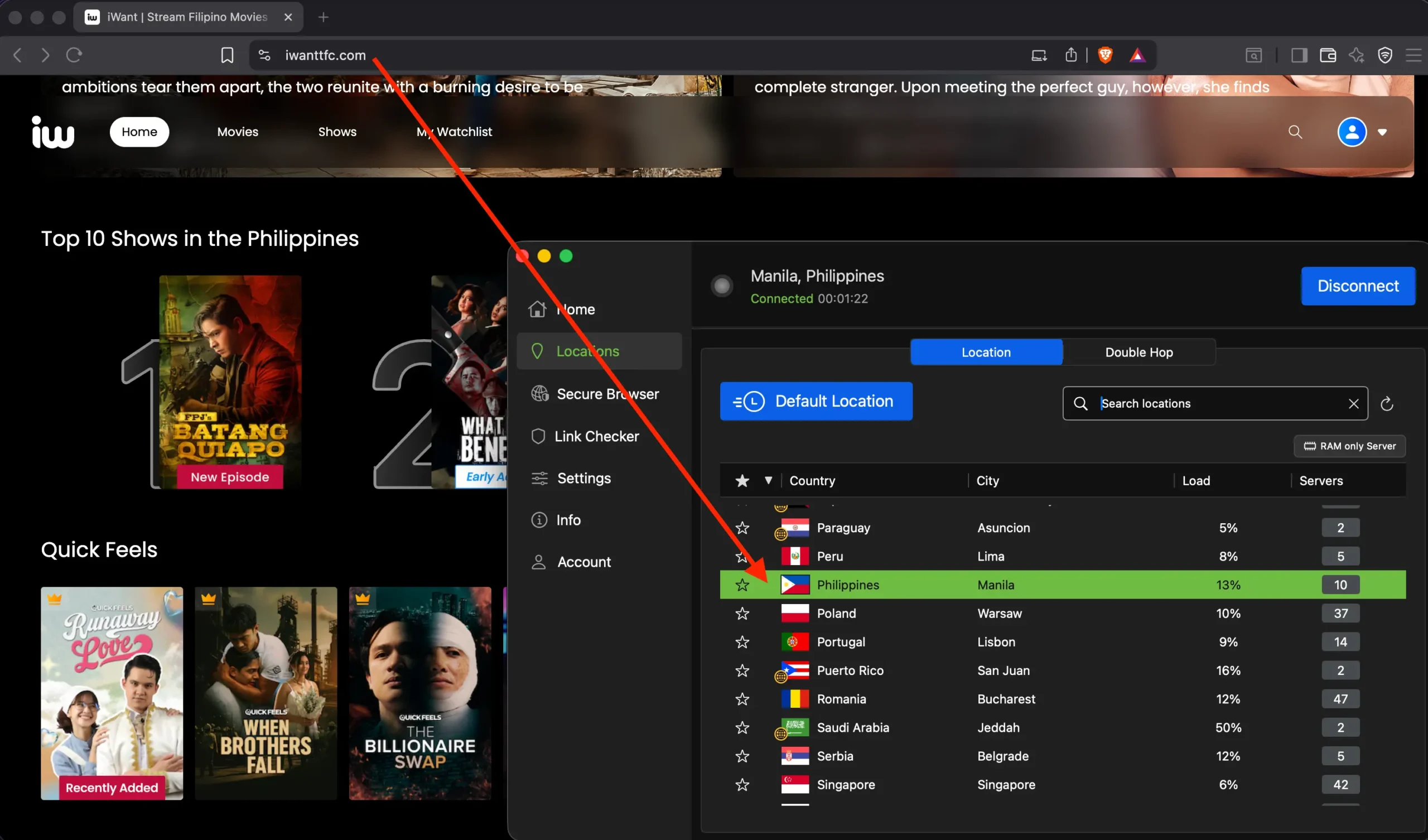
- iWantTFC, Viva One, Cignal Play, and GMA Network all use geo-blocks to limit access to users inside the Philippines.
- If you’re abroad, these services often won’t even load — unless your IP is Filipino.
2. Log Into Filipino Bank Accounts
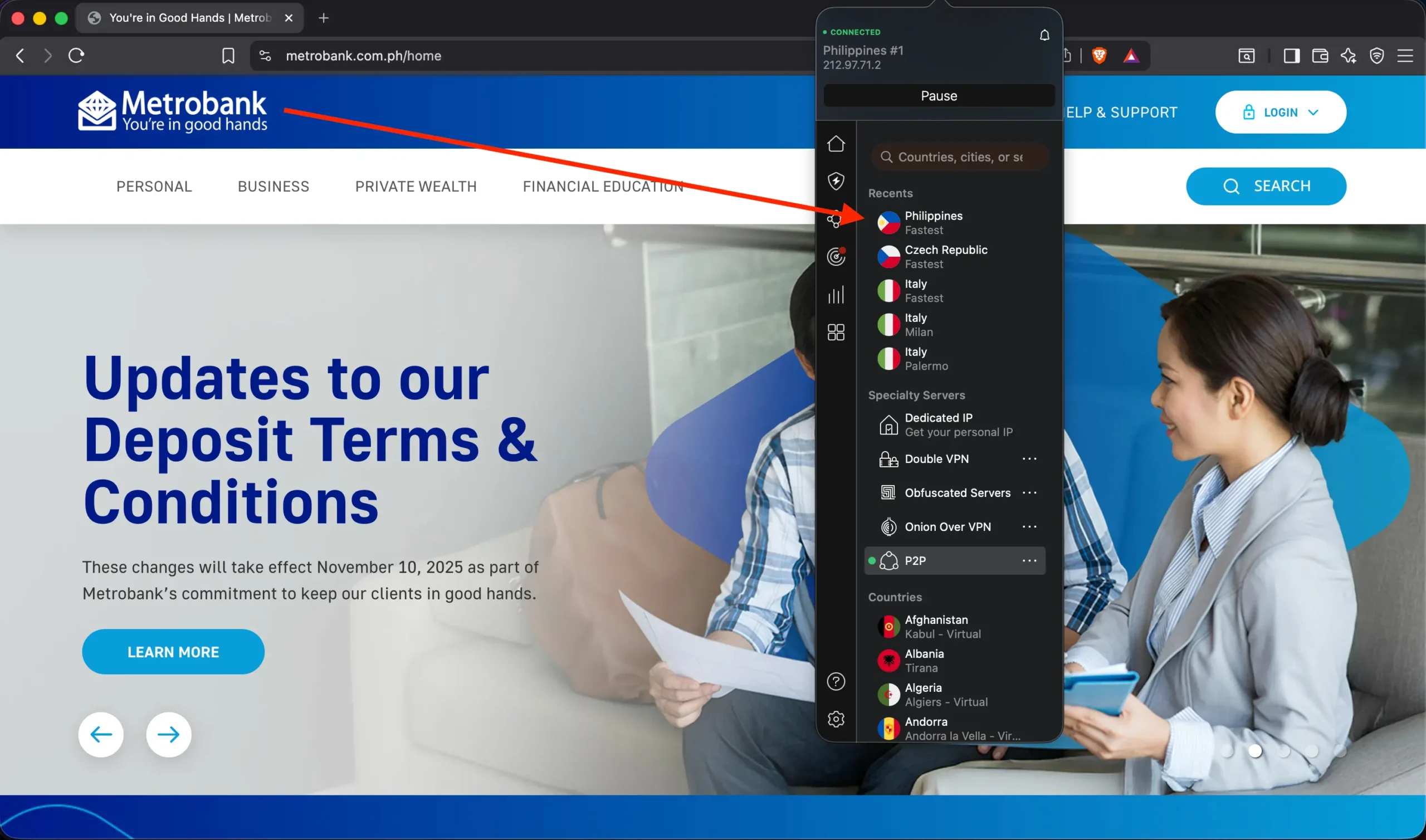
Many banks in the Philippines (e.g., BDO, BPI, UnionBank, Metrobank) block logins from foreign IP addresses for security reasons.
A Philippine IP solves that issue instantly.
3. Use Local Apps and Government Portals
Apps like GCash, GrabPH, or even eGov services may behave differently or restrict access when accessed from abroad.
4. Gaming on SEA Servers
Get better ping to SEA-region servers for games like Mobile Legends, Valorant, or PUBG when connected through a local IP.
5. Privacy and Location Spoofing
A VPN with a Philippine IP allows digital nomads or expats to simulate being back home, while still protecting your real location and traffic from snooping ISPs or public Wi-Fi risks.
What You Need: Virtual vs. Physical Servers Explained
VPNs that offer Philippine IP addresses do so in two ways:
🟢 Virtual Servers (Most Reliable for Streaming & Banking)
- Physically located in nearby countries (usually Singapore or Hong Kong), but assign a PH IP address.
- Bypass local data retention laws (e.g. Data Privacy Act of 2012).
- Offer better speeds due to superior infrastructure.
- Ideal for banking, video streaming, and general browsing.
My top pick IPVanish uses virtual PH servers routed via Singapore – fast and private.
🟡 Physical Servers in the Philippines
- Some VPNs claim to run real hardware in Manila or Quezon City.
- May deliver lower ping for gamers, but can be slower and less reliable for streaming.
- Might fall under local surveillance jurisdiction, depending on the provider.
⚠️ Avoid if you’re privacy-conscious or need consistent speeds.
Best VPNs to Get a Philippine IP Address (2026 Picks)
1) IPVanish – Best Overall for the Philippines
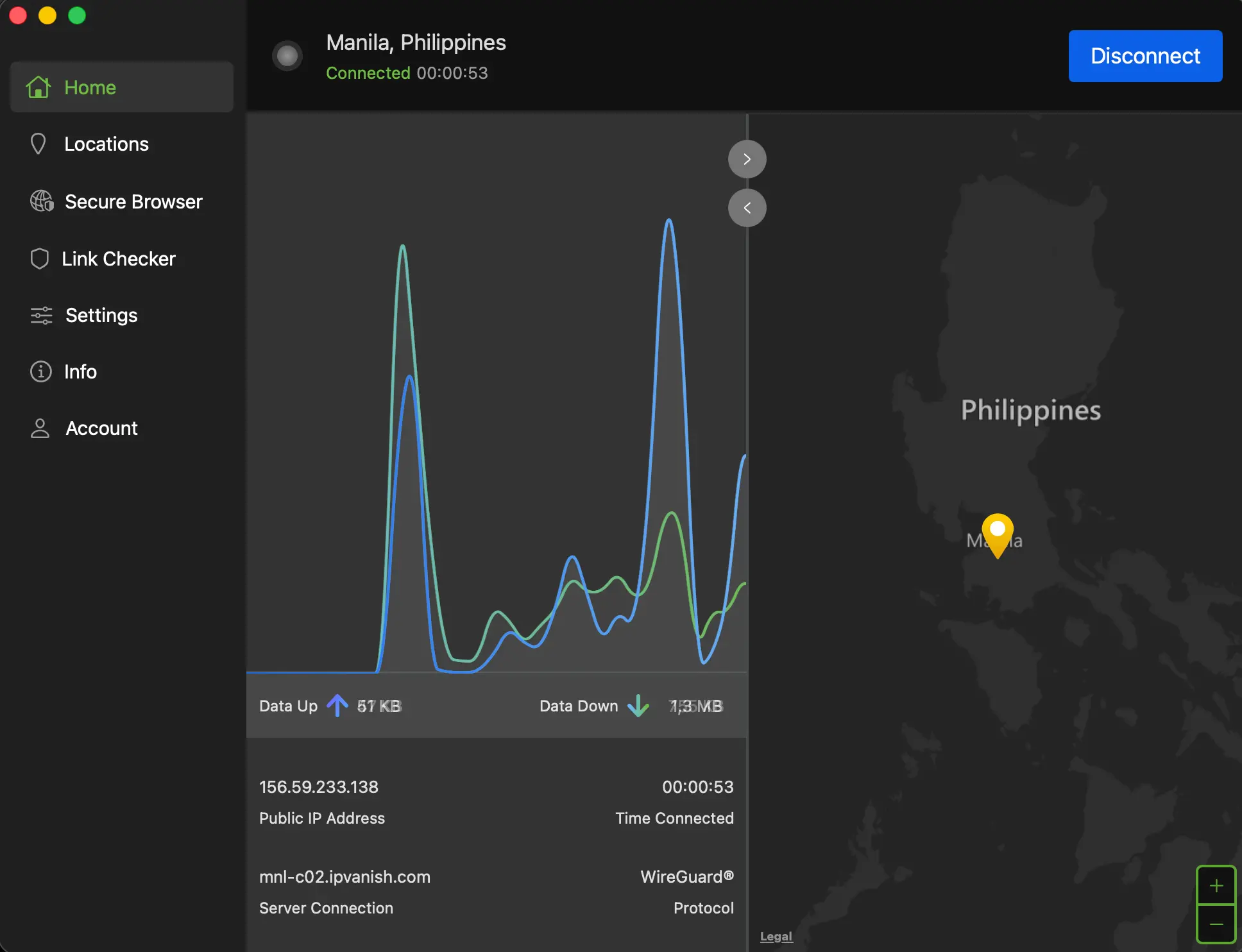
Why I recommend it:
- Fast virtual servers routed through SEA
- Works well for both banking apps and streaming platforms
- Strong no-logs policy + RAM-only servers
Key Features:
- Unlimited connections
- WireGuard support for blazing speeds
- Kill Switch + DNS leak protection
- Compatible with Smart TVs and routers
➡️ Claim 83% off IPVanish + 2 Free Months →
2) NordVPN – Best for Privacy and Streaming
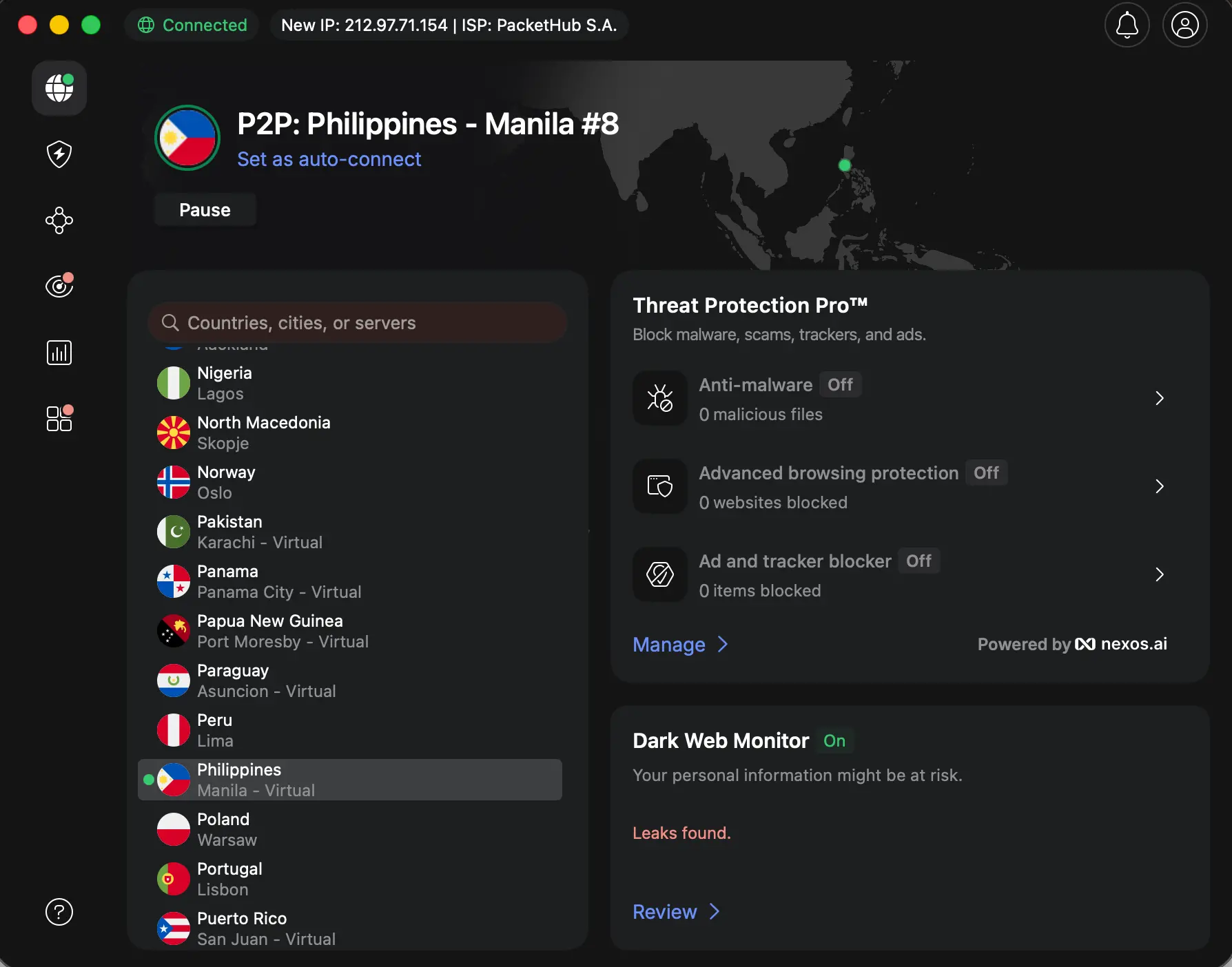
- Virtual Philippines IP via Singapore
- Unblocks iWantTFC, GMA, Viva One
- Uses NordLynx (fast WireGuard-based protocol)
- Obfuscated servers available for restricted networks
➡️ Grab NordVPN’s 77% off Deal →
3) Surfshark – Best for Multiple Devices & Families
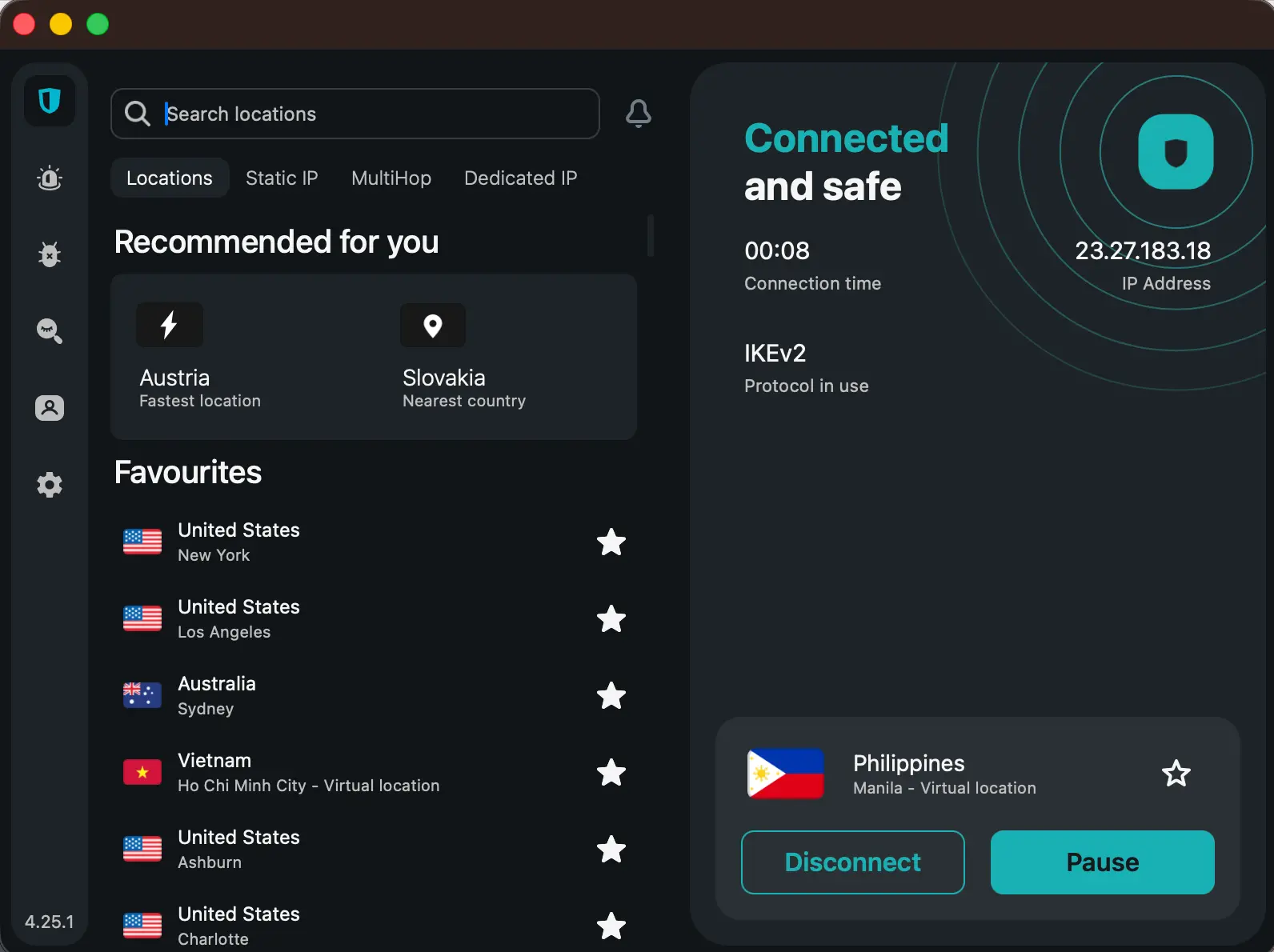
- Unlimited simultaneous connections
- Easy setup on Android and iOS
- Smart DNS and CleanWeb ad blocker
- Great for households accessing GMA or Cignal
➡️ Get 87% off Surfshark Now →
4) CyberGhost – Beginner-Friendly with Streaming Profiles
- Has dedicated server profiles for Philippines – Streaming
- Smart Rules for automated VPN behavior
- 45-day money-back guarantee (longest on market)
🛠 PIA VPN – Best for Advanced Users
- Manual port forwarding
- Supports Linux, routers, advanced tunneling
- MACE ad-blocking tech
- Good if you want to tweak every setting
How to Set Up a Philippine IP Address (Step-by-Step)
Changing your IP is surprisingly simple once you choose the right VPN:
- Choose a VPN – I recommend IPVanish or NordVPN.
- Download the app on your device (desktop, mobile, or TV).
- Install & log in using your credentials.
- Select “Philippines” server manually (don’t use auto-connect).
- Pick WireGuard or NordLynx for better speeds.
- Turn on Kill Switch + DNS protection.
- Confirm your new IP at ipleak.net or iplocation.net
- Clear browser cookies before accessing local services.
✅ That’s it — your device now has a working Philippine IP address.
Real-World Use Cases (and What Worked for Me)
💳 Banking from Abroad
- My BDO app blocked logins from a U.S. IP.
- With IPVanish and split tunneling, I was able to log in from Europe without triggering security alerts.
📺 Streaming GMA or iWantTFC
- CyberGhost and NordVPN worked best for streaming.
- Clear cookies and use Incognito mode to avoid cached geo-data issues.
- Switching browsers helped when GMA kept reloading the login screen.
🎮 Gaming with Better Ping
- ProtonVPN and PIA gave the lowest ping (80–120ms from EU).
- Stick with WireGuard and test with ping.pe.
Is It Legal to Use a VPN in the Philippines?
Yes, VPN usage is 100% legal in the Philippines for personal use.
It’s commonly used for:
- Online privacy
- Public Wi-Fi protection
- Accessing geo-restricted content
However, using a VPN for illegal activities (e.g., bypassing copyright or scams) remains prohibited under national law.
Final Thoughts: Don’t Settle for a Free VPN
Free VPNs rarely offer Philippine IPs and when they do, they’re often:
- Blocked by streaming sites
- Detected by banks
- Incredibly slow
- Filled with ads or data tracking
For just a few dollars a month, you’ll save yourself hours of frustration — and keep your data safe.
My Final Picks
- Best for all-around use: IPVanish
- The Best for streaming: NordVPN / CyberGhost
- For families: Surfshark
- Best for advanced users: PIA
Frequently Asked Questions (FAQ)
Can I get a Philippine IP address for free?
Highly unlikely. Most free VPNs don’t support the Philippines or get instantly blocked.
Which VPN works best for iWantTFC or GMA?
NordVPN and CyberGhost performed best in our streaming tests.
Is it safe to access my Filipino bank account over VPN?
Yes, just make sure you use a reliable VPN and enable split tunneling if necessary.
Want to unlock the Filipino internet no matter where you are?
➡️ Click here to get a secure Philippines IP with IPVanish →
Similiar article:
- Get a UK IP Address That Actually Works
- How to Change Your IP Address to Turkey (Step-by-Step)
- Change Your IP Address to Vietnam (Step-by-Step)