For millions of kids around the world, online gaming isn’t just a hobby — it’s their favorite way to play, create, and connect with friends. But behind the fun of Minecraft builds, Fortnite matches, and Roblox adventures, there’s a digital battlefield that many parents don’t see.
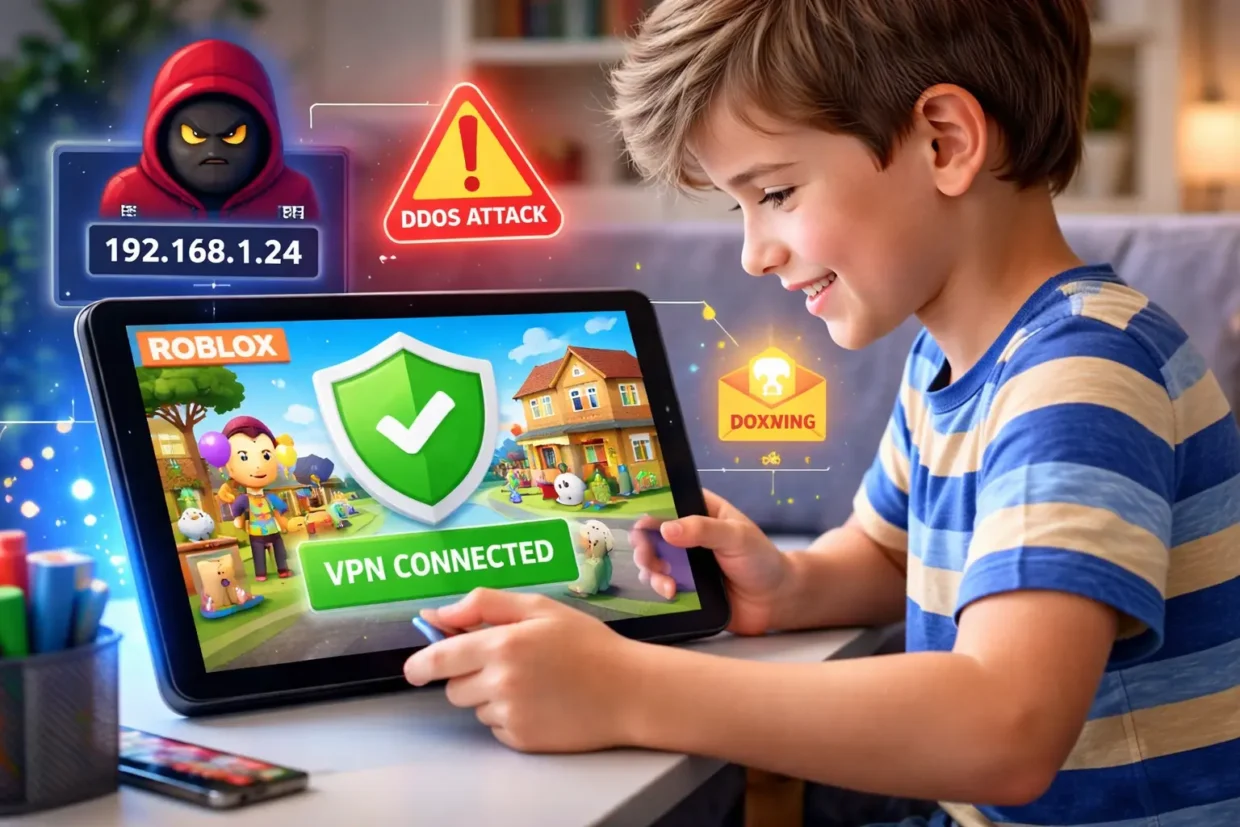
If your child spends any time online gaming, they’re potentially exposed to IP logging, doxxing, DDoS attacks, and fake servers. These aren’t just buzzwords they’re real threats that can put your child’s privacy, devices, and safety at risk.
The good news? A trusted VPN (Virtual Private Network) can act as a protective shield hiding your child’s IP address, encrypting their connection, and keeping them safe while they play.
Here’s why your kid needs a VPN while gaming online, and how to choose one that actually works.
The Hidden Dangers in Online Gaming
Most popular online games involve some kind of real-time interaction — chatting with others, joining servers, connecting to multiplayer lobbies. That’s where the risks start.
1. IP Logging
Many games (including Minecraft and Roblox) expose your IP address when connecting to private servers or lobbies. That IP can reveal:
- Your location
- Your internet provider
- Even the network your child is playing from (e.g., home, school)
Once someone has your IP, they can use it for targeted attacks, harassment, or tracking. Kids are especially vulnerable here — they don’t know how much information they’re unknowingly sharing.
2. Doxxing
Doxxing is the act of gathering and sharing someone’s private information online. It often starts with an IP address and can lead to:
- Posting a player’s real name, city, or even school
- Online bullying or threats
- Long-term privacy damage
And yes — it happens to kids, especially in competitive or toxic communities.
3. DDoS Attacks
A DDoS (Distributed Denial of Service) attack floods your network with traffic to knock it offline. It sounds extreme, but it’s shockingly common in gaming.
- Players can get disconnected mid-game
- Entire home networks can crash
- In some cases, attackers can demand money or threaten further harassment
Some kids have been DDoS’d just for winning a game.
4. Fake or Compromised Game Servers
Unofficial servers (common in Minecraft and Roblox) can be:
- Full of malware or spyware
- Tracking your child’s activity
- Exploiting vulnerabilities in the device
Without protection, kids can end up connecting to unsafe servers without even knowing it.
How a VPN Protects Your Child While Gaming

A VPN creates a secure, encrypted tunnel between your child’s device and the internet. Here’s how that helps during gaming:
🔒 Hides Their IP Address
Instead of showing your child’s real IP, the VPN assigns one from a remote server. This blocks others from seeing their true location or tracking them.
🚫 Prevents DDoS Attacks
VPNs can absorb or reroute malicious traffic, shielding your home network from takedown attempts.
📍 Avoids Geolocation Targeting
Some games use location to group players or assign servers. A VPN lets you choose a safer location to connect from — even one that limits toxic players.
🧼 Stops Tracking and Ad Injections
Some game servers or free apps may track activity or inject ads. VPNs like Surfshark or NordVPN include ad-blocking and tracker-blocking features that keep your child’s gaming experience clean and private.
Which VPNs Work Best for Gaming Kids?
Not all VPNs are suitable for gaming — some are too slow or unreliable. Here are three that work exceptionally well for families:
1) NordVPN
- 8.900+ servers globally
- Threat Protection blocks malware and ads
- Very low ping for gaming
- Works on Windows, macOS, Android, iOS, consoles
👉 Try NordVPN – 77% off + 3 months free
2) Surfshark
- Unlimited devices on one account (perfect for families)
- Built-in CleanWeb for blocking ads and trackers
- Fast, stable servers with minimal lag
👉 Try Surfshark – 87% off + 2 months free
3) ExpressVPN
- One of the fastest VPNs for real-time gaming
- Great for unblocking restricted content (like banned servers)
- Easy to use on routers and game consoles
👉 Try ExpressVPN – 78% off + 4 months free
⚙️ How to Set It Up for Your Child
Setting up a VPN doesn’t require tech skills. Here’s what to do:
- Choose a trusted VPN provider (like one here or above)
| My 5 Best VPN for Family | Offer + Discount | URL |
|---|---|---|
| NordVPN | 77% off + 3 months free | Try NordVPN |
| ExpressVPN | 73% off + 4 months free | Try ExpressVPN |
| SurfShark | 87% off + 2 months free | Try SurfShark |
- Install the app on your child’s device (PC, tablet, phone)
- Choose a fast, nearby server
- Set it to auto-connect when launching the game
- (Optional) Install it on your home router to protect all devices
You can also create VPN rules — for example, only active during gaming hours.
A Note for Parents: Don’t Use a Free VPN
As explained in this guide, free VPNs are not safe for kids. They:
- Track your child’s browsing
- Inject ads
- Sell data
- Often don’t encrypt traffic
A paid VPN that costs just a few dollars a month is a far better investment in your child’s privacy and safety.
Final Thoughts
If your child is playing online games like Minecraft, Roblox, or Fortnite, they need more than just a good internet connection. They need protection from tracking, attacks, and exploitation.
A VPN won’t stop every problem online. But it’s a powerful layer of defense that hides their IP, blocks threats, and helps them enjoy games safely.
👉 Get a VPN that actually protects your family — not just pretends to.
Similar article :Your Kids Use School Wi‑Fi Daily – Here’s Why That’s Risky, Protect Your Family’s Internet With One Simple Trick