Okay so literally right now as I’m writing this, I’m sitting here staring at my TV screen with this stupid error code on it. It’s been like 15 minutes. The screen is just sitting there glowing with these numbers and letters mocking me.
TVQ-PB-101. Or sometimes it says 5.2.101? I don’t even know anymore, there are numbers and I’m tired and I just want to watch TV.
This isn’t the first time this has happened, so I figured while I’m sitting here I might as well write down what actually works. If you’re here because Netflix is being a dick to you too, here’s what I’ve tried.
So What Even Is This Error
Honestly I’m not 100% sure and Netflix doesn’t really explain it well. From what I can tell it means Netflix can’t connect to their servers properly? Or maybe there’s corrupted data somewhere?
I Googled it for like 10 minutes and every website says something slightly different. Super helpful, thanks internet.
Basically your device is trying to talk to Netflix and something in the middle is screwed up. Could be your internet, could be the app, could be Netflix’s servers having a bad day.
What Actually Worked For Me
I unplugged my Fire Stick. Just yanked the power cord out of the wall, stood there awkwardly for like 30 seconds checking my phone, then plugged it back in.
Worked immediately and I felt like an idiot.
Here’s what’s worked for me:
| What I Tried | Success Rate | Takes About |
|---|---|---|
| Unplug device for 30 seconds | 70% of the time | 2 minutes |
| Sign out and back in | 50/50 honestly | 2 minutes |
| Clear app cache/data | When restart fails | 5 minutes |
| Restart the router | Pretty reliable | 3-4 minutes |
| Turn off VPN | Always (if you have one) | 30 seconds |
oh also if you have a smart TV sometimes just pressing the power button doesn’t actually restart it, you gotta unplug it. learned that the hard way.
If That Didn’t Work
Try signing out of Netflix and signing back in. Go to the menu thing (that profile icon) and hit sign out, wait a second, then log back in. Sometimes your login just gets stuck.
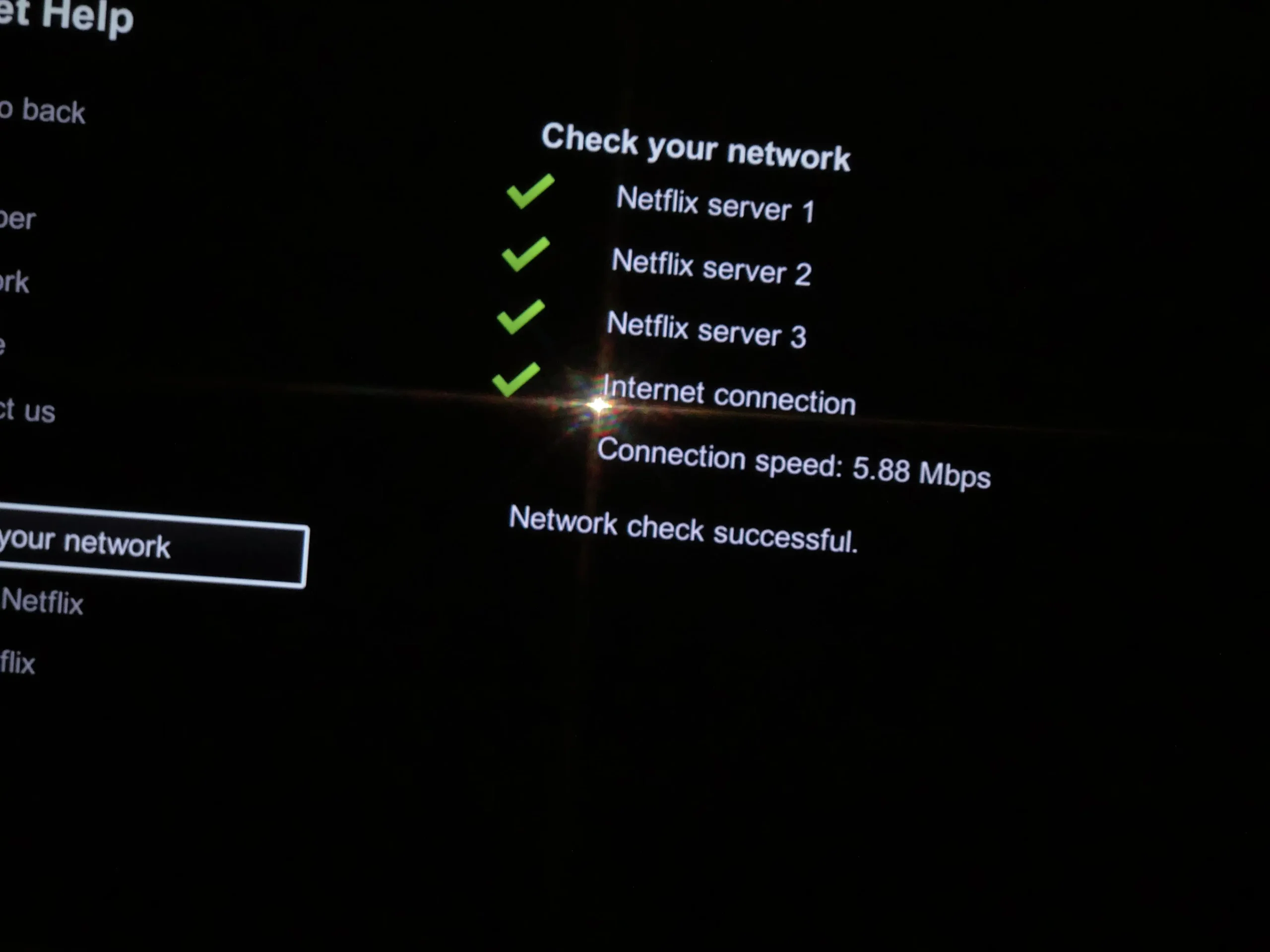
Check if your internet is actually working. Open your browser and try to load any website. You need at least 3 Mbps for Netflix to work in SD, 5 for HD. Go to fast.com and test your speed.
My internet sometimes slows down at peak hours when everyone’s streaming at the same time.
The More Annoying Fixes
If the easy stuff doesn’t work, you might have to clear the app data. On Android go to Settings → Apps → Netflix → Storage and clear both cache and data. You’ll have to log in again though.
On Smart TVs this varies by brand. Samsung and LG usually let you clear app data somewhere in settings. Some older TVs make you uninstall and reinstall the whole app which is annoying.
Also check if Netflix needs an update. I always forget to update apps and then stuff breaks.
btw if you clear the app data you’ll lose all your downloads. Found that out the hard way before a flight.
Oh Wait, Are You Using a VPN?
Just thought of this – if you’re using a VPN, that might be your problem.
I use NordVPN sometimes and I kept forgetting I had it on. Netflix HATES VPNs. They block most of them because people use them to watch content from other countries.
If you have a VPN running, turn it off and try Netflix again.
btw if you need a VPN for other stuff, I’ve tried a few. NordVPN is what I use most, SurfShark is cheap and pretty good, and ExpressVPN is faster but costs more:
| VPN | Deal Right Now |
|---|---|
| NordVPN | 77% off + 3 months free |
| SurfShark | 87% off + 3 months free |
| ExpressVPN | 73% off + 4 months |
Just remember to turn them off when you want to watch Netflix. I have a sticky note on my monitor now that says “VPN OFF?” lol
Is It Even Your Problem?
Before you waste an hour troubleshooting, check if Netflix is just down for everyone.
Go to Twitter and search “Netflix down” or check downdetector.com. If everyone’s complaining, it’s not you. Netflix has outages sometimes.
Last month there was an outage and I was over here restarting my router for no reason. Then I checked Twitter and felt dumb.
Tips for Different Devices
Quick breakdown based on what I’ve dealt with:
| Device | What Usually Works |
|---|---|
| Samsung/LG TV | Reset Netflix app (buried in settings) |
| PlayStation/Xbox | Clear app storage – it’s like 3 menus deep ugh |
| Fire Stick | Let it cool down, overheats easy |
| Apple TV | Reconnect Wi-Fi (rarely breaks tho) |
| Phone/Tablet | Switch between Wi-Fi and cellular |
Fire Sticks overheat if you keep them plugged in behind your TV with no airflow. Mine gets really hot. If yours feels warm, unplug it and let it cool down.
PlayStation is weirdly annoying – you have to go into storage management and manually clear Netflix data. It’s buried like three menus deep.
How To Prevent This
Restart your router every few weeks. I have a reminder in my phone for the first Sunday of every month. Takes two minutes and prevents most streaming issues.
Keep your apps updated. Just turn on auto-updates if you can’t be bothered.
If possible, run an ethernet cable instead of using Wi-Fi. Wi-Fi causes like 90% of streaming problems. Makes a huge difference.
When To Contact Netflix
If you’ve tried everything and it’s still broken the next day, contact Netflix support. They have chat on their help site and it’s usually fast.
They can see stuff on their end that you can’t fix yourself. Sometimes there’s an account issue they need to fix. When I contacted them they sorted it out in five minutes.
Bottom Line
This error is annoying but usually not a huge deal. Most of the time you unplug something, wait a bit, plug it back in, and you’re done.
If that doesn’t work, try the other stuff. Clear cache, update the app, restart your router, sign out and back in.
And if nothing works it might just be Netflix having problems. Check Twitter before you spend hours troubleshooting.
Now go watch your show.
update: I just tried Netflix again while finishing this and it’s working now. Figures lol