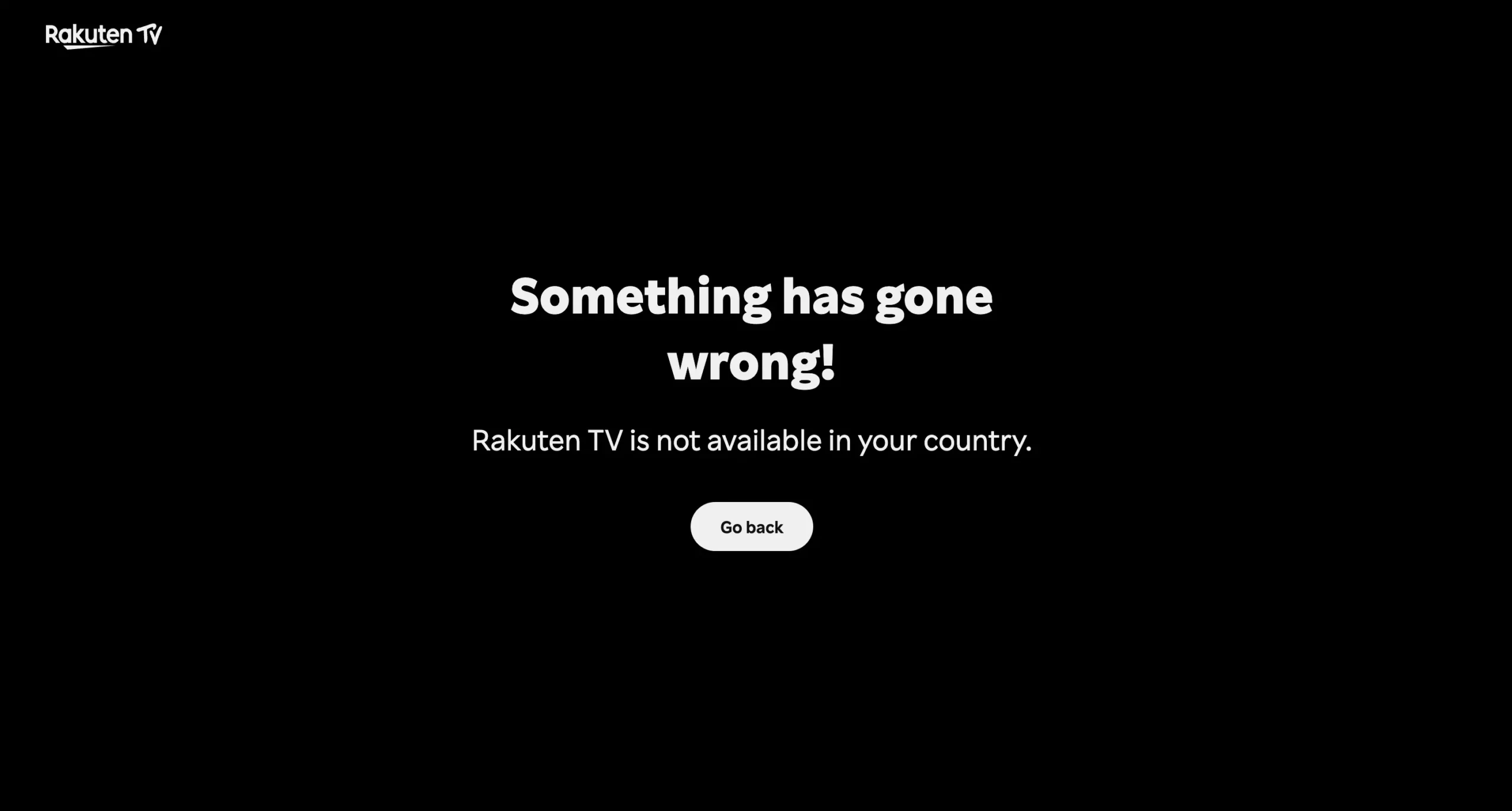
So, you’ve heard good things about Rakuten TV. Maybe someone recommended a movie that’s only on the Spanish version. Or maybe you’re a fan of Japanese anime and want access to the original content library straight from Tokyo. Whatever the reason, you head to the site, full of hope, and boom… access denied.
“Rakuten TV is not available in your country.”
And just like that, you’re geo-blocked.
The good news? You don’t have to be stuck. There’s a very straightforward way to get around those restrictions, and no, it doesn’t involve sketchy sites or pirated streams. You just need the right VPN, a bit of setup, and you’re back in control.
Why Rakuten TV Blocks You (and Who Gets Access)
Rakuten TV works a little differently than other streaming services. It’s available in two major regions: Japan and most countries in Europe. If you’re in Spain, Germany, the UK, or any of the 40+ supported countries, you’re in luck. But if you’re traveling or living in the United States, Canada, or Australia, you’ll be blocked by default.
Here’s a quick look at where Rakuten TV is available:
| Region | Available? | Notes |
|---|---|---|
| Europe | Yes | Works in 43 countries including UK, France, Italy |
| Japan | Yes | Separate content library with local exclusives |
| US/Canada | No | Access blocked due to licensing restrictions |
| Australia | No | Also blocked, even for registered users |
It’s not Rakuten’s fault, really. They’re just following licensing agreements with big studios like Sony, Warner Bros, or Disney. These contracts are strict about what gets shown where.
That means if you’re physically outside the supported regions, even logging into your existing account won’t help. You need to appear to be back in your home country. That’s exactly what a VPN helps you do.
Real Talk: When Things Get Messy While Traveling
Let’s say you live in France and have a Rakuten TV account. You fly to the US for work. You open the app on your tablet, and suddenly half your content is missing. Worse, some titles won’t play at all. That’s because Rakuten TV doesn’t let you access your “home” library from outside Europe.
It doesn’t matter that you’re paying. The platform checks your IP address, and if it sees you’re in New York instead of Paris, it shuts the door.
The fix? Connect your VPN to a server back in France. That’s it. The app will think you’re home, and everything will work like normal again.
But Not All VPNs Work (Here’s Why)
Let’s make one thing clear. You can’t just download the first free VPN you find and expect things to run smoothly. Rakuten TV, like many streaming platforms, actively blocks IP addresses it knows belong to VPN services. Free VPNs get caught almost instantly because they recycle the same IPs over and over.
If you want to stream in HD or 4K without lag, you need a paid VPN that invests in fresh server infrastructure, fast speeds, and smart ways to avoid detection. Otherwise, you’ll spend more time refreshing error messages than actually watching movies.
The Best VPNs That Actually Work with Rakuten TV
After a lot of testing (and a few annoying error screens), here are three VPNs that consistently worked with Rakuten TV, even for tricky regions like Japan.
| VPN | What Makes It Stand Out | Works With |
|---|---|---|
| ExpressVPN | Super fast, very reliable, easy to use | Japan, Spain, UK and more |
| NordVPN | Huge network, smart features, great for privacy | Over 130 servers in Japan alone |
| Surfshark | Affordable, unlimited devices, fast enough for 4K | Verified for Rakuten TV libraries |
All three were able to unblock regional versions of Rakuten TV without issues. If you’re aiming for Japanese anime or Spanish FAST channels, they’ve got servers that can handle it.
Want to give them a shot?
| VPN Provider | Deal | Link |
|---|---|---|
| ExpressVPN | 73% off + 4 free months | Try ExpressVPN |
| NordVPN | 77% off + 3 extra months | Try NordVPN |
| Surfshark | 87% off + 3 free months | Get Surfshark |
| CyberGhost | 82% off + 2 free months | Get CyberGhost |
| PIA VPN | 85% off + 2 free months | Try PIA VPN |
| Proton VPN | 75% off | Get Proton VPN |
| IPVanish | 83% off | Try IPVanish |
Step-by-Step: How to Watch Rakuten TV from Anywhere
Even if you’re new to VPNs, this process is easy. Just follow these steps:
Step 1: Choose the Region You Want
Do you want the Japanese library for anime, the UK version for blockbusters, or maybe the Spanish one for free TV channels? Decide up front because you’ll need to connect your VPN to that specific country.
Step 2: Clear Cookies and Cache
This part is easy to skip, but super important. Your browser remembers old location data, and if Rakuten sees a mismatch, it’ll block you even if your VPN is on. Clear everything out before opening the app or website.
Step 3: Download and Connect Your VPN
Install the app from your chosen provider, log in, and connect to a fast server in the country you picked. For Japan, Tokyo servers usually work best. For Spain, try Madrid or Barcelona.
Want to be extra sure? Use a site like whatismyip.com to double-check your new virtual location.
Step 4: Launch Rakuten TV and Start Streaming
Now open Rakuten TV. If everything’s set correctly, you’ll see the local version for the country you chose. No errors, no missing shows.
If it still doesn’t work, here’s what to try:
- Disconnect and reconnect to a different server in the same country.
- Clear cookies again.
- Switch to a different VPN protocol inside your app settings (Lightway and WireGuard work well).
- Contact your VPN provider’s support chat and ask for the best server for Rakuten.
What About Paying for Rentals or Buying Movies?
So you’ve got Rakuten TV working. You’re browsing, you find a movie you want to rent, and… your payment fails. Even though your VPN is on and everything else looks fine.
Here’s what’s happening.
Rakuten TV doesn’t just check your IP address. When you try to pay for content, it also checks where your credit card is registered. If you’re using a Japanese VPN server but your card is from Canada, there’s a mismatch. The system might flag it as potential fraud and block the transaction.
It’s frustrating, but there are ways around it.
Smart Workarounds That Actually Work
Option 1: Use Rakuten TV Gift Cards
The easiest fix is to use a gift card. You can buy Rakuten TV codes from legit third-party resellers like Startselect. They’re usually available in small values (like 1, 5, or 10 movie credits) and get delivered instantly via email.
Once you redeem the code in your account, it bypasses the whole card verification process. No more banking mismatch errors. Just choose your movie and enjoy.
Option 2: Notify Your Bank Before Traveling
If you’re based in Europe or Japan and planning to use your home card while abroad, contact your bank before your trip. Let them know you’ll be making payments from a different country. That often prevents security systems from blocking your transaction.
Also make sure you have 3D Secure enabled on your card (most banks do this by default now).
For Frequent Travelers: How to Keep Access Long-Term
If you travel a lot for work or live abroad as an expat, a VPN becomes more than just a tool for streaming. It helps you stay connected to the content you’re used to.
Here’s what to keep in mind:
- Always connect to a VPN server in your original country (where your Rakuten TV account was created).
- For Smart TVs or consoles, install the VPN directly on your router so all devices on your Wi-Fi network are covered.
- Bookmark your favorite VPN servers once you find ones that work reliably. This saves time later.
- Consider setting up a dedicated streaming profile or browser just for Rakuten TV. That way, cookies and settings don’t conflict with your regular browsing.
Final Thoughts: Is It Worth the Setup?
If you’re someone who loves access to different regional libraries, Rakuten TV is a great platform to explore. It offers a mix of free content, pay-per-view movies, and even live channels depending on where you connect from.
Sure, the geo-blocks and payment issues can be a hassle. But with a solid VPN and a bit of setup, you can unlock way more than you think. Whether you’re abroad for a week or living on the other side of the world, you’ll have your favorite shows and movies at your fingertips.
And once it’s all working, you won’t even think about it. You’ll just press play.
FAQ
Can I use a free VPN to watch Rakuten TV?
Technically you can try, but most free VPNs are blocked immediately. They often have slow speeds, overloaded servers, and don’t refresh IPs enough to avoid detection. If you want smooth, reliable streaming, you’ll need a premium VPN.
What’s the best VPN location for Japanese content on Rakuten TV?
If you want access to Japan’s exclusive content library (especially anime), connect to a Tokyo-based server. VPNs like ExpressVPN and NordVPN have servers in Tokyo that are verified to work with Rakuten.
Rakuten TV says I’m still blocked even with a VPN. What now?
First, clear your cookies and cache. If that doesn’t help, try switching to another server in the same country or use a different VPN protocol like Lightway or WireGuard. If needed, contact your VPN’s live chat support – they’ll guide you.
Can I watch Rakuten TV on a Smart TV or game console with VPN?
Yes, but you’ll need to install the VPN on your router, since most TVs and consoles don’t support VPN apps directly. Once the VPN runs on your router, every device connected to your Wi-Fi will be covered.
I can access Rakuten TV, but my payment doesn’t go through. Why?
That’s likely because your IP and credit card country don’t match. Rakuten may block transactions for security reasons. The best fix is to use a Rakuten TV gift card, which lets you rent or buy content without using your bank card.