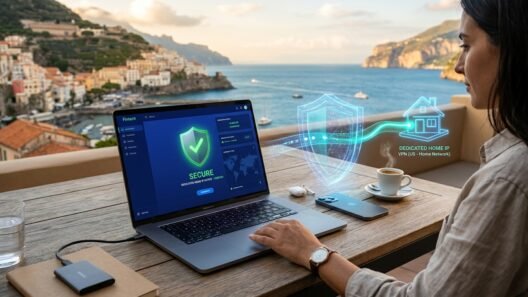
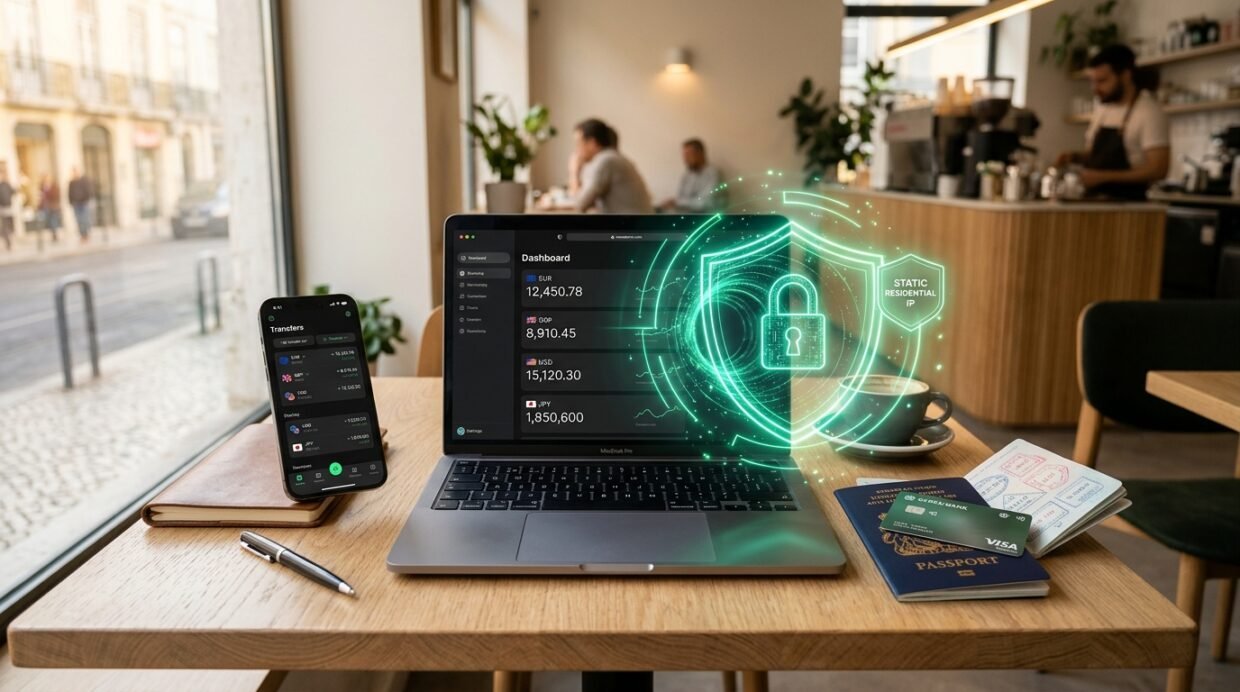
On paper, Wise (formerly TransferWise) is built for international travelers, expats, and remote freelancers—so why do so many travelers still get hit with sudden account reviews, paused currency conversions, or locked logins while abroad? While swiping your physical Wise debit card at a restaurant in Tokyo or Lisbon works effortlessly, logging into your Wise web dashboard or mobile app to wire $8,500 over unencrypted airport Wi-Fi—or while connected to a dirty, rotating commercial VPN server—can immediately trip Wise’s automated anti-fraud and sanctions-compliance filters.
In this standalone 100% Wise Abroad security guide—a dedicated single-service spoke from our Online Banking, PayPal, Wise & Revolut Abroad Hub—I break down how Wise’s security engine distinguishes between normal travel card usage and high-risk account logins in 2026. You will see which actions are completely safe on local networks, which countries and Wi-Fi networks require a VPN, and why routing Wise through your home residential IP (NordVPN Meshnet) or a static Dedicated IP prevents compliance lockouts.
How Wise differs from PayPal: travel-friendly cards vs. strict login risk scoring
Unlike legacy payment processors that panic the instant you cross a border (which we covered in our standalone PayPal Abroad Anti-Freeze Guide), Wise knows its customers travel. Using your Wise multi-currency card at an ATM or café abroad is expected behavior. However, as an FCA, FinCEN, and National Bank of Belgium regulated money transmitter, Wise runs a strict automated compliance engine on web and app sessions that move funds out of your balances.
Specifically, Wise’s automated security model watches for three red flags when you log in from abroad:
- Red Flag #1 — Connecting From Restricted or Sanctioned Transit Countries: If you open the Wise app or `wise.com` during a trip, layover, or border region where local IP space falls under OFAC/EU/UK sanctions or strict regional restrictions (or if your roaming carrier routes traffic through a restricted peering hub), Wise’s automated compliance filter can instantly suspend your account pending proof that you are only visiting temporarily.
- Red Flag #2 — Initiating Large Outbound Wire Transfers on Public Hotel or Airport Wi-Fi: Logging into Wise on unencrypted hotel, café, or airport Wi-Fi (see our Hotel & Airport Captive Portal Wi-Fi VPN Guide) both exposes your session to local ARP/DNS spoofing and flags your login IP as a high-churn public hotspot shared by thousands of strangers.
- Red Flag #3 — Undeclared Permanent Residency Changes: Because different Wise entities (`Wise Payments Ltd` in the UK, `Wise Europe SA` in the EEA, `Wise US Inc.` in the US) have different regulatory rules on interest/Assets jars and card availability, logging in exclusively from a foreign country for months without ever connecting from your registered home country can prompt a “Confirm Your Current Residential Address” review.
Protect Your Wise Multi-Currency Account on Any Network Abroad
Encrypt hotel and airport Wi-Fi without triggering datacenter VPN alerts using NordVPN Home Meshnet or ExpressVPN Dedicated IP.
The 2026 Wise abroad risk scorecard: what triggers a transfer hold or account freeze?
To help you understand when you can use Wise normally and when you must route through a clean home/static IP tunnel, here is our 2026 risk breakdown across common travel scenarios:
Why standard rotating VPN servers trigger Wise verification loops
When you sit down at a hotel desk or coworking space abroad, you naturally want to turn on a VPN before logging into your bank or Wise account so nobody on the local Wi-Fi can sniff your traffic. However, clicking “Quick Connect” on a standard shared VPN server creates an immediate problem with Wise’s fraud scoring engine:
- Commercial Datacenter ASN Blacklists: Wise’s anti-takeover firewall checks the Autonomous System Number (`ASN`) of every incoming login. When you connect via a standard shared VPN server, your outbound IP belongs to a commercial hosting provider (`M247`, `Datacamp Limited`, `Tzulo`) that has inevitably been used in the past by phishing bots or credential-stuffing scripts.
- Rapid IP Jumping Between Sessions: If your VPN assigns you a London server IP in the morning, a Manchester IP in the afternoon, and a Frankfurt IP the next day while your Wise card is simultaneously being tapped at a coffee shop in Lisbon or Bangkok, Wise’s anomaly detector pauses your outbound transfer and demands a live selfie holding your passport or a Source-of-Funds document check.
Never Log Into Wise Abroad From a Dirty Shared Datacenter IP
Route your financial sessions through your own home residential ISP IP or a private 1-to-1 Dedicated IP.
The 2 safe VPN setups for Wise abroad: Home Meshnet & 1-to-1 Dedicated IP
To get full WireGuard/Lightway encryption on hotel and airport Wi-Fi without triggering Wise’s shared-proxy alarms, use one of the two architectures we also rely on in our Crypto Trading & Dedicated IP Guide, our Binance Abroad VPN Guide, and our Remote Work Abroad VPN Router Guide:
Option 1: Route Wise Through Your Real Home ISP via NordVPN Meshnet (Free)
If you leave a desktop computer, Mac Mini, or mini-PC running at your registered home address (or a trusted family member’s house in your home country) with NordVPN Meshnet enabled, you can connect your travel laptop directly to that home machine. Your hotel Wi-Fi traffic is 100% encrypted via NordLynx, and your connection exits to `wise.com` from your genuine residential Comcast, BT, Virgin Media, Bell, or Deutsche Telekom IP address—yielding a 0% proxy risk score.
Option 2: Use a Pre-Seasoned 1-to-1 Dedicated IP in Your Registered Country
If you don’t keep a computer running at home, get a 1-to-1 Dedicated IP (available in 20+ countries on NordVPN, ExpressVPN, and Surfshark) matching the country where your Wise Personal or Wise Business account is registered. Log into `wise.com` over that exact Dedicated IP 3–4 times from home before your trip so Wise saves your browser cookie alongside that static IPv4 address. Every time you log in from abroad, Wise sees the exact same private IP that only you control.
Hotel Wi-Fi protection, Passkeys & Wise Business OPSEC while traveling
Before you board your flight, complete this 4-step checklist so you never get locked out of approving a transfer while overseas:
- Enable Wise Passkeys & App-Based 2FA (Ditch SMS Codes): Wise supports biometric Passkeys (Face ID / Touch ID / Windows Hello) as well as push-notification approval inside the Wise app and TOTP Authenticator apps. Switch off SMS text-message 2FA before traveling so a failed international roaming SMS never blocks an urgent invoice payment.
- Do Not Clear Your Browser Cookies Before Logging Into Wise: Just like PayPal and traditional banks, Wise places a cryptographic trusted-device token in your browser storage after a successful 2FA login. Keep a dedicated browser profile (with cookies intact and ad-blockers paused on `wise.com`) for all banking and Wise transfers.
- Use Split Tunneling If You Run a Foreign Streaming VPN: If your VPN is connected to a random foreign server to watch Netflix or sports, never open Wise inside that same tunnel! Either switch to your home Meshnet / Dedicated IP first, or configure your VPN’s Split Tunneling so your banking browser only connects through your verified static IP.
- Keep PDF Proof of Address & Invoice Copies Handy for High-Value Transfers: If you run a Wise Business account and initiate a $15,000+ wire in a new currency pair while traveling, Wise’s automated AML system may occasionally ask for the underlying client invoice regardless of your IP—having a clean PDF ready in encrypted cloud storage ensures instant 10-minute release.
Manage Your Wise Balances Safely From Anywhere in the World
Get NordVPN (with free Home ISP Meshnet) or ExpressVPN (with Private Dedicated IP + free holiday.com travel eSIM) with a 30-day money-back guarantee.
Frequently Asked Questions (FAQ)
Do I need a VPN just to pay with my physical Wise debit card in restaurants or shops abroad?
No. Paying in person with your physical Wise card or Apple Pay / Google Pay wallet abroad is what the Wise card is designed for. You only need a clean VPN tunnel (specifically Home Meshnet or a 1-to-1 Dedicated IP) when logging into your Wise dashboard over untrusted hotel/airport Wi-Fi, initiating large outbound bank transfers, or traveling through countries where Wise services are restricted.
Why did Wise pause my transfer when I logged in with a normal VPN turned on?
Standard “Quick Connect” VPN servers share a single commercial datacenter IP address among hundreds of simultaneous users. When Wise sees a high-value transfer initiated from a flagged datacenter ASN (or sees your login country jump between three countries in one day), its anti-account-takeover system pauses the transfer until it verifies that you—and not a hacker—initiated it.
Can I access my Wise account while traveling in a country where Wise is restricted?
Wise strictly prohibits opening or accessing accounts from sanctioned jurisdictions (such as Iran, Cuba, North Korea, Syria, or restricted regions). If you are traveling near border areas or passing through countries with strict local telecom blocks, always enable your VPN’s system-level Kill Switch and connect to your home country’s Meshnet or Dedicated IP before opening any financial app.
Can I use a VPN to get a Wise debit card if Wise cards aren’t offered in my country of residence?
No. Ordering a Wise physical or virtual card requires passing KYC residential address verification (utility bill, tax statement, or bank statement) in a supported card-issuing country (such as the UK, EEA, US, Canada, Australia, New Zealand, Singapore, Japan, Malaysia, or Brazil). A VPN protects an already-verified Wise account while traveling, but it does not bypass residential KYC proof.