When I first needed a Turkish IP address, I thought it’d be as easy as launching a VPN and choosing “Turkey” from the server list. Turns out, that only gets you halfway there. If you want an IP that actually works for streaming, banking, low-ping gaming, or just maintaining privacy there are some important things you need to know.
Here’s how I made it work, which providers I tested, what went wrong, and what worked best in the end.
Why You Might Need a Turkish IP Address
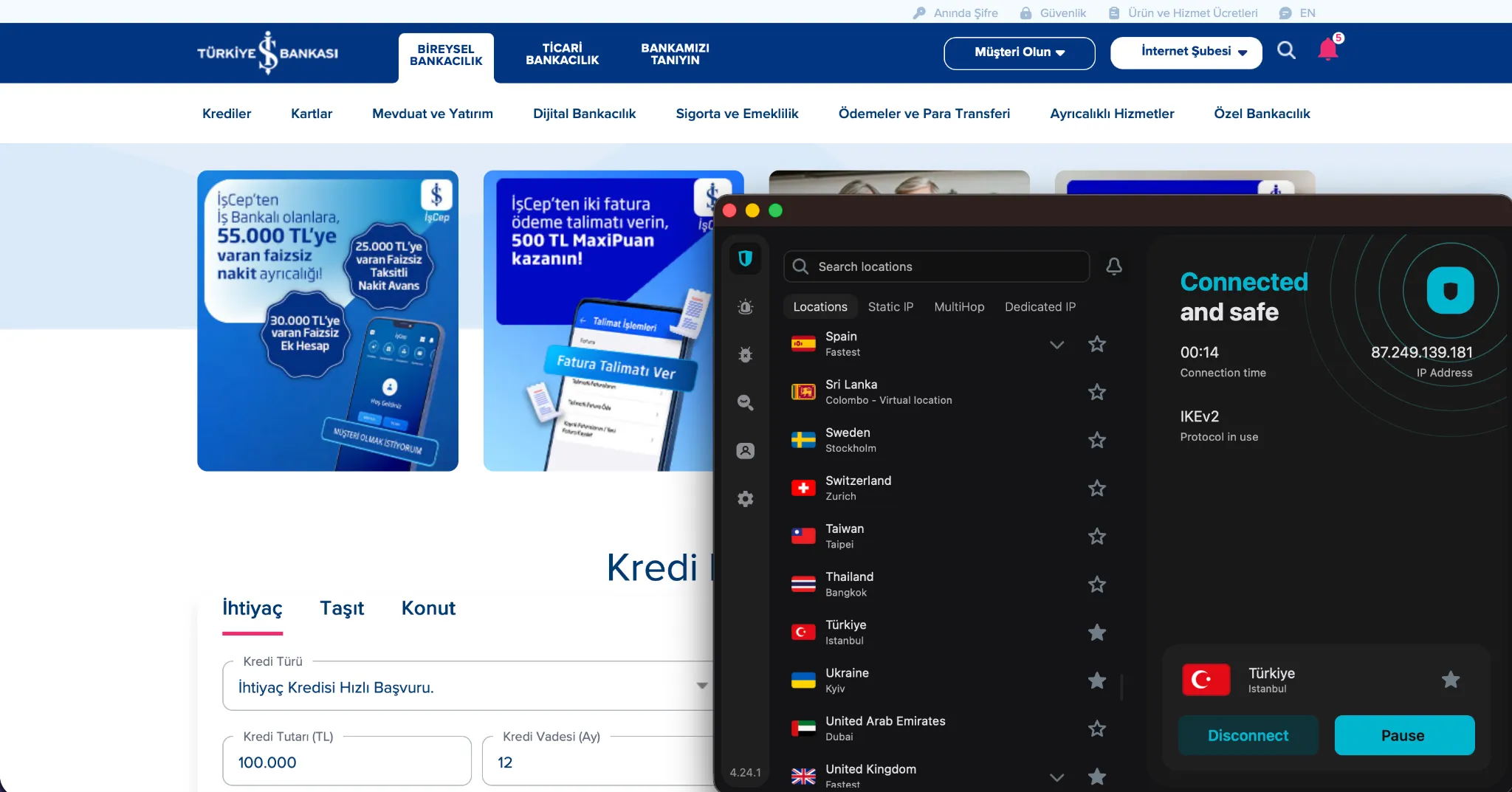
Getting a Turkish IP can help you:
- Access banking apps like Ziraat Bankası, Halkbank, or İşbank from abroad (which often block logins from foreign IPs)
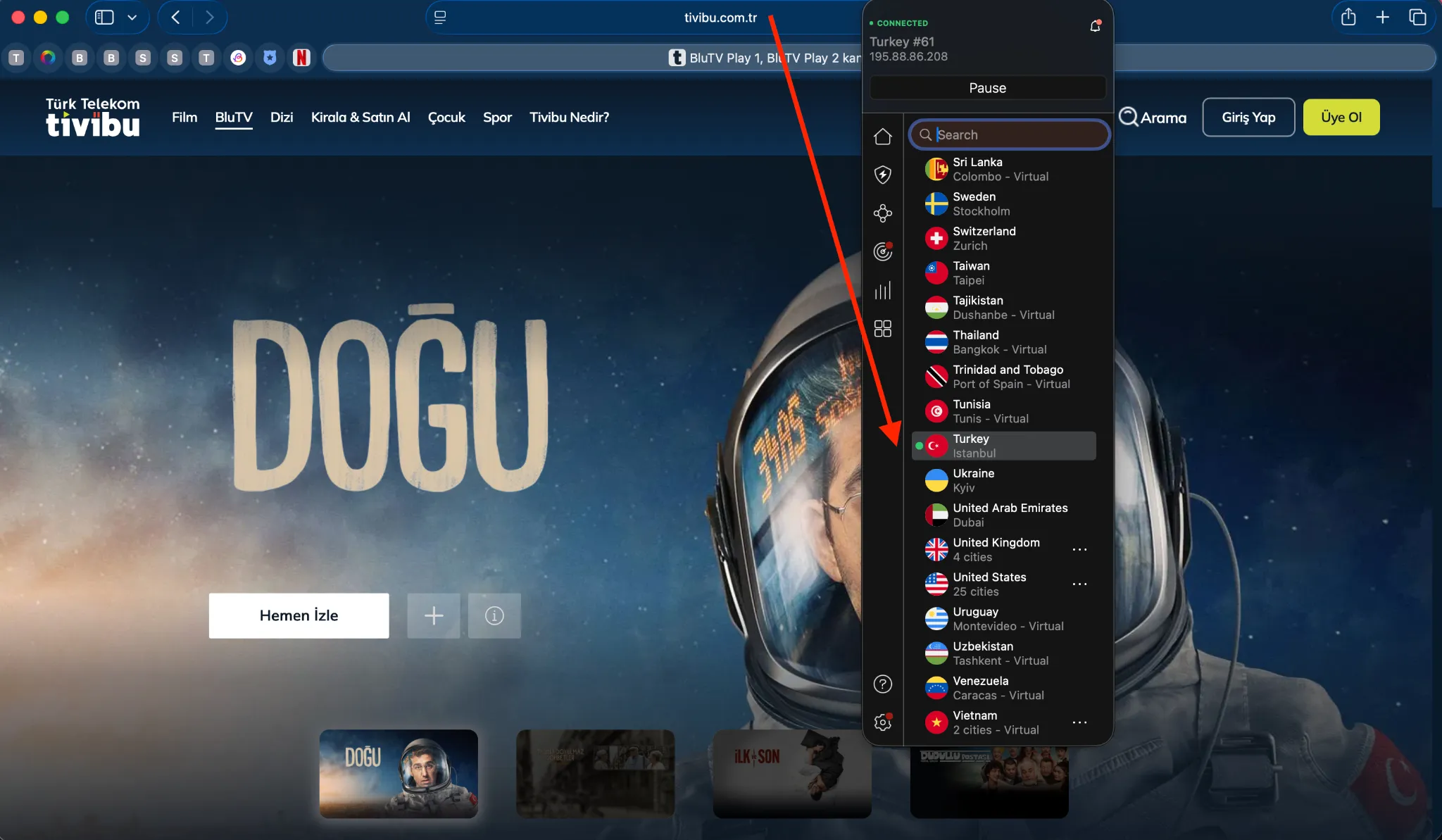
- Watch Turkish shows and live channels on platforms like Tivibu, Exxen, or TRT1
- Use local services that require Turkish location verification
- Get better ping while gaming on Turkish servers (like CS:GO or Valorant)
- Bypass censorship or simply improve online privacy while in Turkey
In my case, I was traveling in Central Europe and couldn’t access my BluTV subscription. I also couldn’t log in to my bank without the IP being in Turkey. That’s when I realized I needed something more reliable than just any random free VPN.
The Technical Side: Virtual vs Physical Servers
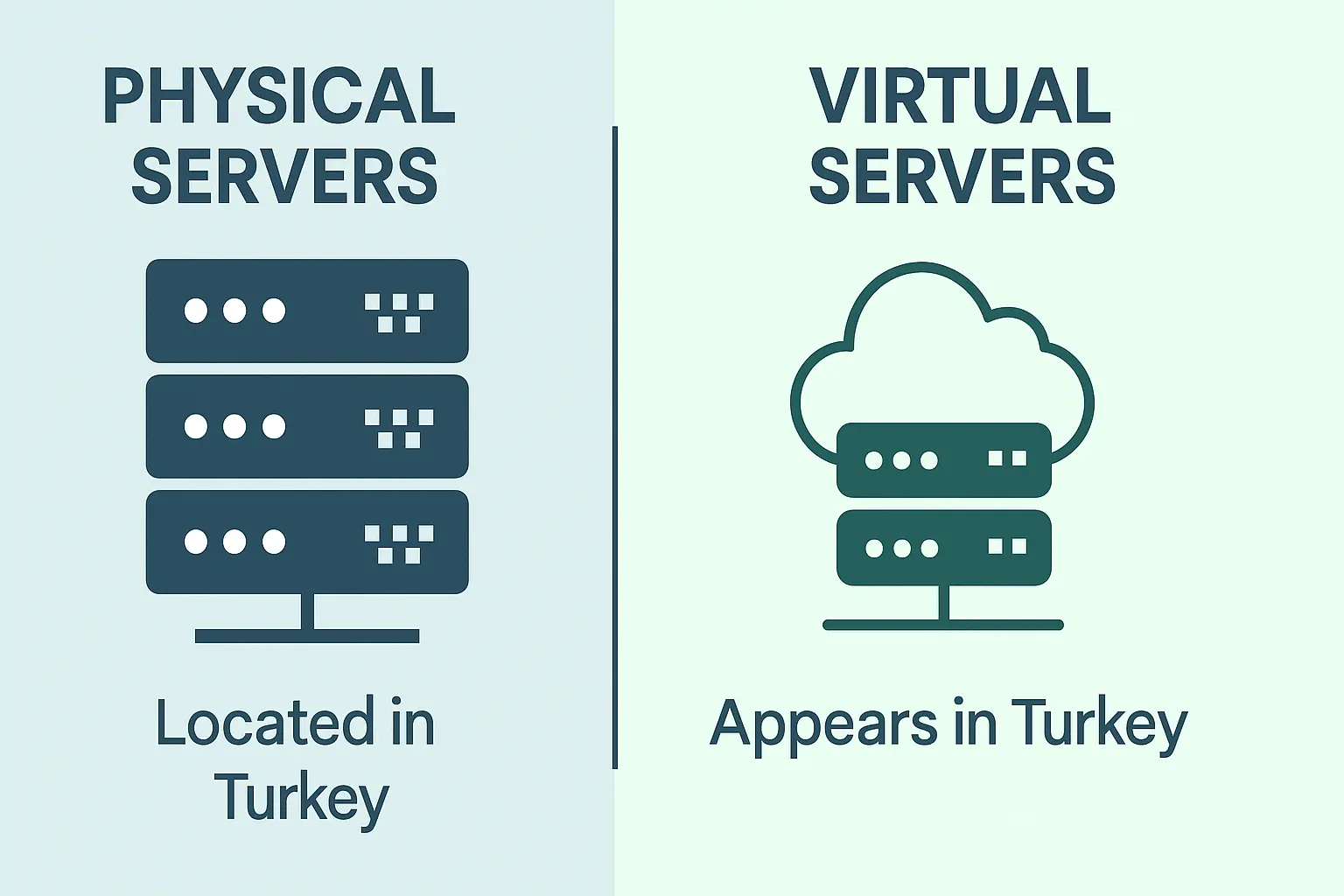
When choosing a VPN for Turkey, it’s important to understand what kind of servers you’re actually connecting to. Here’s the breakdown:
1. Virtual Servers (My Go-To for Streaming and Banking)
A lot of top-tier VPNs don’t run physical servers inside Turkey anymore, mostly due to Turkey’s strict internet laws (Law No. 5651, if you’re curious), which allow authorities to request user data and even inspect servers.
So instead, VPN providers use virtual Turkish servers physically located in countries like Germany or the Netherlands. But these still assign you a Turkish IP meaning most websites and apps think you’re browsing from Turkey.
This setup avoids local surveillance laws and often delivers faster speeds thanks to better infrastructure in Western Europe.
2. Physical Servers (Good for Gaming, But with Caveats)
Some VPNs like NordVPN, SurfShark, CyberGhost, Proton VPN and PIA still operate physical servers in Istanbul. These give you real, low-latency access and are excellent for things like online gaming.
But you’re routing traffic through Turkey’s jurisdiction, which might not be ideal if you care about privacy. Proton VPN helps here with RAM-only servers and zero-logs policies, but you need to weigh the risks.
If I’m just watching a Turkish series or using my bank, I stick with virtual servers. If I want to play on a local game server without lag, physical is the way to go.
VPN Providers I Tested (And Which One I Trust the Most)
Let me save you hours of trial and error. Here’s what worked best for getting a solid Turkish IP address:
a) NordVPN – Best Overall for Turkey
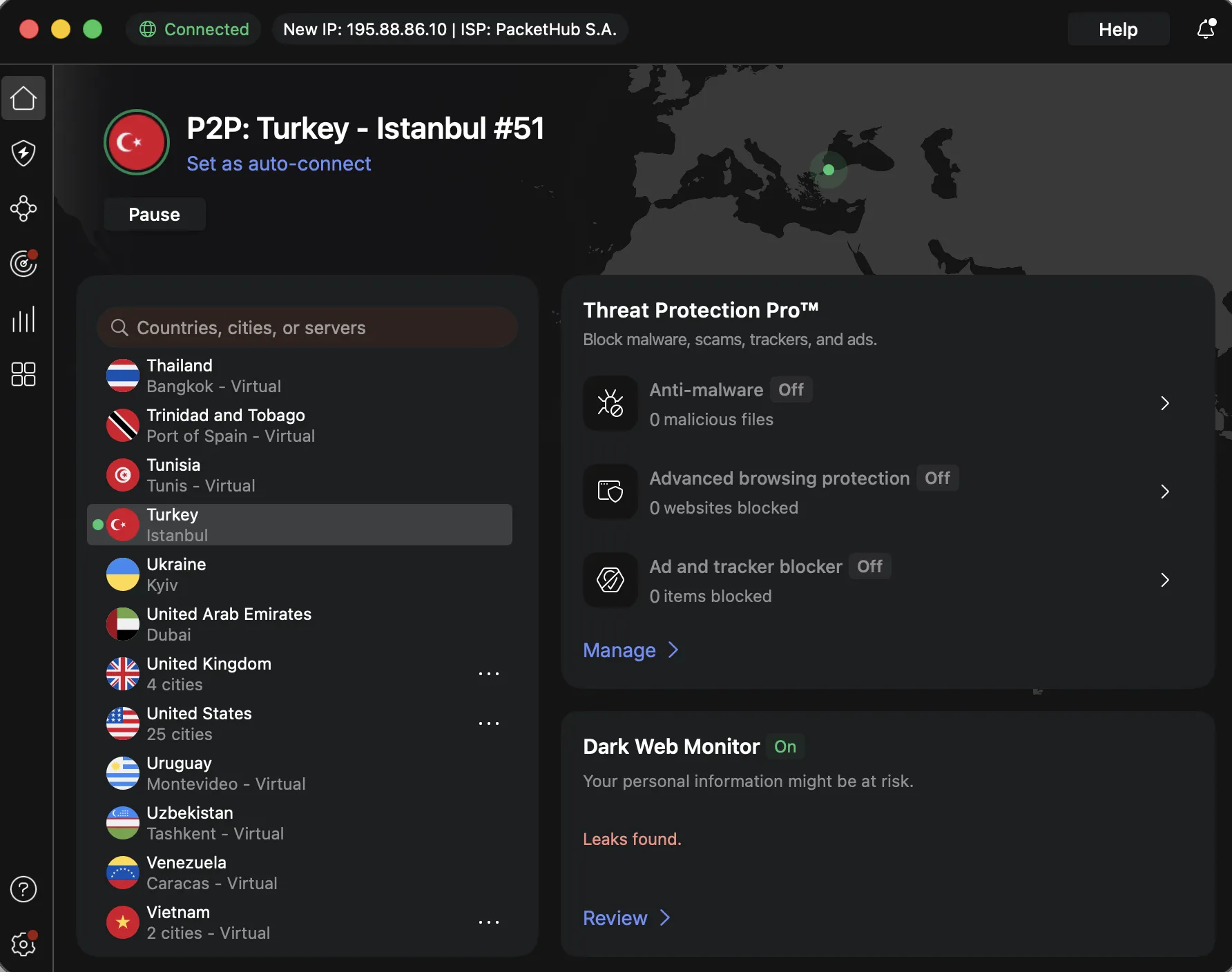
- Server Type: Physical servers Istanbul
- Protocol: NordLynx (based on WireGuard) – super fast and stable
- Use Cases: Streaming BluTV, logging into Turkish banks, staying private
- Extra Perks: Meshnet + Dedicated IPs available
NordVPN is my go-to. I’ve used it to log into İşbank without triggering security alerts, and BluTV works perfectly even in HD. The obfuscated servers are a lifesaver when you’re in countries that block VPNs.
b) Surfshark – Best for Families and Multiple Devices
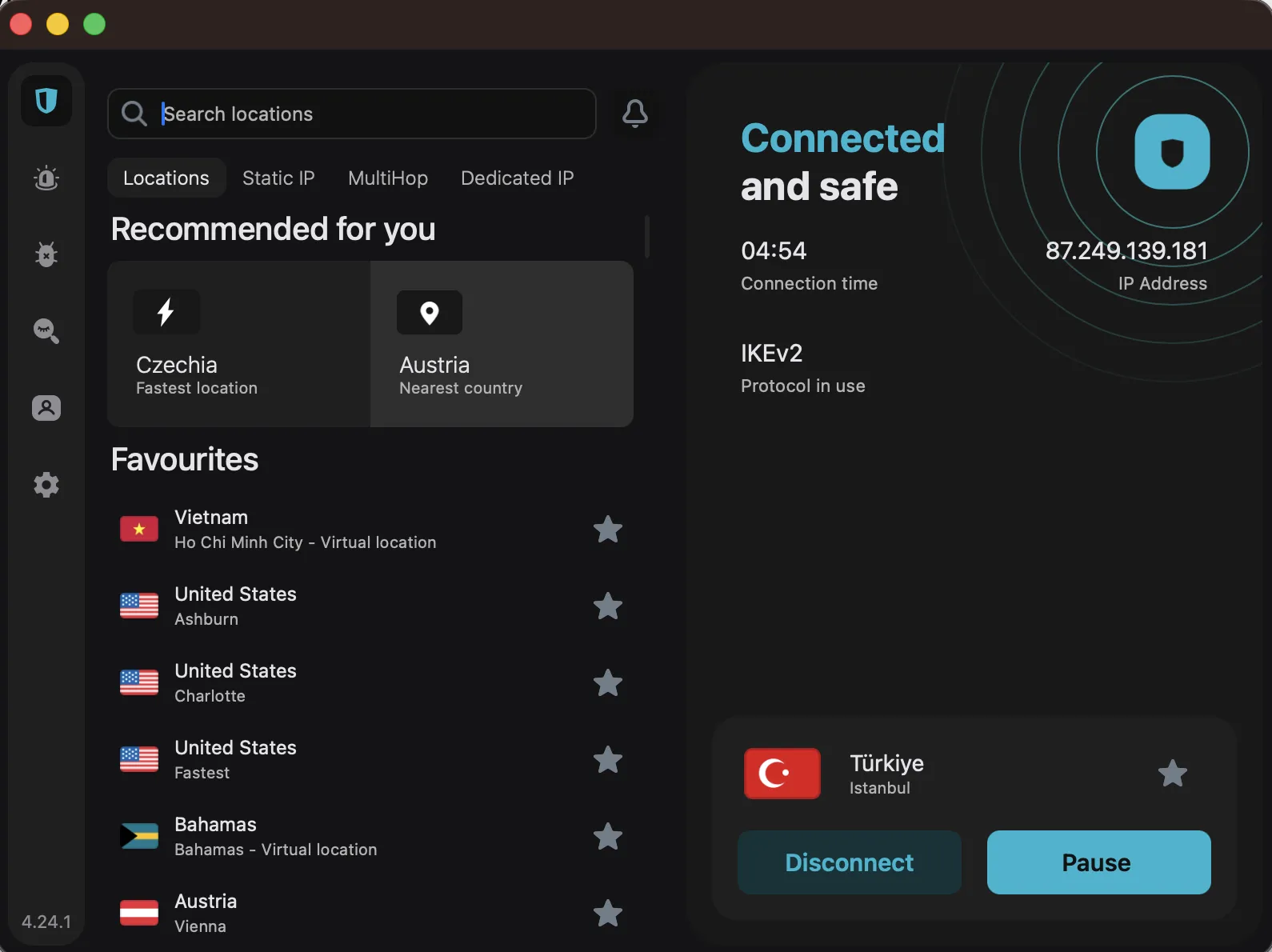
- Server Type: Psychical all Turkey servers (usually via Amsterdam)
- Protocol: WireGuard or OpenVPN with Camouflage Mode
- Use Cases: Streaming, app access, shared subscriptions
- Extra Perks: Unlimited devices + rotating IP with Nexus
Surfshark’s interface is simple and ideal if your household has multiple users. Exxen and TRT1 worked smoothly, and it didn’t slow down when we streamed on 4 devices at once.
c) CyberGhost – Best for Streaming Turkish Content
- Server Type: Turkey servers Istanbul psychical, optimized for streaming
- Protocol: IKEv2/WireGuard
- Use Cases: Watching local TV, bypassing location restrictions
- Extra Perks: App-based smart rules + 45-day money-back guarantee
CyberGhost actually labels their Turkish servers by use case, so it’s nearly foolproof. I just clicked “Turkey – Streaming” and it worked on both BluTV and PuhuTV.
d) Proton VPN – Best for Gaming and High Security
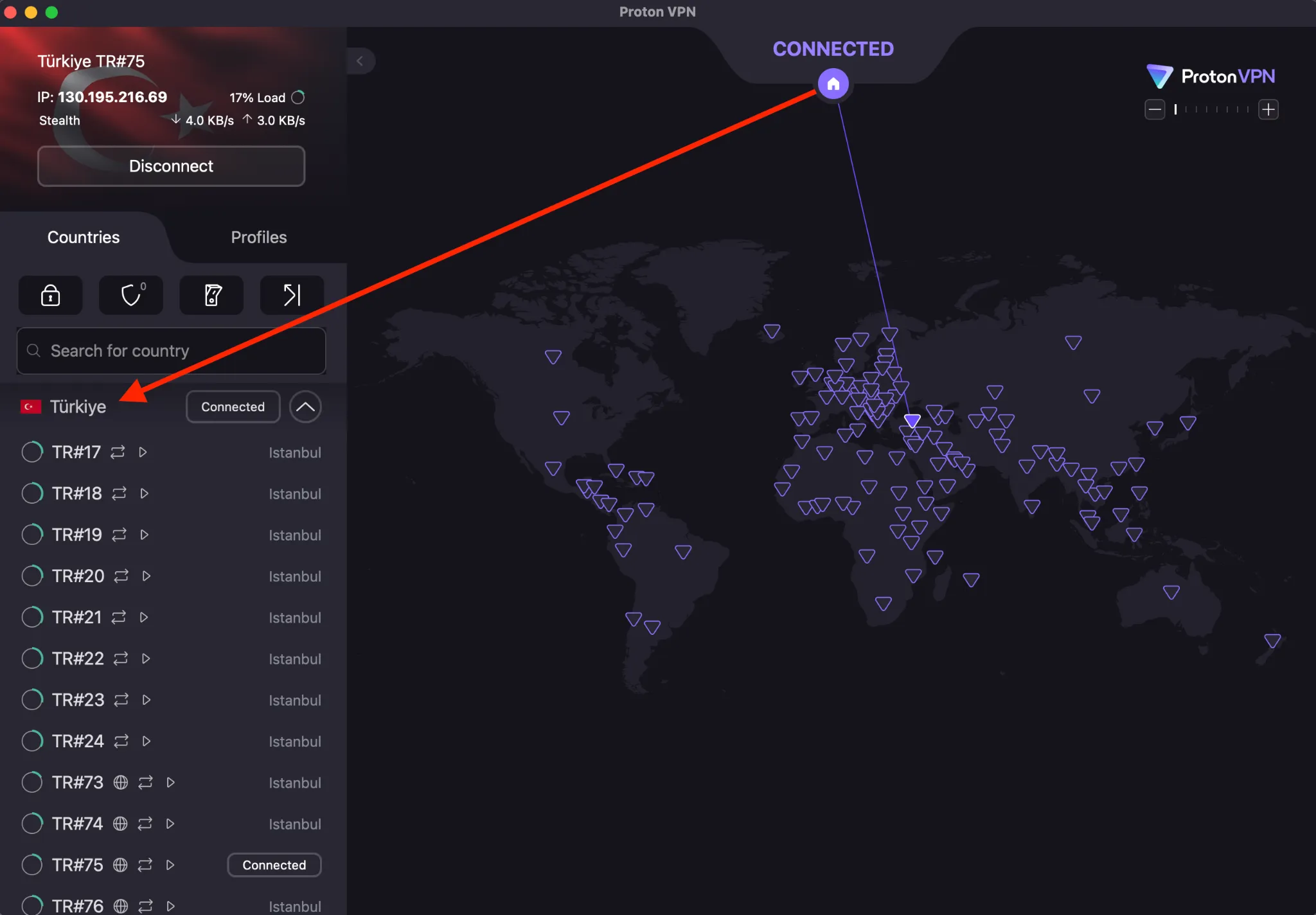
- Server Type: Physical servers in Istanbul
- Protocol: Secure Core + WireGuard
- Use Cases: Gaming, max privacy
- Extra Perks: Secure Core routes via Switzerland first
If you’re picky about latency, Proton gives amazing ping from Europe to Turkey. I saw ~100ms from Germany on Valorant servers. Plus, the Secure Core routing gives peace of mind if you’re worried about surveillance.
e) PIA (Private Internet Access) – Best for Customization
- Server Type: Physical and virtual servers in Turkey
- Protocol: WireGuard or OpenVPN with MACE blocker
- Use Cases: Advanced setups, torrenting, Linux users
- Extra Perks: Open-source + port forwarding
PIA lets you really dig into the settings. It’s great if you’re technically inclined. I used it with port forwarding to seed a Turkish torrent with no issues. Very stable connection too.
Real-World Tips Based on My Use Cases
🔐 Banking from Abroad
If your Turkish bank app blocks foreign IPs, use a VPN with a dedicated Turkish IP NordVPN and Surfshark both support this. Also, enable split tunneling so only your banking app uses the VPN, while your browser stays local. It prevents suspicious login alerts.
📺 Streaming TRT1, BluTV, Exxen
I had the best luck with CyberGhost and NordVPN. Clear your cookies and cache before launching the app or browser to avoid cached geo-data. BluTV especially is picky – sometimes switching browsers helped.
🎮 Gaming on Turkish Servers
Go for Proton or PIA with physical servers. Use WireGuard and test latency on sites like ping.pe or GameServerPing. Avoid OpenVPN if your ISP throttles UDP traffic.
Step-by-Step: How I Set Up My VPN for a Turkish IP
- Pick your provider – I started with NordVPN’s 2-year deal
- Download and install the app – Works on Windows, macOS, iOS, Android, and even routers
- Choose your protocol – I recommend NordLynx or WireGuard
- Manually select a Turkish server – Avoid auto-connect
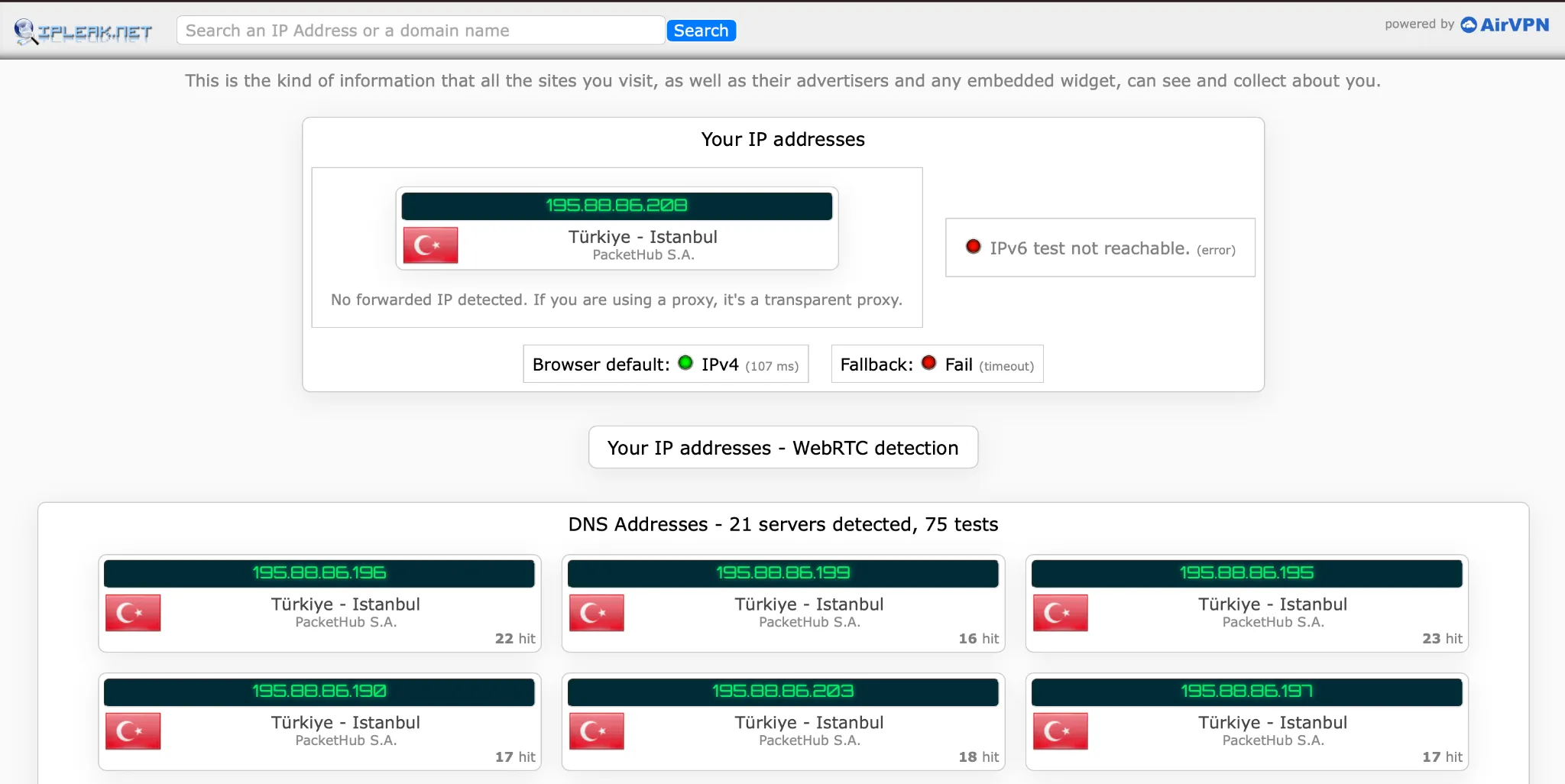
- Confirm your IP – Use websites like ipleak.net or iplocation.net
- Turn on Kill Switch + DNS leak protection
- Use Incognito mode for streaming – Prevent cookie-based location leaks
✅ My IP showed up as Istanbul on every checker and all Turkish services loaded without issues.
Final Thoughts (And My Best Advice)
Getting a Turkish IP address is totally doable — but only if you pick the right VPN and configure it properly. I tried free VPNs, and none of them worked reliably. Either the IP was flagged, the speed was garbage, or the service didn’t even load.
If you care about your digital connection to Turkey — whether it’s to watch your favorite shows, manage your money, or play games — don’t cheap out. A few bucks a month for a solid VPN is absolutely worth it.
My picks?
- NordVPN if you want the best balance of speed, privacy, and streaming
- Surfshark for shared subscriptions and easy setup
- Proton VPN if you need a real physical Turkish server with privacy protections
FAQ
Is it legal to use a VPN in Turkey?
Yes. VPNs are legal, although some providers are blocked by ISPs. Use obfuscated servers or stealth modes if your network restricts VPN use.
Can I access Turkish Netflix with a VPN?
You can, but the catalog is limited. Turkish content platforms like BluTV or Exxen are better accessed with CyberGhost or Surfshark.
Which VPN works best for a Turkish IP?
NordVPN and Surfshark are my top picks. Proton is best if you care about physical servers and gaming latency.
Can I get a Turkish IP with a free VPN?
Highly unlikely. Most free VPNs don’t offer Turkish IPs, and those that do are slow, blocked, or sketchy.