







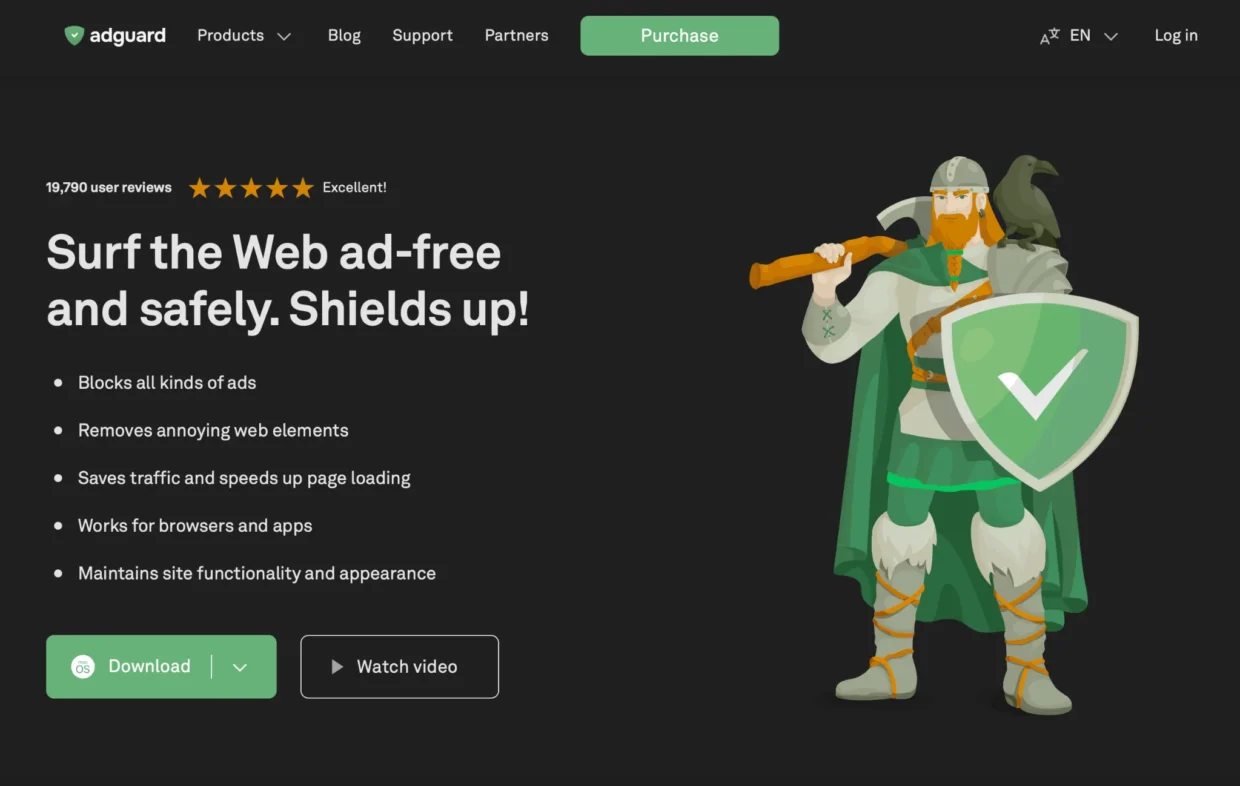
Why I Chose AdGuard for My Mac (And Still Use It Daily)
If you’ve ever felt like your Mac is leaking more data than you’d like, or that your browser extensions just aren’t cutting it when it comes to blocking ads, trackers, or even phishing domains welcome to the club. I’ve tried everything from uBlock Origin to Magic Lasso, but nothing came close to what AdGuard’s full desktop app can do on macOS.
I use the paid version of AdGuard daily on my MacBook, and while it’s not perfect, it’s easily one of the most powerful privacy tools I’ve tested. This review dives deep into how it works, what it breaks, and whether it’s worth your money.
What Makes AdGuard for Mac Different?
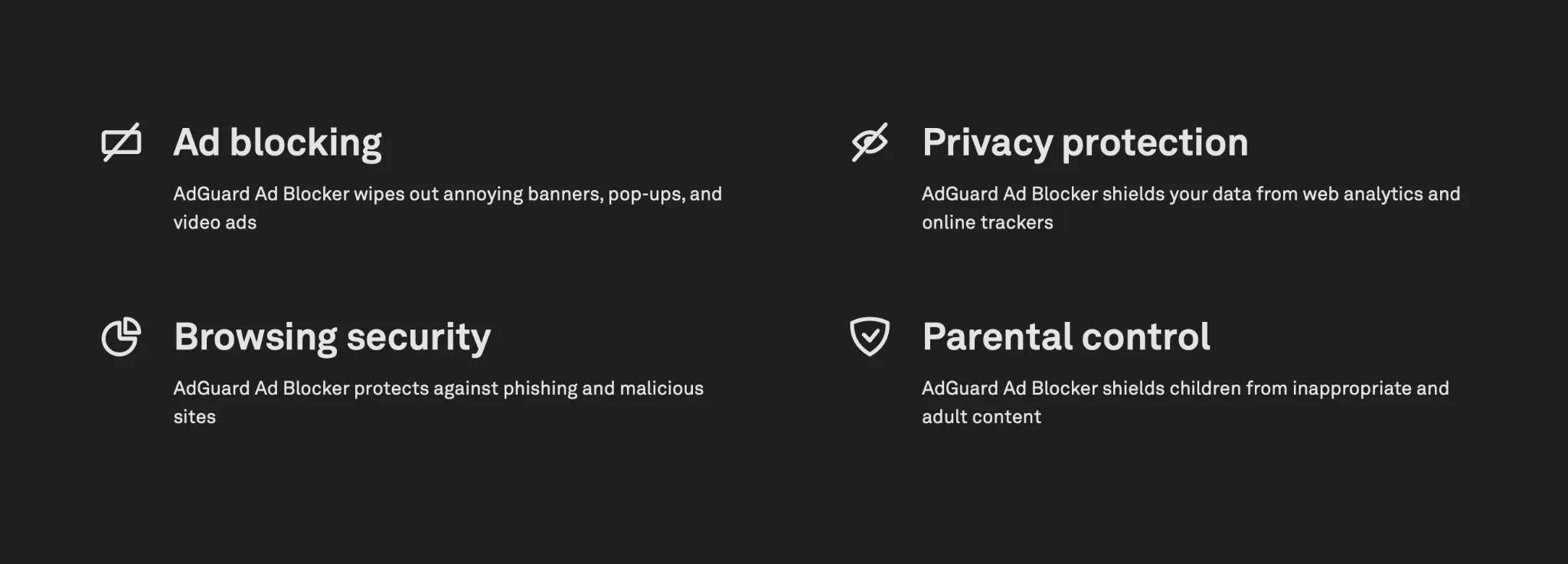
Unlike browser-based ad blockers that only work within Safari or Chrome, AdGuard for macOS operates on a system-wide level. It filters all traffic — not just what you browse, but also what apps, background services, and other network-connected tools are sending and receiving.
It uses Apple’s Network Extension API, which essentially turns it into a local proxy or VPN-like tunnel for all your network traffic. This gives it full visibility and control, enabling it to:
- Block ads before they load (saving bandwidth)
- Filter encrypted HTTPS traffic
- Apply DNS-level blocking
- Detect phishing and malware domains
- Enforce advanced privacy features like cookie removal, tracker stripping, and referrer protection
No browser extension can touch this level of filtering. It’s a completely different class of software.
System-Wide Filtering: The Good and the Trade-offs
This deep integration is exactly why AdGuard works so well but it’s also what makes it tricky.
✅ Major Benefits:
- Faster browsing: Ads are blocked before they load, speeding up page rendering.
- Lower data usage: Ideal if you’re on mobile hotspots or capped plans.
- Privacy across apps: Not just browsers, but even email clients, games, and utility apps benefit.
- DNS encryption: You get full support for DoH and DoT protocols, plus the ability to use custom DNS filters like OISD or AdGuard Family Protection.
⚠️ But Also: Some Drawbacks
- macOS thinks it’s a VPN: Your Mac interprets AdGuard as an active VPN connection, which disables Apple’s iCloud Private Relay and breaks some mail privacy features.
- Conflicts with system services: Apple Mail’s “Protect Mail Activity” won’t work when AdGuard is running.
- Performance cost: You might see a measurable slowdown — in my Safari tests, page load speeds dropped by around 20–23% with AdGuard enabled on an M1 MacBook Air.
Is that acceptable? For me, yes because the protection I get is worth it. But if you’re running an older machine, this performance trade-off might be more noticeable.
Filtering Tech Under the Hood
Deep Packet Inspection + HTTPS Filtering
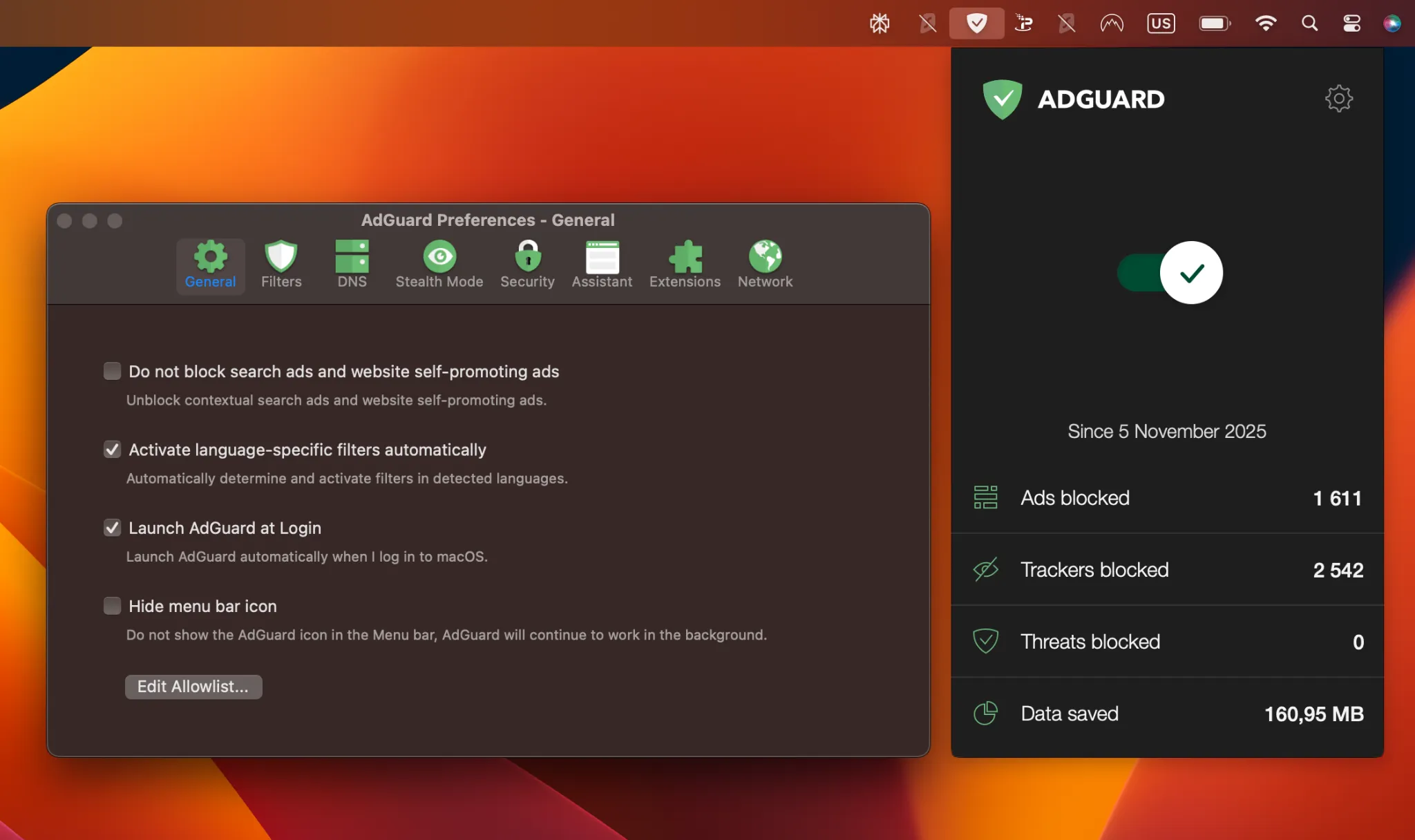
AdGuard intercepts HTTPS traffic using a local root certificate (which you must manually trust). This allows it to filter out ads and trackers even inside secure connections crucial, since almost all modern ad traffic is encrypted.
It also blocks phishing domains, malicious IPs, and shady trackers. I’ve personally caught it stopping requests to ad servers embedded inside random macOS utilities. That’s the kind of protection browser extensions simply won’t give you.
DNS-Level Protection
One of my favorite features: AdGuard can work as a DNS filter too. You can use encrypted DNS servers (like AdGuard’s own DoH/DoT servers) or load custom blocklists.
Want to block adult content system-wide on your kid’s Mac? Just enable AdGuard Family Protection DNS.
Want ultra-aggressive blocking? Paste in the URL for the OISD Big list or your favorite host files. It’ll filter every single request at the DNS level before the browser even wakes up.
Tracking Protection: Stealth Mode on Steroids
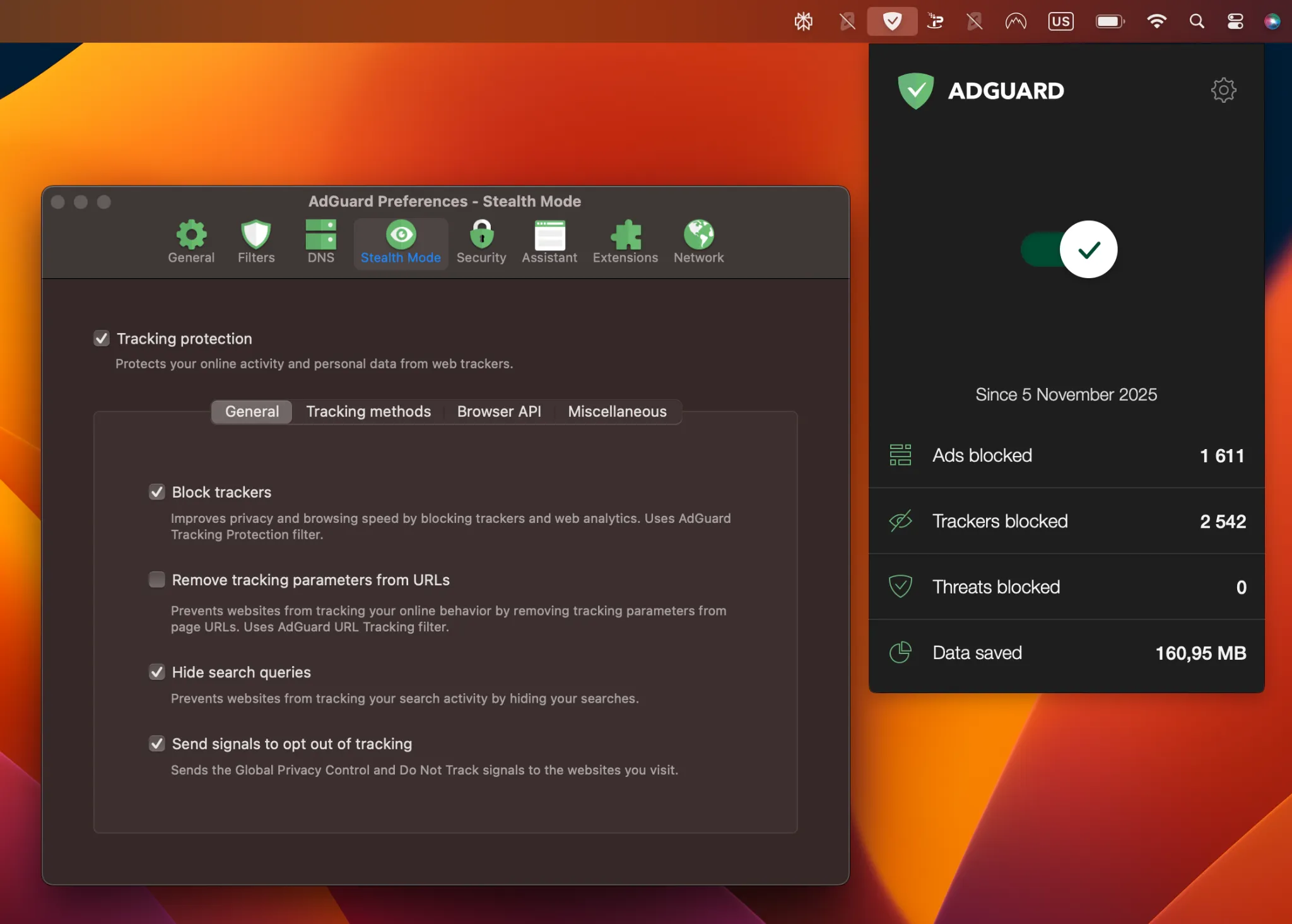
What used to be called “Stealth Mode” is now part of AdGuard’s Tracking Protection module. This is where the app really shows its privacy-first philosophy.
Here’s what it does:
- Deletes third-party and first-party cookies
- Blocks URL parameters used for tracking (via
$removeparam syntax) - Masks your referrer and IP address from websites
- Blocks web analytics scripts and fingerprinting attempts
And unlike browser extensions, these features work across all apps and services not just Safari or Chrome.
Power Tools for Advanced Users
If you’re like me and love tinkering, AdGuard has a whole suite of options that go way beyond what most users ever touch:
- Custom filters: Build your own blocklists with advanced syntax
- Experimental filter: Test bleeding-edge rules without crashing real websites
- POST filtering: Useful for stopping certain advanced ad types
- Split tunneling (sort of): Advanced users can try split routing via terminal flags, but beware it may break some apps
I’ve set up AdGuard to strip URL trackers from affiliate links, kill background analytics, and completely neuter certain apps that phone home too much. It’s the closest thing I’ve seen to a true “privacy firewall” on macOS.
Compatibility with macOS: Where Things Get Messy
iCloud Private Relay? Nope.
Here’s the hard truth: AdGuard doesn’t play well with iCloud Private Relay (IPR).
Since AdGuard functions like a local VPN, Apple’s system assumes there’s already one active and disables IPR automatically. The reason is technical: IPR encrypts your data before it reaches the socket layer where AdGuard operates, which means AdGuard can’t filter that traffic anymore.
If you’re hoping to run both, forget it. It’s a binary choice: AdGuard or IPR never both at the same time.
To make AdGuard work, it overrides the default network route and essentially forces IPR to shut down. While there are workarounds (like split tunneling flags), they’re buggy and may break things like Safari completely. I tested it. It’s not worth it.
Mail Privacy Protection? Also Broken.
Apple Mail’s privacy feature the one that hides your IP when loading remote content relies on a proxy to mask who you are. Since AdGuard is now the system’s “network boss,” it interferes with this feature too.
When I had both on, I kept getting errors like “Unable to load content privately” in Mail. Again, it’s not a bug it’s a deep-level conflict. You either use AdGuard’s full system-wide privacy, or you rely on Apple’s baked-in tools. Not both.
Performance Benchmarks: The Hidden Cost of Power
This isn’t talked about enough but it matters. Here’s what I found in real use:
📉 Safari Slowdown
Running AdGuard with full HTTPS inspection and DNS filtering caused around 23% slower page loads in Safari. On a base M1 MacBook Air with 8GB RAM, that’s not negligible.
Now, Chrome and Firefox seemed to handle it better (I noticed less than 10% impact), probably because of how they deal with network extensions.
💻 System Load
AdGuard runs multiple background services and injects system extensions. If you’re the kind of user who checks Activity Monitor, you’ll see consistent CPU and RAM usage nothing insane, but more than you’d get with uBlock Origin or Safari-only blockers.
Bottom line: if you’re on older or low-spec Mac hardware, you’ll feel the hit. But if you’re running something like an M2 or M3 Mac, the trade-off is manageable.
How It Stacks Up Against the Competition
AdGuard vs. uBlock Origin
uBlock Origin is lightweight, free, and incredibly efficient — but it only works inside browsers. No system-wide protection, DNS filtering and privacy tools for Mail or apps.
If all you care about is browsing faster and blocking ads inside Chrome or Firefox, uBlock Origin wins on simplicity and speed.
But if you want full device-level control and don’t mind paying a bit, AdGuard is the more powerful (but heavier) solution.
AdGuard vs. Safari Ad Blockers (Magic Lasso, Wipr)
Safari-specific blockers like Magic Lasso or Wipr are fantastic for one thing: being native, super fast, and easy to use.
Their downside? No DNS filtering, no tracking protection outside of Safari, and no way to inspect HTTPS traffic beyond what Safari allows.
They’re great for the average user who just wants “set and forget” simplicity — but they don’t compare to the depth AdGuard offers.
Pricing: Surprisingly Good Value
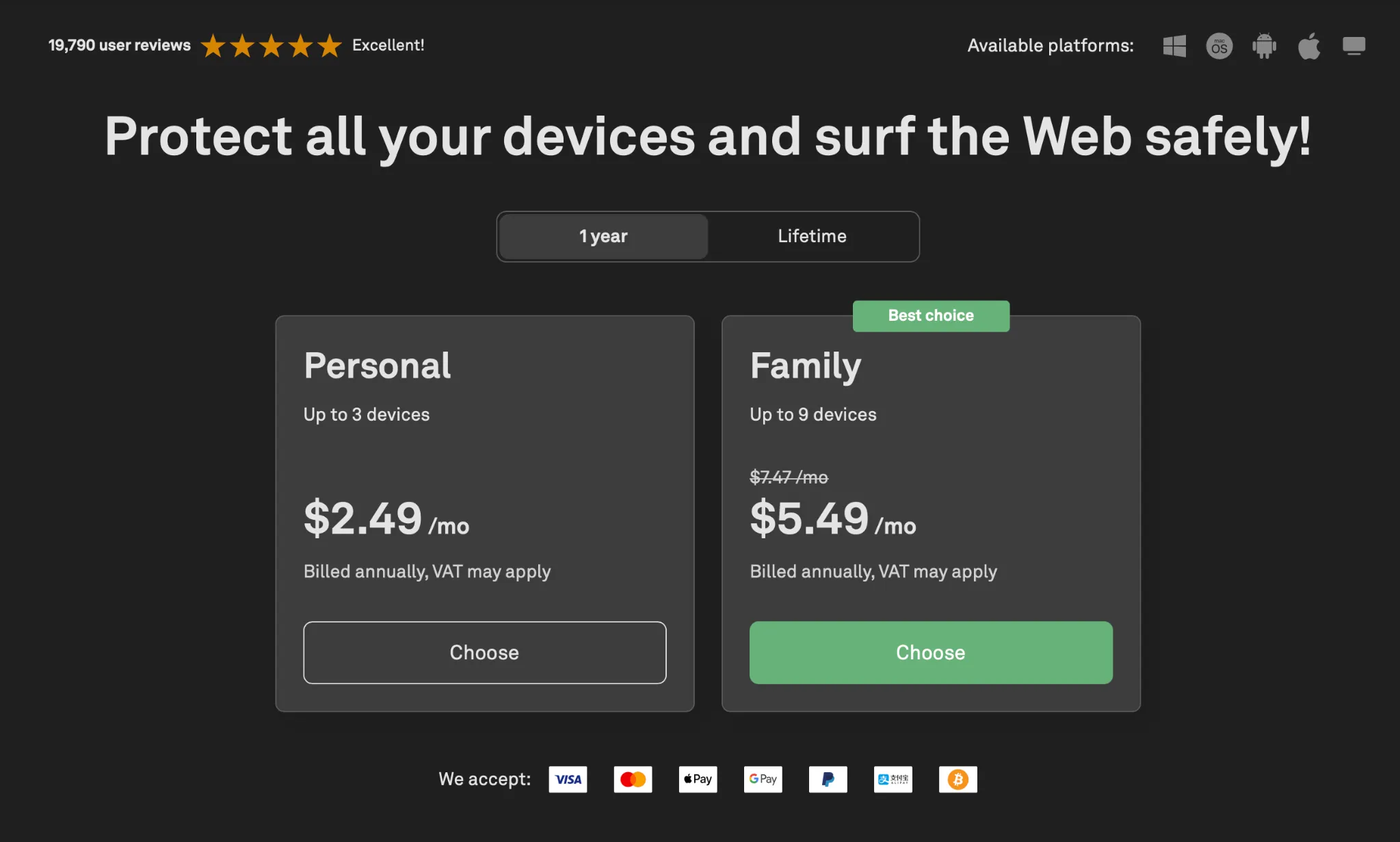
AdGuard isn’t free, but it’s honestly ridiculously good value if you get the 1 year or lifetime deal.
1 Year Pricing (Often on Sale)
| Plan | Devices Covered | Sale Price (Often) |
|---|---|---|
| Personal | 3 devices | $31.08 |
| Family | 9 devices | $68.52 |
I got the Family Lifetime plan for $83.19 and I use it on both my Mac and iPhone. One license covers macOS, Windows, iOS, Android… everything.
If you see this deal, grab it. It’s way cheaper long-term than paying for multiple yearly ad blocker subscriptions or relying on 3–4 different tools.
Real Privacy or Just Marketing?
AdGuard takes privacy seriously with built-in DNS encryption, anti-tracking, and zero third-party telemetry. But there are two caveats:
- No “zero-logging” guarantee like some VPNs offer
- Russian origins of the dev team raise eyebrows for some users
That said, I haven’t seen any red flags in years of usage. The company publishes regular security research, keeps the app open to third-party filterlists, and lets you inspect everything it’s doing.
If your threat model is ultra-sensitive (e.g. journalist, activist), I’d say pair it with a VPN you trust or keep an eye on open-source options like NextDNS.
Final Verdict: Is AdGuard for macOS Worth It?
If you want true system-wide ad blocking, DNS filtering, and real privacy controls, AdGuard is by far the most advanced solution available on macOS right now. You’ll get better coverage than any browser extension or Safari add-on could ever provide.
But you have to accept some trade-offs:
- You’ll break Apple’s built-in privacy tools (iCloud Private Relay, Mail Protection)
- You’ll see a performance hit, especially on lower-end Macs
- You need to be willing to tinker (sometimes in Terminal)
✅ Choose AdGuard if:
- You want full control over all network traffic on your Mac
- You care about deep privacy, not just ad removal
- You’re okay disabling Apple’s cloud-based protections
- You’re a power user (or willing to learn)
❌ Skip AdGuard if:
- You prefer plug-and-play simplicity
- Y only need protection in Safari or Chrome
- have an older/slower Mac and can’t afford performance loss
- You’re uncomfortable with the app’s Russian background
TL;DR: My Personal Rating
🔒 Privacy Protection: ★★★★★
🧠 Customization: ★★★★★
💻 Performance Impact: ★★★☆☆
🧩 macOS Compatibility: ★★★☆☆
💰 Value for Money: ★★★★★
Overall: 4.5 / 5 – A serious tool for serious users. Just know what you’re getting into.
FAQ: AdGuard for Mac (Everything You Should Know Before Buying)
Does AdGuard for Mac slow down Safari or my Mac?
Yes, a bit. Because AdGuard filters traffic on a system level, Safari can feel around 20 percent slower on some Macs. Chrome and Firefox usually handle it better. On newer M-series Macs, the slowdown is minor. On older Intel models, it can be noticeable.
Can I use AdGuard together with iCloud Private Relay?
No. AdGuard works like a local VPN tunnel, and macOS treats it exactly that way. Because Apple doesn’t allow multiple “network providers” at the same time, Private Relay is automatically disabled when AdGuard is running.
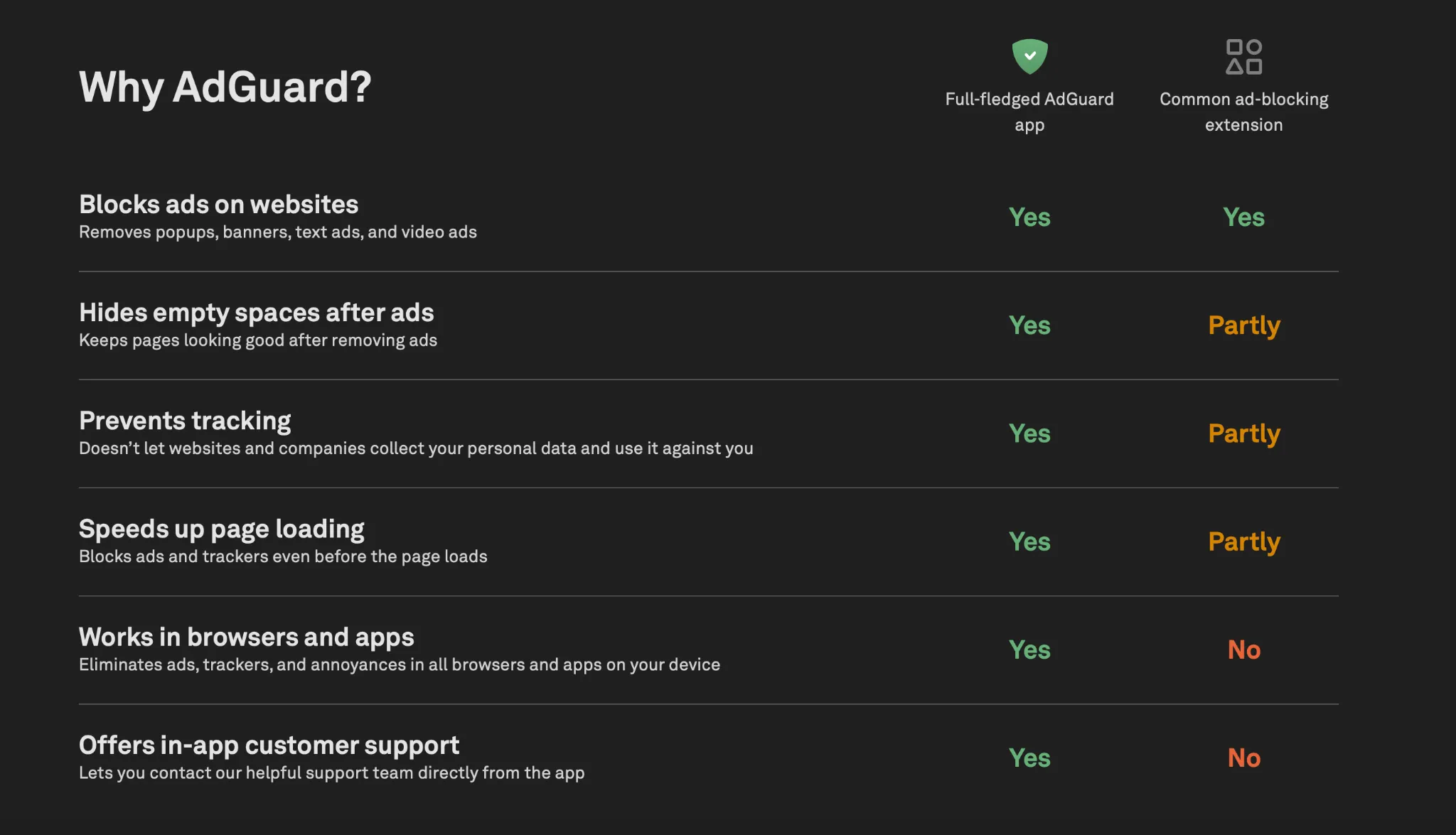
Is the AdGuard browser extension enough, or should I use the full macOS app?
The extension is great for basic ad-blocking inside one browser. But it can’t filter HTTPS traffic system-wide, block trackers in apps, or enforce DNS filtering. If you want full privacy across your whole Mac, the desktop app is the only option that goes deep enough.
Does AdGuard work on my iPhone if I buy the Mac version?
Yes. One license covers all platforms. That means macOS, iOS, Windows, Android, even browser extensions. If you plan to protect multiple devices, the Family plan or Lifetime deal is usually the best value.
Is AdGuard safe to use even though the company has Russian origins?
Fair question. AdGuard is registered outside Russia, their infrastructure is global, and no telemetry is sent to third parties. They’ve been audited and are transparent with filterlists and updates. For normal users, it’s safe. If you’re a high-risk user (journalist, activist), pair AdGuard with a trusted VPN.