You know that feeling when you’ve got your snacks ready, your favorite show lined up, and suddenly Netflix throws some random code on your screen?
Yeah… been there. Nothing kills the mood faster than “Error NW-2-5” or “TVQ-PB-101” flashing at you like a red flag.
I’ve run into almost every Netflix error over the years – on my Smart TV, phone, laptop, even while streaming abroad. The good news? Most of them are easy to fix if you know what’s going on. So, let me walk you through what those codes mean, what to do when they show up, and when using a VPN can actually save your evening.
1. NW-2-5 – Your Internet Is the Problem (Not Netflix)
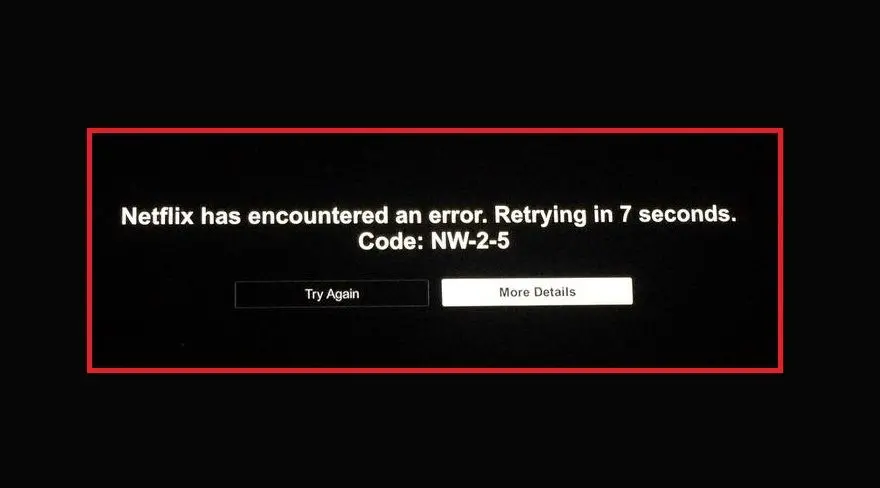
This one’s the classic “can’t reach Netflix servers.” It usually happens when your Wi-Fi drops, your router freaks out, or your ISP just has a bad day.
Try this:
- Open another website to see if your internet’s alive.
- Restart both your device and your router (seriously, it fixes more than you think).
- If you’re on Wi-Fi, sit closer to the router or plug in a cable.
- Avoid hotel or office networks – they block streaming ports all the time.
💡 If you’re on the go or using sketchy Wi-Fi, a stable VPN like NordVPN can help your device connect safely to Netflix’s servers.
2. UI-800-3 – Netflix App Having a Meltdown
This means your app’s saved data got messy. Happens a lot on Smart TVs that haven’t been restarted in forever.
Fix it by:
- Signing out of Netflix.
- Restarting the device.
- Clearing the app cache or reinstalling the app completely.
- Unplugging your TV for a few minutes before trying again.
3. TVQ-PB-101 – Playback Fail (a.k.a. Netflix Is Moody)
Netflix can’t start your video. Sometimes it’s the title itself, sometimes your internet.
What to do:
- Try another movie or episode first.
- Restart Netflix or your device.
- Run a quick speed test (you need 5 Mbps or more for HD).
- If you’re using a VPN, switch servers or turn it off for a moment.
4. M7111-5059 – Netflix Thinks You’re Hiding Behind a VPN
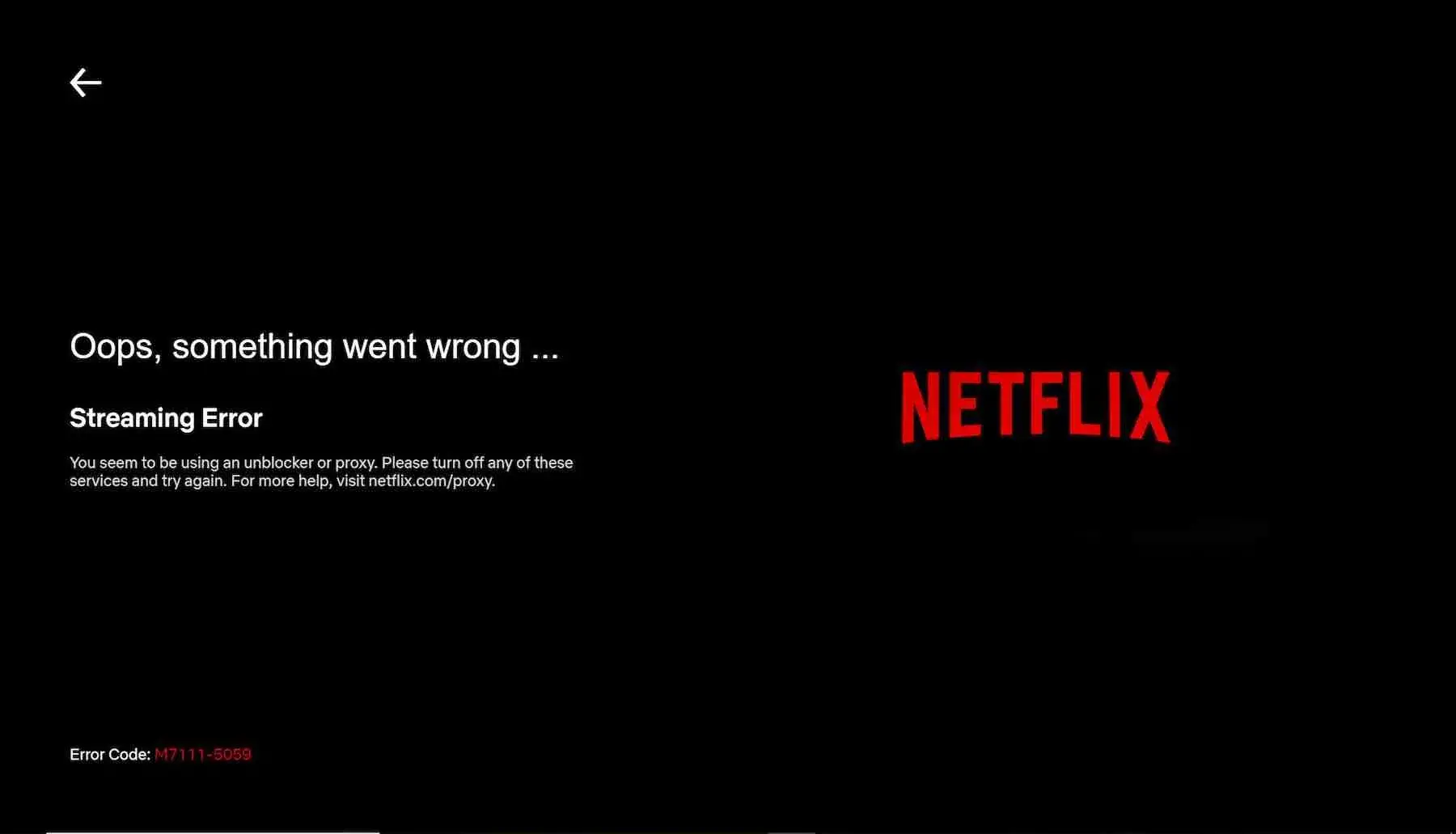
This one’s self-explanatory. Netflix caught you using a VPN or proxy. It’s not personal – they just block IP ranges that look suspicious.
Here’s what works:
- Turn off the VPN or proxy.
- If you actually need one (like when you’re abroad), use a Netflix-friendly one such as Surfshark, ExpressVPN, or CyberGhost.
They refresh their servers often so Netflix can’t keep up with the blocks.
5. UI-113 – Connection Trouble or Bad Login
Your Netflix app can’t talk to the server, or your saved login got corrupted.
What usually helps:
- Sign out and sign back in.
- Restart your router.
- If you’re on shared Wi-Fi (like in apartments or dorms), a VPN can stabilize your connection and keep your stream private.
6. S7111-1101 – Mac Users, This One’s for You
Netflix cookies on Safari tend to break for no reason. It’s a small thing but super annoying.
How to fix:
- Clear cookies in Safari.
- Restart the browser.
- If it still doesn’t work, open Chrome or Firefox instead.
✈️ If you travel and your Netflix keeps switching regions, set your VPN region to your home country and the issue disappears.
7. TVP-832 – Netflix and Your Router Don’t Get Along
This one’s a DNS or firewall problem on your network.
Fix:
- Restart the router.
- Check if your ISP blocks streaming.
- If it keeps happening, use a VPN like PIA VPN or Proton VPN.
They route your traffic through clean, stable DNS servers.
8. −11800 – iPhone or iPad Drama
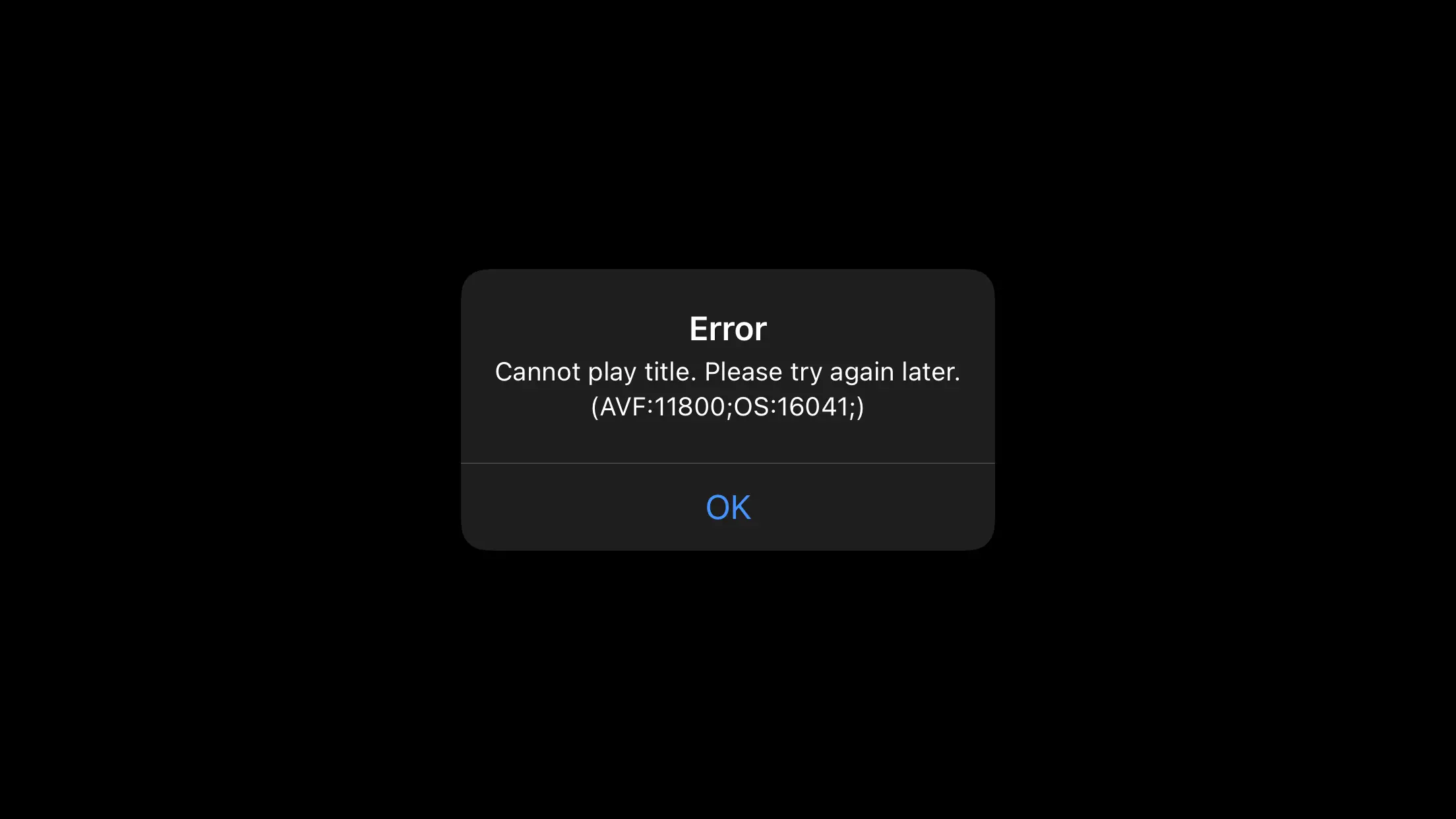
Your Netflix app on iOS saved something wrong.
Steps:
- Close the app completely.
- Restart your device.
- Update Netflix in the App Store or reinstall it.
9. 0013 – Android Doesn’t Want to Play
This one’s a broken cache issue on Android devices.
Try:
- Go to Settings → Apps → Netflix → Storage → Clear data and cache.
- Restart your phone or tablet.
- Reinstall the app if nothing else helps.
If it only happens while you’re traveling, reconnecting through your home country with a VPN often fixes it instantly.
10. NQM.407 – Payment Problem
Your payment didn’t go through. Either your card expired or your bank said “nope.”
What to do:
- Log in at Netflix.com/payment and update your payment method.
- If your bank blocks foreign charges, set your VPN region to your billing country so the payment matches your card’s location.
Quick Reference Table – Netflix Errors and Fixes
| Error Code | What It Means | What You Can Do |
|---|---|---|
| NW-2-5 | Internet or DNS issue | Restart router, use cable, or connect via VPN on public Wi-Fi |
| UI-800-3 | Corrupted app data | Sign out, clear cache, reinstall app |
| TVQ-PB-101 | Playback issue | Restart app, test connection, disable VPN |
| M7111-5059 | Detected VPN | Switch to a trusted VPN provider |
| UI-113 | Connection or login issue | Restart router, sign in again |
| S7111-1101 | Safari cookie error | Clear cookies or switch browser |
| TVP-832 | Network or DNS problem | Use VPN with clean DNS, restart router |
| −11800 | iOS cache problem | Update or reinstall app |
| 0013 | Android cache issue | Clear app data or reinstall |
| NQM.407 | Payment declined | Update card, match region with VPN |
When a VPN Makes a Real Difference
A lot of Netflix errors come from unstable or restricted networks—not Netflix itself. Public Wi-Fi in hotels, airports, or cafés often limits streaming ports or has weak DNS.
A good VPN can reroute your connection through a faster, private tunnel and stop Netflix from randomly disconnecting.
Here are my personal favorites right now:
| VPN | Offer | Why It Works |
|---|---|---|
| NordVPN | 77% off + 3 months free | Fast, reliable, rarely gets blocked |
| Surfshark | 87% off + 3 months free | Unlimited devices for the whole household |
| ExpressVPN | 73% off + 4 months free | Smooth 4K streaming on every platform |
| CyberGhost | 82% off + 2 months free | Great interface, simple setup |
| PIA VPN | 85% off + 2 months free | Solid budget choice, stable connection |
| Proton VPN | 70% off | Best for privacy-focused users |
| IPVanish | 83% off | Fast servers and strong security |
The Bottom Line
Most Netflix errors look scary but are easy to handle once you know what’s going on. Don’t panic. Restart, clear cache, check your internet, and if nothing helps, try using (or disabling) a VPN to see which side’s causing the problem.
I’ve fixed every single Netflix code this way at least once—and now, instead of rage-quitting my show, I just grab a coffee, do the quick steps above, and I’m back to streaming in minutes.
No more “Something went wrong.” Just you, your show, and peace of mind.