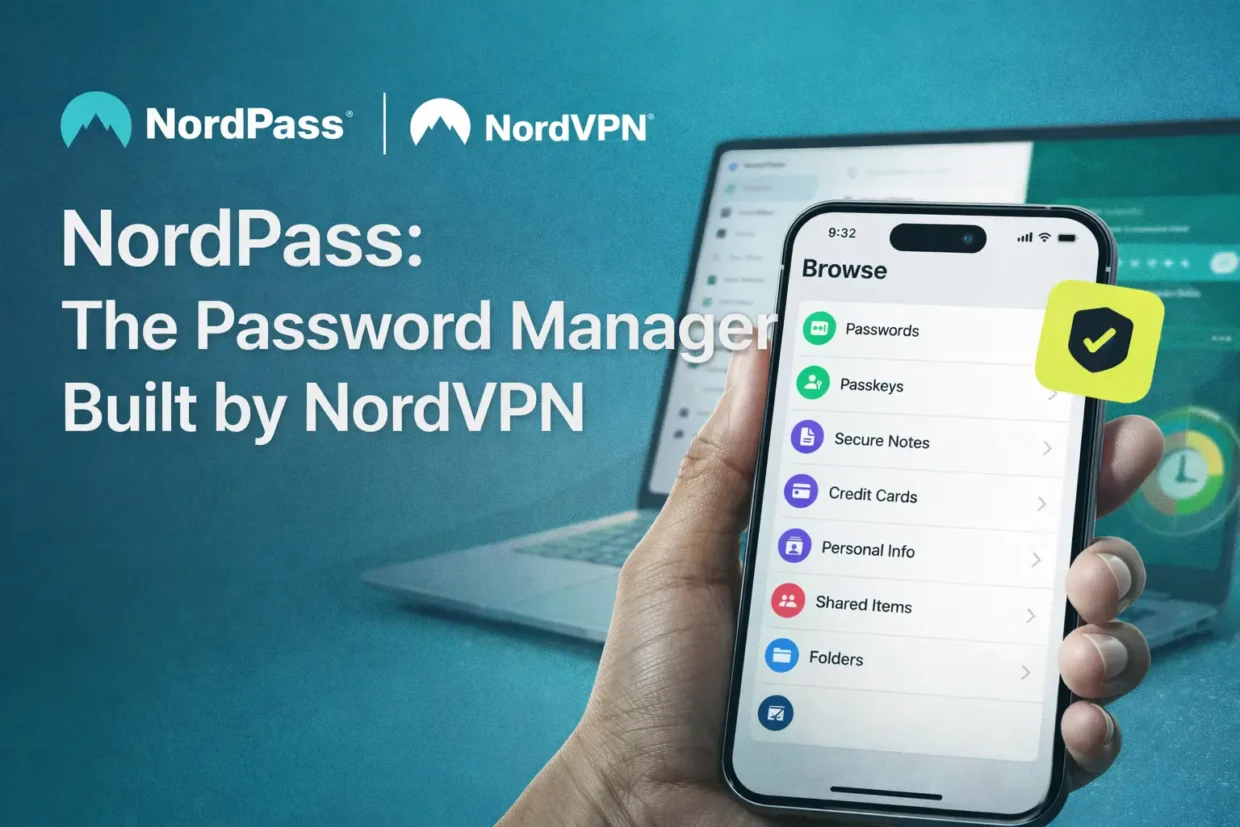
A new player just entered the password manager game, and it’s coming from the same minds that brought us NordVPN. Meet NordPass, a secure tool designed to help you manage your digital life without juggling dozens of complicated passwords or writing them down on scraps of paper.
NordVPN has been a leader in the VPN space for years, and NordPass follows that same privacy-first philosophy. Encrypted storage, zero-knowledge architecture, easy syncing, and compatibility across platforms make it a promising contender in a crowded market.
Let’s break it down.
Why Use a Password Manager at All?
Most of us are drowning in login credentials—banking, email, social media, streaming platforms, work tools, and so on. Keeping strong, unique passwords for each account is essential, but remembering them all? That’s a nightmare.
That’s where NordPass steps in.
It takes care of:
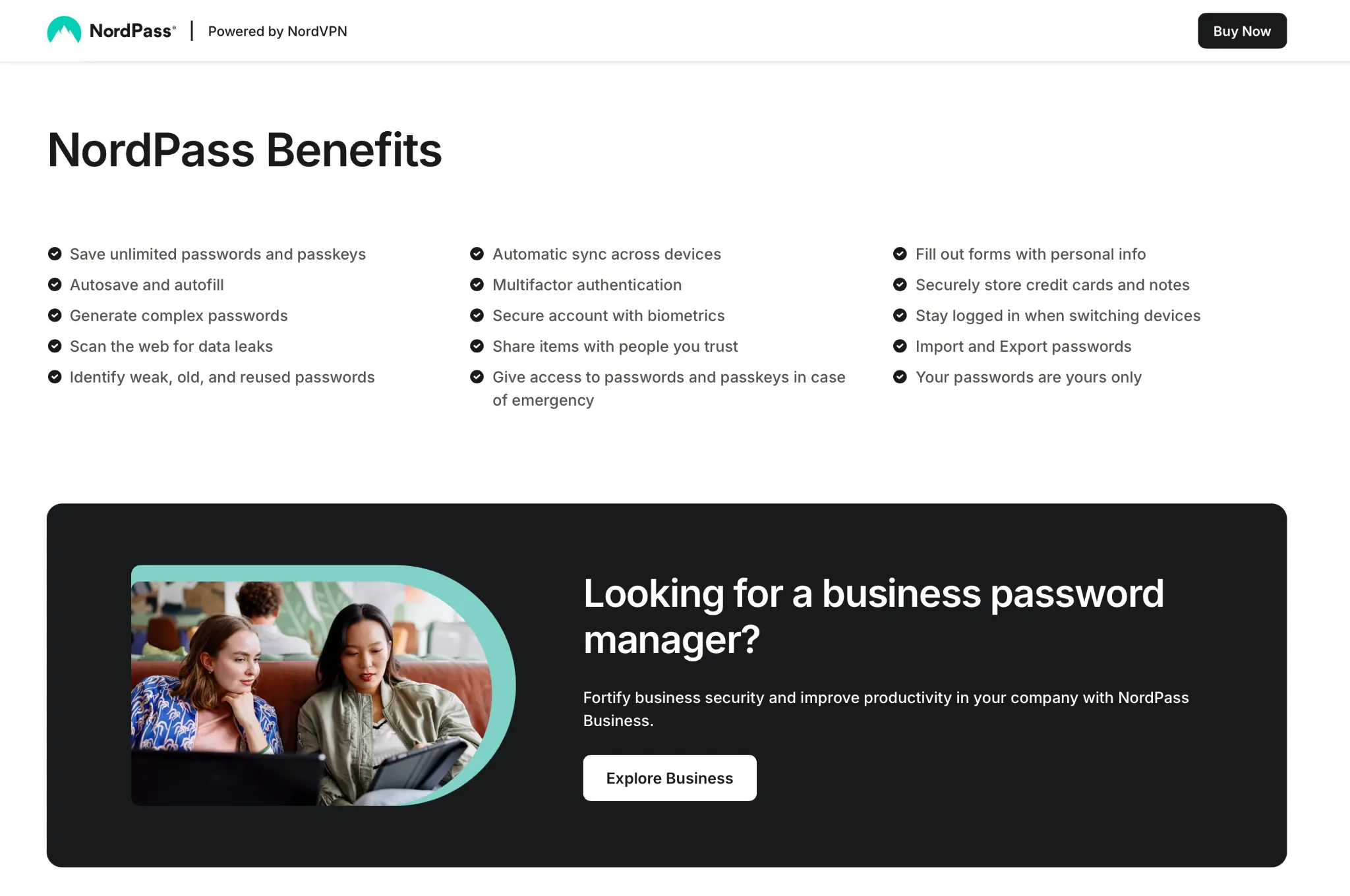
- Creating ultra-secure passwords with symbols, caps, numbers, and length rules
- Storing all credentials in one secure vault
- Autofilling login forms for you (no more typing the same things repeatedly)
- Syncing passwords between devices
You unlock it all with one master password. Simple as that.
Encryption and Security: What’s Under the Hood?
NordPass uses AES-256-GCM encryption, one of the strongest standards available. This is the same level of encryption used by governments and military organizations to protect classified data.
For key derivation, NordPass relies on Argon2, a password hashing function that resists brute-force attacks.
But the real showstopper is zero-knowledge encryption. This means:
- NordPass never sees or stores your passwords in plain text.
- Even their own employees couldn’t access your data if they tried.
- Everything stays encrypted locally on your device until you unlock it with your master password.
This setup gives you full control and peace of mind—your data stays yours.
Practical Features You’ll Actually Use
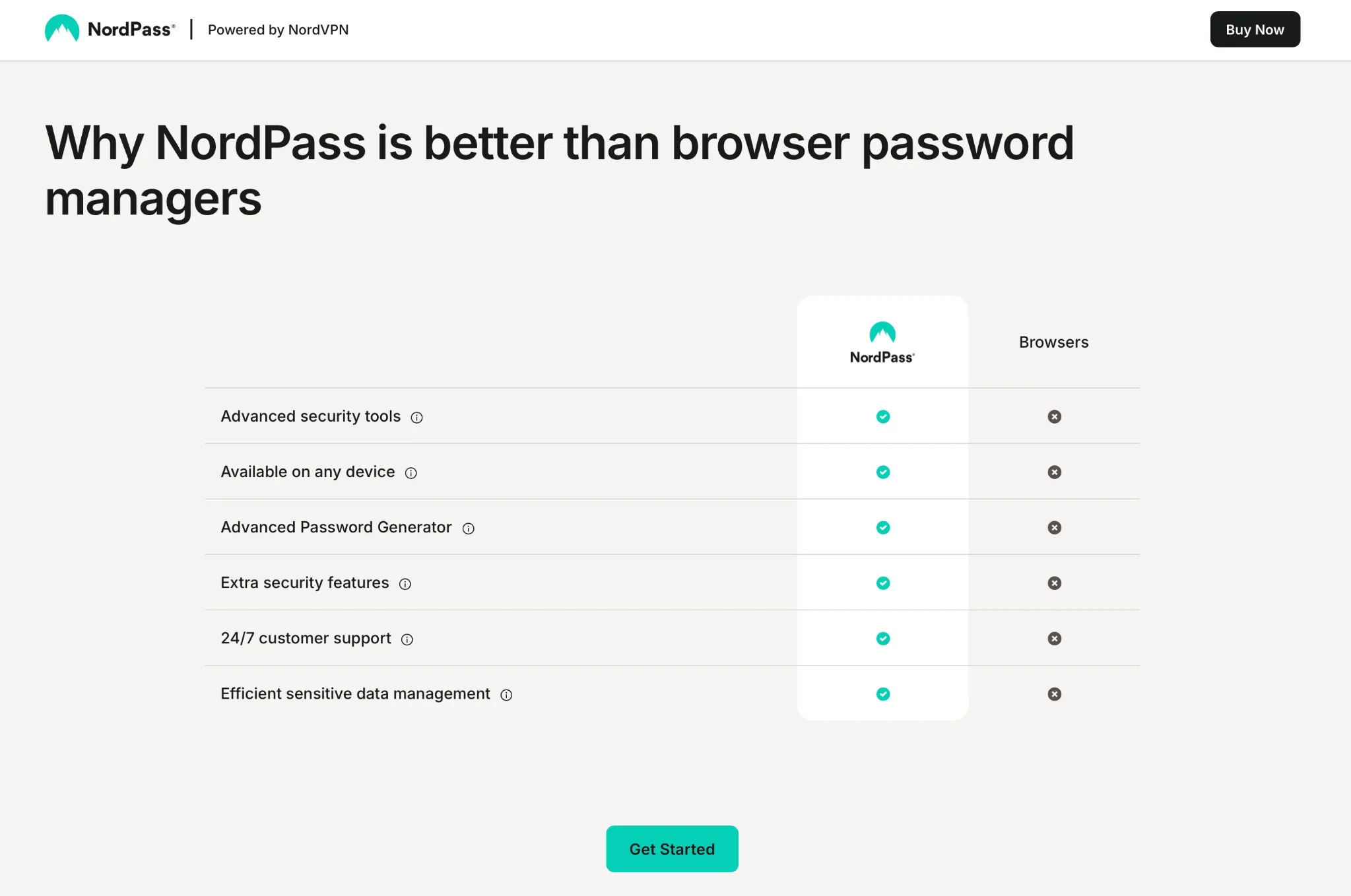
NordPass doesn’t just keep your passwords in a digital vault and call it a day. It goes further with practical features like:
1. Autofill Login Forms
No more clicking around trying to remember which password matches what account. NordPass fills it all in as soon as you log in to the app.
2. Save Private Notes
Need to store your passport number, bank PIN, or gym locker combo? NordPass lets you save secure notes that are encrypted the same way as your passwords.
3. Cross-Platform Access
Use NordPass on your Windows laptop, Android phone, iPad, or Chrome browser. It’s not tied to one ecosystem and supports browser extensions as well.
4. Password Import
If you already store passwords in Chrome or Safari, NordPass lets you import them seamlessly. It also works with exports from other managers like LastPass or Bitwarden.
Where is NordPass Based?
Just like NordVPN, NordPass is based in Panama, a privacy-friendly jurisdiction that doesn’t enforce data retention laws. This is a big deal if you care about privacy and don’t want your data sitting on a server somewhere with questionable oversight.
No government requests. No spying eyes. Just encrypted storage, on your terms.
What’s the Status in 2026?
NordPass is now well past its beta stage and fully available across all major platforms. While its launch was initially invite-only for early adopters, everyone can now create a free account and test out the service.
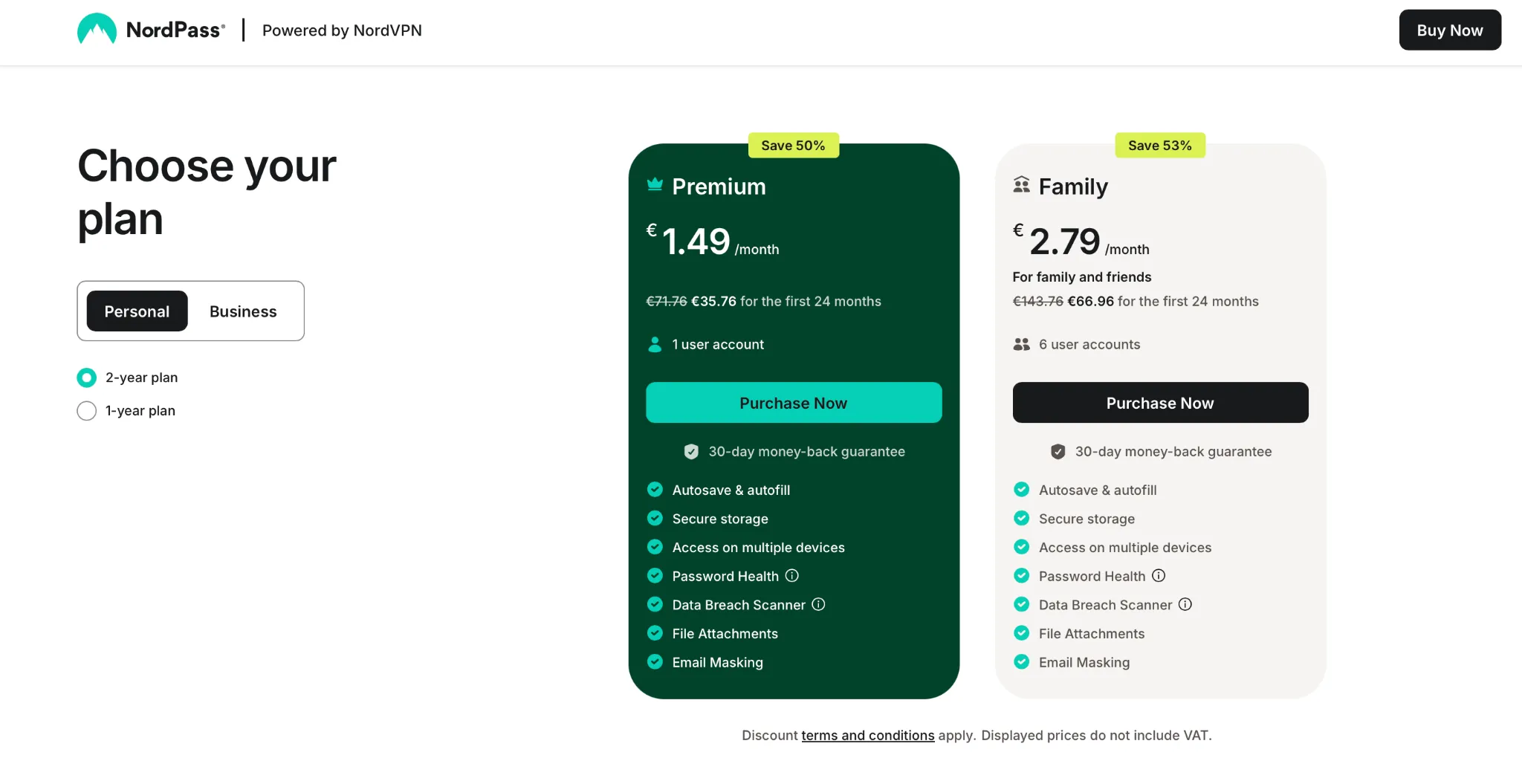
There’s also a paid premium tier with added perks like:
- Secure password sharing with family or teammates
- Multi-device syncing without limits
- Breach scanner that checks if your email or passwords leaked online
Is NordPass Worth Using in 2026?
If you’re already using NordVPN and trust their approach to privacy, NordPass is an easy “yes.” It shares the same design language, follows the same no-logs, no-compromise attitude, and is engineered by the same team.
Here’s a quick pros and cons overview:
| Pros | Cons |
|---|---|
| Strong encryption (AES-256 + Argon2) | No free premium features (yet) |
| Easy to use across devices | Some advanced tools behind paywall |
| Zero-knowledge architecture | Smaller ecosystem than LastPass/1Password |
| Panama jurisdiction = privacy first |
How to Get Started
- Go to the official NordPass site here
- Create a free account (no card required)
- Choose your master password – keep this one safe
- Import your existing credentials from browser or file
- Start logging in with autofill and syncing across devices
If you want access to syncing, breach scanning, and sharing features, you can upgrade later. But even the free version gives you solid password management.
TL;DR: Final Thoughts
With so many online accounts, it’s no longer safe—or realistic—to remember everything yourself. NordPass gives you a secure, practical, and user-friendly way to store passwords and sensitive notes.
Is it the only password manager out there? Nope.
But it’s one of the few backed by a privacy giant like NordVPN, and that makes a big difference when you care about security.
Try it for free and see if it sticks.