So you read my main review and you’re thinking “okay but what do I do when Stealth protocol doesn’t work?”
Good question. That happened to me A LOT during my 10 days in Moscow (September 2024).
This is the technical deep-dive. The stuff that saved me when the basic setup failed. Not gonna lie, some of this is nerdy, but if you’re stuck in Russia unable to connect, this is gold.
Understanding Why ProtonVPN Fails In Russia
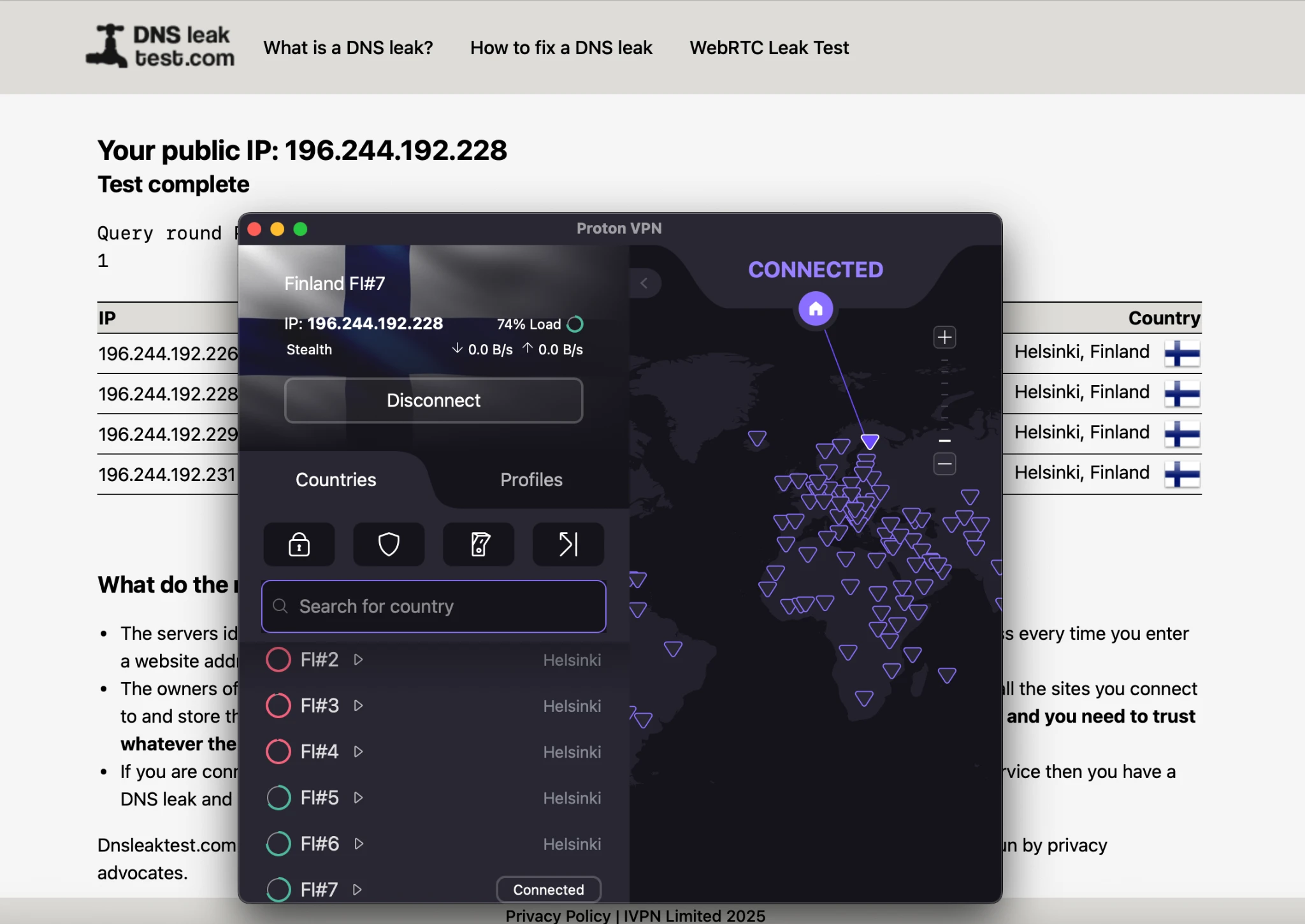
Before we fix it, you gotta understand what you’re fighting.
Russian ISPs use two main weapons:
1. IP Blacklisting
Roskomnadzor maintains lists of known VPN server IPs. Your ISP checks: “Is this IP on the list?” If yes → blocked. Simple but effective.
2. Deep Packet Inspection (DPI)
Advanced systems analyze your traffic in real-time. They look for VPN protocol signatures (OpenVPN, WireGuard patterns) and block them regardless of IP address.
Some ISPs use only method 1. Others use both. That’s why success is so inconsistent.
My Beeline mobile worked 70% of the time (lighter filtering). Megafon was way more restricted (heavier DPI).
Protocol Deep Dive: How Each One Actually Works
Stealth Protocol: Your Primary Weapon
What it does:
Wraps WireGuard (fast modern protocol) inside a TLS tunnel. Same encryption websites use for HTTPS.
Why it works:
To Russian DPI, it looks like you’re browsing a secure website, not using a VPN. Obfuscates the protocol signature.
How to enable:
Settings → Connection → Protocol → Stealth
My experience:
- Success rate: ~70%
- Speed: Good (minimal overhead)
- Best for: General use, streaming, browsing
When it fails:
Advanced DPI systems (especially newer ones Russia imported from China) can sometimes detect Stealth’s patterns. Not foolproof, but best mainstream option.
Smart Protocol: The Auto-Tester
What it does:
Automatically tests different protocols (WireGuard, OpenVPN) and ports (UDP, TCP) to find one that isn’t filtered.
How to enable:
Settings → Connection → Protocol → Smart Protocol
My experience:
- Success rate: ~50%
- Speed: Varies by what it selects
- Best for: First attempt when you don’t know what works
When it fails:
If it picks WireGuard and that’s blocked, it might not try enough alternatives. Less reliable than manual Stealth selection.
OpenVPN (TCP): The Slow But Steady Option
What it does:
Uses port 443 – same port as HTTPS web traffic. Harder to block without breaking regular websites.
How to enable:
Settings → Protocol → OpenVPN (TCP)
My experience:
- Success rate: ~30%
- Speed: Slow (high overhead)
- Best for: When Stealth fails and you’re desperate
When it fails:
Modern DPI can still identify OpenVPN patterns even on port 443. Plus it’s genuinely slow – expect 40-50% speed loss.
WireGuard: Fast But Detected
What it does:
Modern, fast protocol. Low overhead, great speeds.
My experience:
- Success rate: ~15%
- Speed: Excellent when it works
- Best for: Nothing in Russia honestly
When it fails:
Almost always. Russian DPI easily identifies WireGuard signatures. Only worked for me twice in 10 days, both times late at night on mobile data.
The Alternative Routing Collapse (Important Context)
ProtonVPN used to have “Alternative Routing” – when direct connections failed, it automatically rerouted through major cloud providers (AWS, Cloudflare, etc.). Too big to block, right?
Wrong.
In late 2024, Roskomnadzor went nuclear. They blocked entire IP ranges of:
- AWS
- Cloudflare
- Fastly
- Other major CDNs
This killed one of Proton’s main backup strategies.
If you saw “ProtonVPN stopped working in Russia” posts on Reddit in November/December 2024? This is why. One of their key anti-censorship features got nuked.
My 6-Step Advanced Troubleshooting Protocol
When basic connection fails, I followed this exact sequence:
Step 1: Network Switch
Try mobile data if on Wi-Fi (or reverse).
Different ISPs have different blocking. My Beeline mobile worked way better than hotel Wi-Fi.
Step 2: Enable Stealth
Settings → Protocol → Stealth
If not already on, this is your first move.
Step 3: Manual Server Selection
Don’t use “Fastest Server” – it’s always blocked.
Manually select:
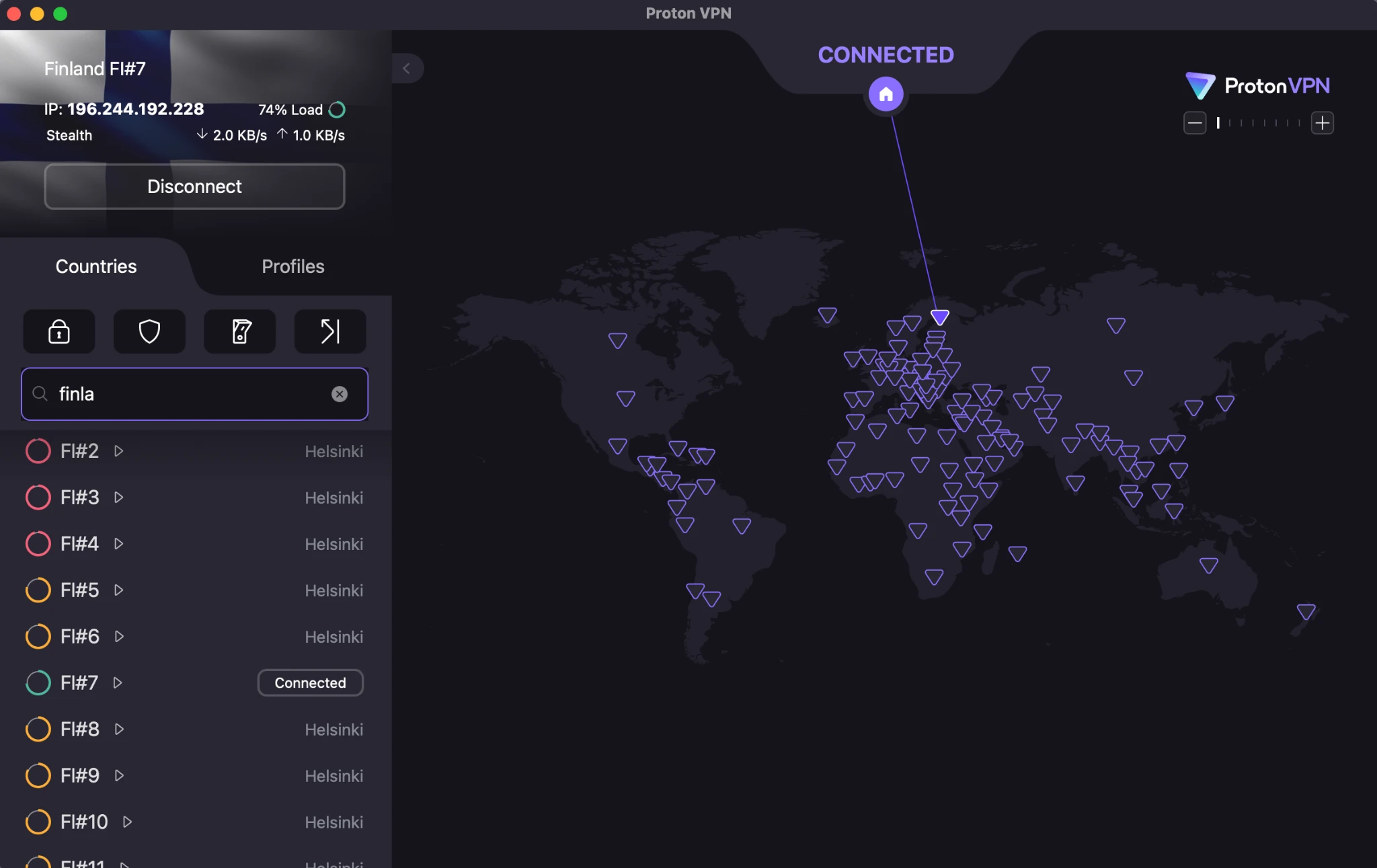
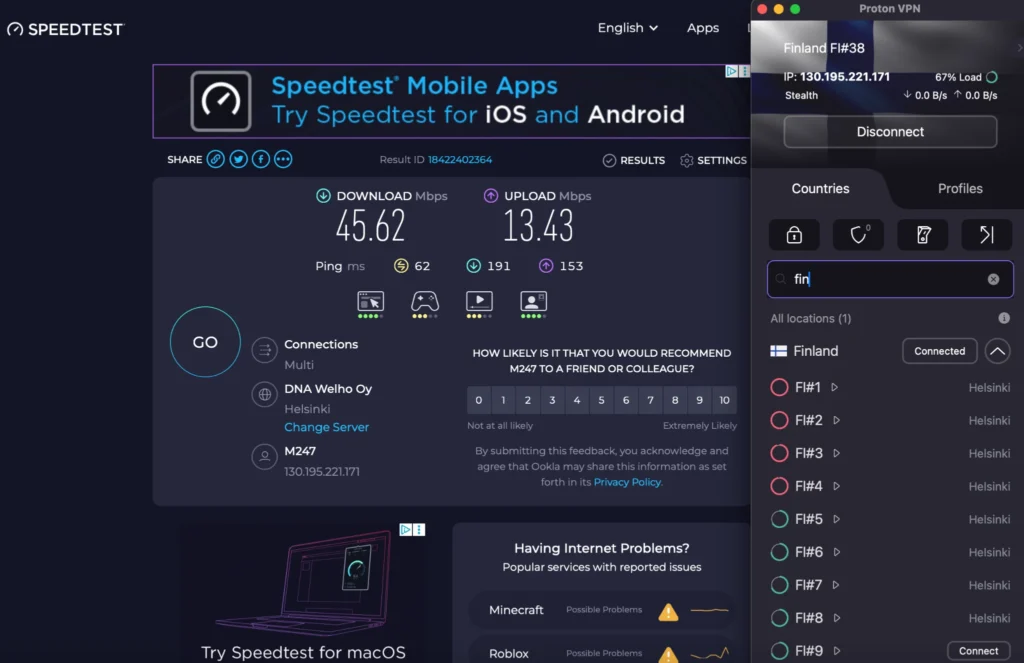
- Finland (41 servers) – my best performer
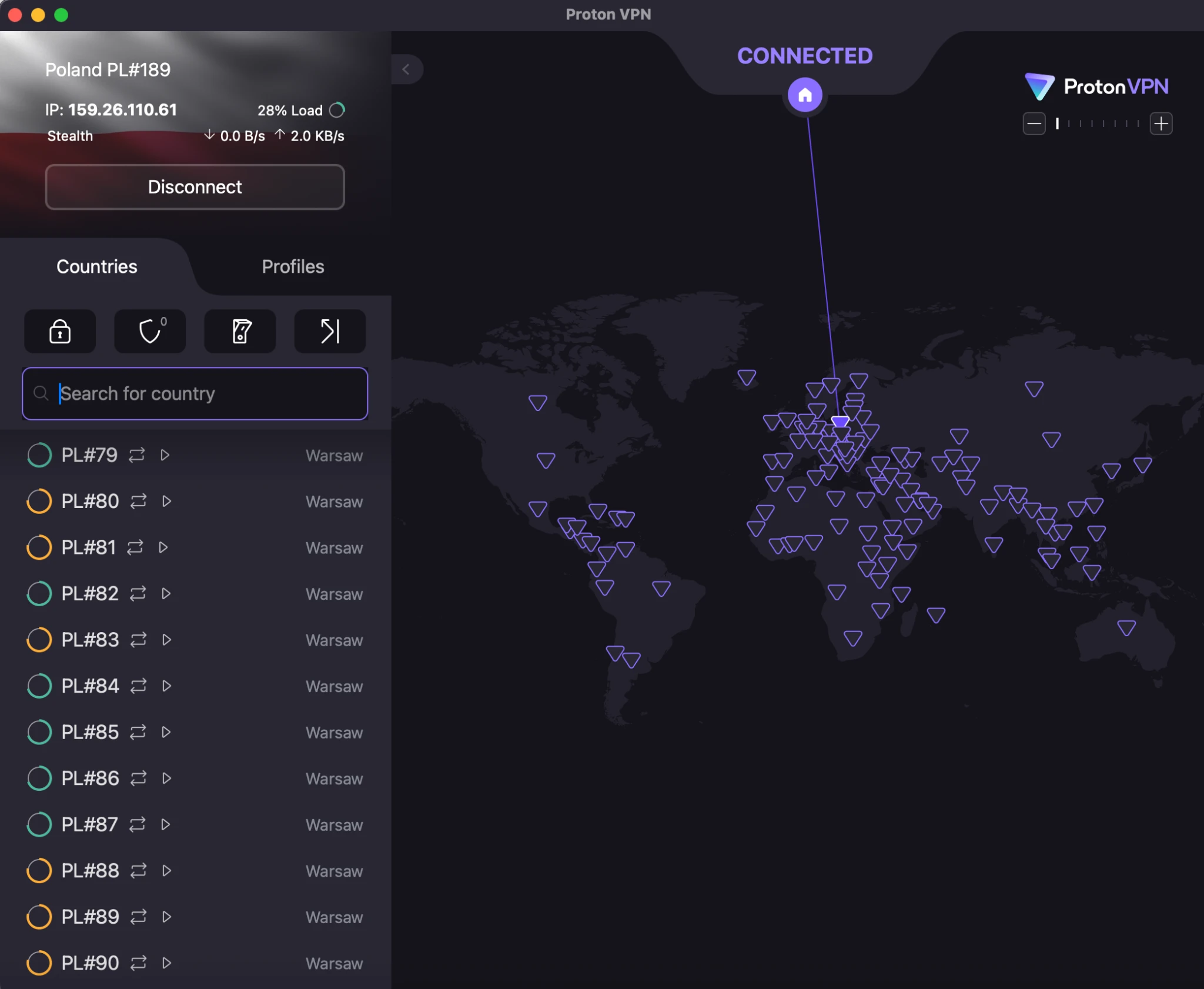
- Poland (277 servers) – lots of options
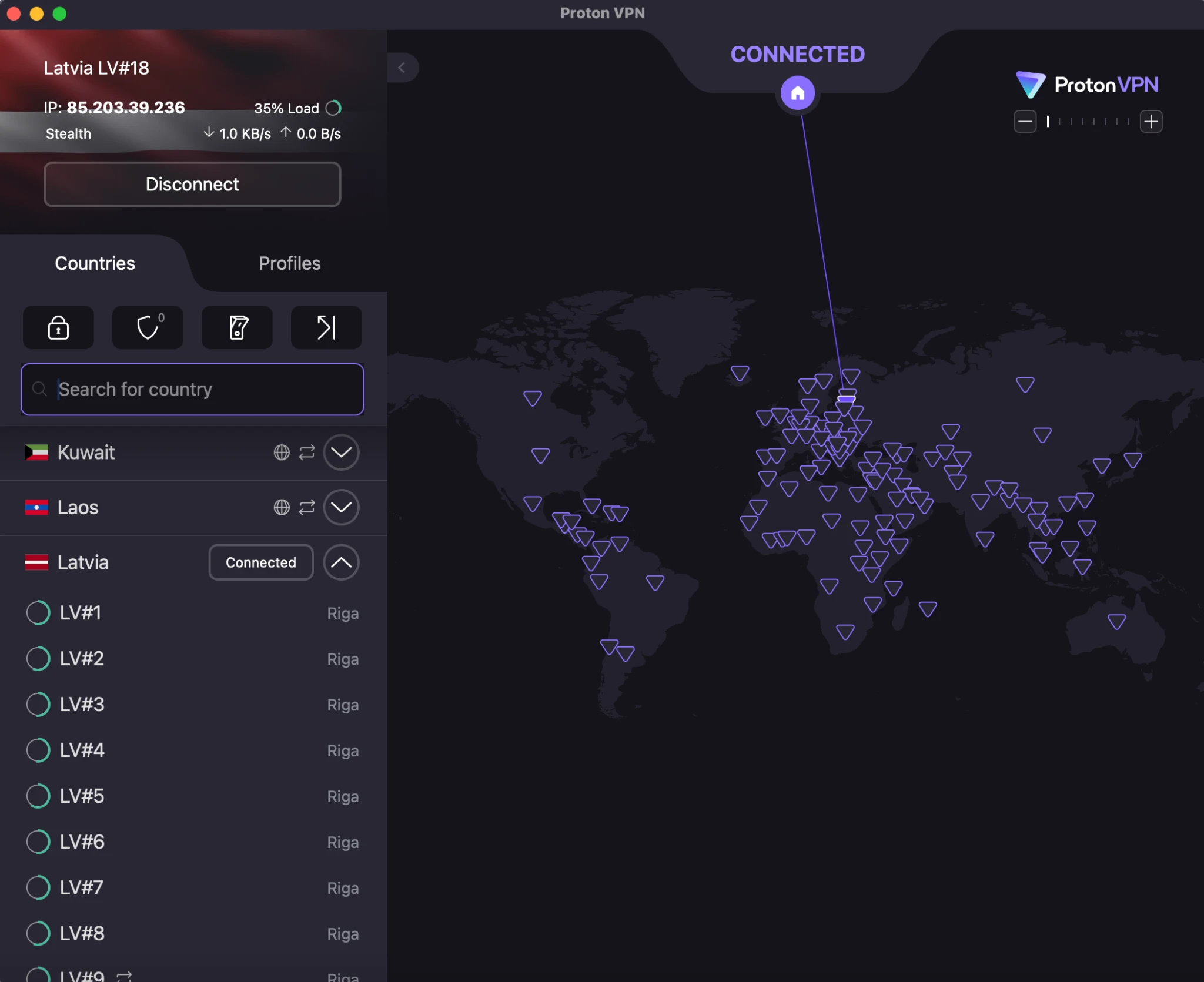
- Latvia (20 servers)
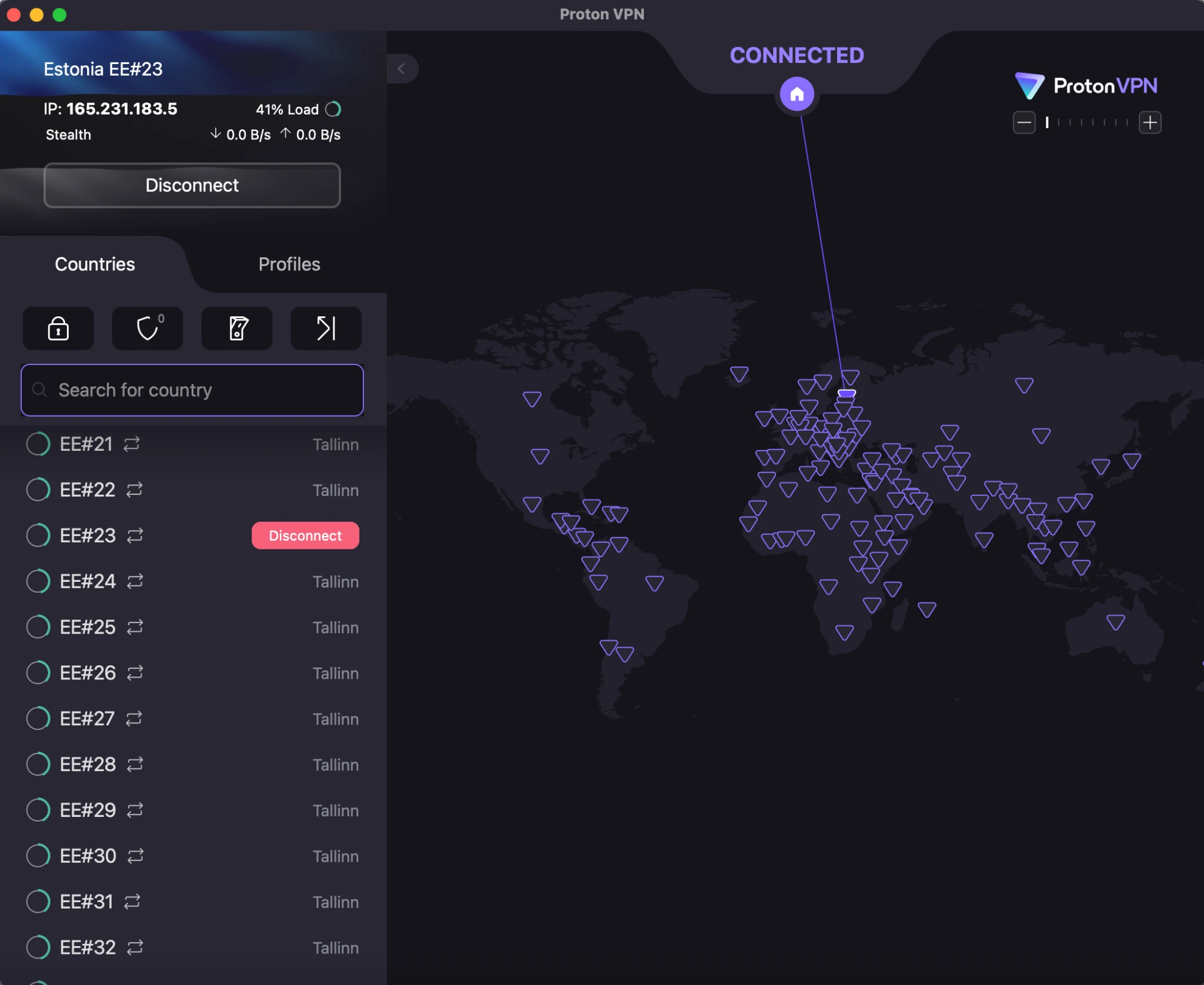
- Estonia (39 servers)
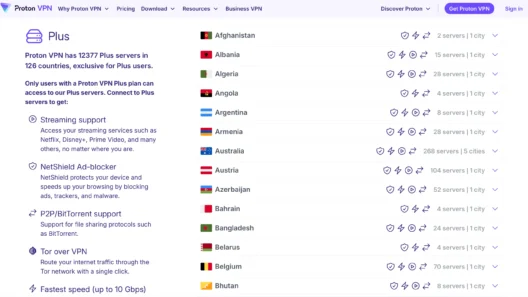
With 15,897 servers across 126 countries, keep cycling through options.
Step 4: Smart Protocol Test
Settings → Protocol → Smart Protocol
Let it auto-test everything. Sometimes it finds a combination you wouldn’t have tried.
Step 5: OpenVPN (TCP) Last Resort
Settings → Protocol → OpenVPN (TCP)
Slow, but uses port 443. Sometimes works when nothing else does.
Step 6: Nuclear Option – Amnezia VPN
This is where it gets interesting…
Amnezia VPN: The Game Changer
Day 6 in Moscow. Nothing worked. Tried steps 1-5 multiple times. Getting desperate.
Remembered reading about Amnezia VPN – designed specifically for heavy censorship (China, Iran, etc.).
Here’s the trick: You can load ProtonVPN config files into Amnezia.
Why This Works
Russian ISPs apparently block based on app signatures, not just protocols. The official ProtonVPN app has a detectable fingerprint.
Loading the same ProtonVPN servers through a different client (Amnezia) bypasses this app-level detection.
Success rate with this method: ~85%
Way better than the official app alone.
How To Set This Up
Before you travel:
- Download Amnezia VPN
- Android: Google Play
- iOS: App Store
- Desktop: GitHub (amneziaVPN/amnezia-client)
- Get ProtonVPN config files
- Log into ProtonVPN account
- Go to Downloads section
- Download OpenVPN (.ovpn) or WireGuard (.conf) configs
- Save to Google Drive or cloud storage
- Import configs into Amnezia
- Open Amnezia VPN
- Settings → Import config
- Select your ProtonVPN config file
- Connect
In Russia when everything fails:
Open Amnezia → Connect using imported ProtonVPN config
This worked for me when the official ProtonVPN app completely failed.
My Real Example
Day 6, Hotel Cosmos, 9:47 PM.
ProtonVPN app: Failed on Stealth, Smart Protocol, OpenVPN.
Switched to mobile data: Still failed.
Tried 5 different servers: All failed.
Opened Amnezia VPN.
Loaded my Finland WireGuard config.
Connected in 30 seconds.
Watched Stranger Things. Crisis averted.
Advanced Server Strategy
Not all servers are equal. Here’s what I learned:
Geographic Proximity Matters
Best: 200-500km range
- Finland: 15-20ms latency
- Estonia: 18-25ms
- Latvia: 20-28ms
- Poland: 25-35ms
Worse: 5000km+
- USA: 150-200ms latency
- Singapore: 250ms+
- Australia: 300ms+
Higher latency = more packet loss = more disconnects in Russia.
Server Load Matters
ProtonVPN shows server load in the app. Look for:
- Green (0-50% load): Best
- Yellow (50-75%): Okay
- Red (75-100%): Avoid
High-load servers are more likely to be targeted by Russian censors. They prioritize blocking busy VPN servers.
Virtual vs Physical Servers
ProtonVPN’s 53 “Russian” servers are virtual (physically in Sweden).
For censorship circumvention FROM Russia: Use physical servers in other countries.
Virtual servers sometimes have slightly worse reliability because they share infrastructure.
Time of Day Patterns
I noticed patterns:
Best connection times:
- 2-6 AM Moscow time (low network load)
- 10-11 AM (between morning and lunch rush)
Worst connection times:
- 6-9 PM (peak usage, heavy DPI filtering)
- Weekends (more active censorship)
Plan your Netflix binges accordingly.
The Kill Switch: Why You Need It
Settings → Enable Kill Switch
If your VPN drops, Kill Switch cuts your internet entirely. Protects your real IP from leaking.
In Russia with 2025 laws (more on this in my legal article), IP leaks are risky.
I enabled this Day 1 and never turned it off.
One warning: If you’re using Split Tunneling for Russian banking apps, make sure those apps are properly excluded. Otherwise Kill Switch will block them when VPN disconnects.
Config File Management Strategy
Here’s what I wish I’d done before traveling:
Essential Config Files To Download
From ProtonVPN account Downloads:
- OpenVPN (TCP) configs for:
- Finland (2-3 different servers)
- Poland (2-3 servers)
- Latvia (1-2 servers)
- WireGuard configs for:
- Same countries, different servers
- Why multiple servers?
If one gets blacklisted, you have backups ready.
Where To Store Them
- Google Drive (accessible even if Proton site is blocked)
- Dropbox
- iCloud
- Email them to yourself
Don’t just keep them on your device. If something happens (lost phone, corrupted files), you’re screwed.
When ProtonVPN Still Isn’t Enough
Real talk: Commercial VPNs are getting obsolete in Russia.
The tech-savvy locals I met? They aren’t using ProtonVPN, NordVPN, or any commercial service.
They’re running their own VPNs using:
- V2ray
- VLESS
- Trojan
These protocols were designed to beat China’s Great Firewall. Much harder to detect and block.
The VPS Method
- Rent a cheap VPS outside Russia ($5-10/month)
- Vultr, DigitalOcean, Linode
- Install V2ray or similar on the server
- Connect from Russia using Amnezia or other client
Why this works:
- Unique infrastructure (not shared IPs)
- Harder to detect (no known VPN signatures)
- Full control (you own the server)
Downsides:
- Technical setup required
- Need to maintain the server
- No support (you’re on your own)
I met a programmer named Alexey at a bar near Red Square. He said he’s been running V2ray on a DigitalOcean VPS for 2 years. Never had a single disconnect.
For long-term Russia residents, this is the way.
For short-term travelers like me? ProtonVPN + Amnezia backup was enough.
The UDP vs TCP Decision
Quick technical note on protocols:
UDP (User Datagram Protocol)
- Faster
- Better for streaming
- Less overhead
- Can be filtered more easily
TCP (Transmission Control Protocol)
- Slower
- Better for browsing
- More reliable
- Harder to filter (uses port 443)
In Russia, TCP often works better because it’s harder to block without breaking regular HTTPS traffic.
If Stealth fails, try:
Settings → Protocol → OpenVPN (TCP)
Slower, but more reliable in restrictive networks.
My Actual Connection Success Rate By Method
Based on 10 days of obsessive testing:
| Method | Success Rate | Speed | Difficulty |
|---|---|---|---|
| Stealth (Finland) | 70% | Good | Easy |
| Smart Protocol | 50% | Varies | Easy |
| OpenVPN (TCP) | 30% | Slow | Easy |
| WireGuard | 15% | Fast | Easy |
| Amnezia + Proton config | 85% | Good | Medium |
| VPS + V2ray | ~95%* | Excellent | Hard |
*Based on what locals told me, not personal testing
Battery Life Considerations
Real issue nobody talks about: VPNs drain battery.
My iPhone battery life in Moscow:
- Without VPN: Full day (~8-10 hours)
- With ProtonVPN: ~5-6 hours
- With constant reconnecting: ~4 hours
Tips:
- Use Wi-Fi when possible (less drain than mobile)
- Close VPN when not needed (risky but saves battery)
- Carry a power bank (I used 20,000mAh Anker)
The constant connection attempts and protocol testing kills battery fast.
What To Do When Everything Fails
Okay, you’ve tried everything. Still can’t connect. Now what?
Option 1: Wait
Sometimes Russian censorship is temporary. Service disruption for a few hours, then back.
I had complete failures on Day 4 morning. Everything worked again by evening. No explanation.
Option 2: Different Device
Try your laptop if phone fails (or vice versa). Sometimes device-specific issues.
Option 3: Ask Locals
Other hotel guests, café workers, whoever. Russians have workarounds. They live with this daily.
Dmitry from Coffee Mania gave me a working server + protocol combo his friend recommended. It worked when my own testing failed.
Option 4: Accept Defeat
Sometimes you just can’t connect. It sucks, but it’s reality.
I had 2 days out of 10 where I basically gave up and went sightseeing instead. Hermitage Museum doesn’t require VPN.
Tools I Wish I’d Brought
Physical notebook
For writing down what works. Phone might not be accessible if VPN fails.
Second SIM card
Different carrier = different blocking. Should have bought a second Russian SIM.
Offline maps
Maps.me with downloaded Moscow maps. When VPN fails and Google Maps won’t load.
Downloaded entertainment
Netflix downloads, podcasts, ebooks. For when streaming fails.
Power bank
Minimum 20,000mAh. VPN testing drains battery fast.
The Bottom Line
ProtonVPN works in Russia, but you need:
- Plus plan (not free)
- Stealth protocol knowledge
- Amnezia VPN as backup
- Patience and persistence
- Realistic expectations
Success rate: 65-70% with official app, 80-85% with Amnezia backup.
Not perfect. But enough to stay connected.
For short trips: This setup is fine.
For long-term: Consider the VPS + V2ray route.
And download Amnezia VPN before you travel. Trust me on this.
Technical testing conducted in Moscow, September 18-28, 2024. Your experience may vary based on ISP, location, and current censorship levels.
Read next:
- Legal Risks & Payment Options in Russia (important!)
- ProtonVPN Russia Test: The Truth They Don’t Tell You