The rise of autonomous AI assistants like OpenClaw has unlocked insane new possibilities. We’re no longer just chatting with passive bots — we’re now handing over real tasks to software that can run commands on our devices, access local files, and interact across messaging apps like Telegram or WhatsApp. It’s powerful… and potentially dangerous.
That power comes with a price: security. If you’re using OpenClaw (or planning to), you’re essentially inviting a mini operating system into your machine — and if someone compromises it, they don’t just mess with your chat. They get access to your actual system.
That’s why self-hosted AI agents must be protected like high-value infrastructure, not just cool projects. And if you’re running OpenClaw remotely, there’s no safer way to lock it down than with NordVPN’s Meshnet — a secure, encrypted peer-to-peer tunnel that makes your agent accessible only to your own devices, without exposing it to the internet at all.
Why OpenClaw Is So Powerful (And So Dangerous)
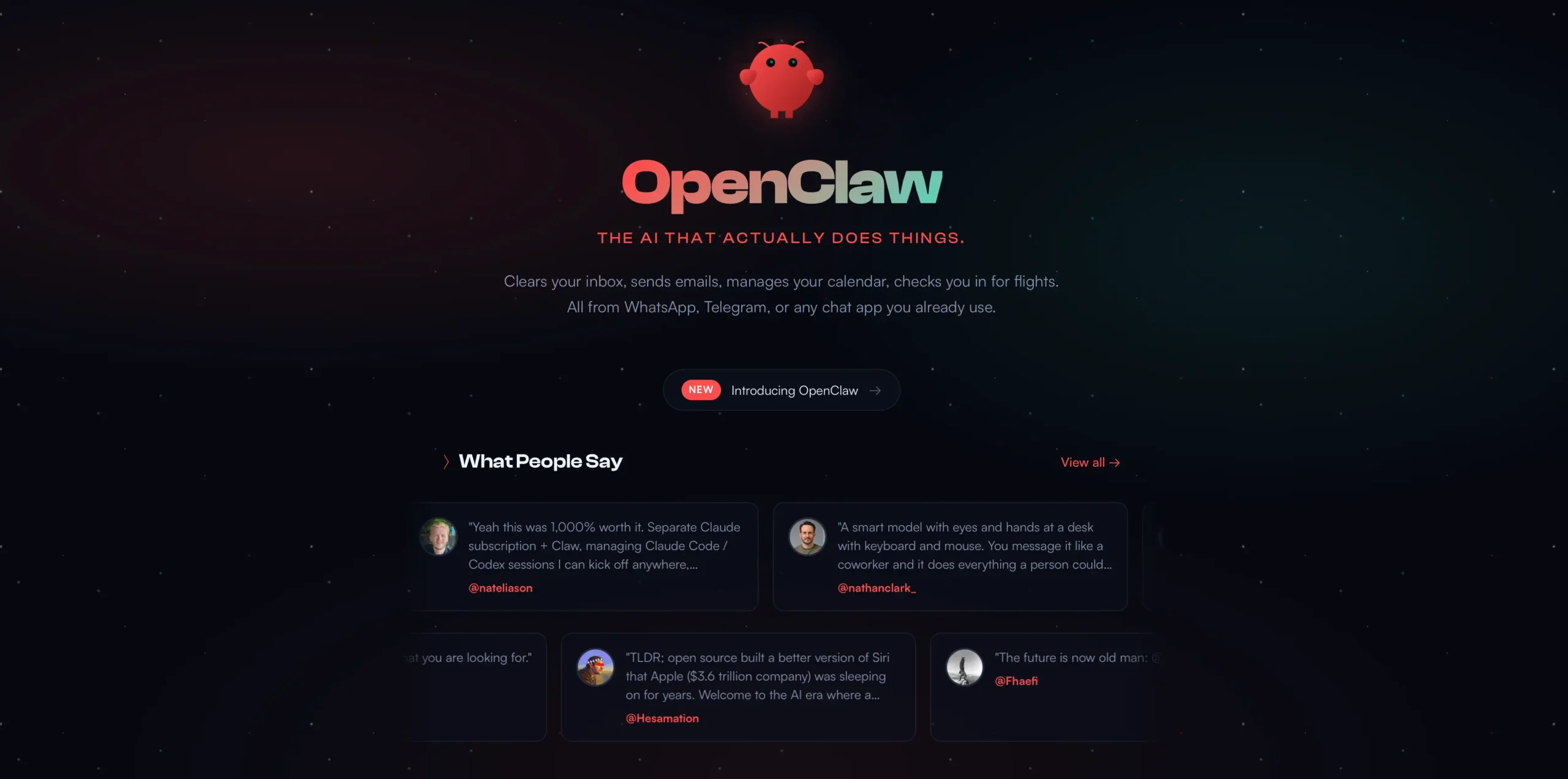
OpenClaw isn’t like your average AI chatbot. It’s a full-blown agentic framework that runs locally, acts on your behalf, and comes with persistent memory. It reads and writes files, executes code, and even clicks buttons in your browser. That’s exactly why people love it but it’s also what makes it risky.
Unlike ChatGPT, OpenClaw lives on your own machine. That means:
- You keep your data private (good)
- You control everything (great)
- You’re responsible for all security (uh-oh)
If someone hijacks your OpenClaw instance, they’re inside your system. Period.
Real-World Threats: CVEs, Exploits, and Botnet Risk
In early 2026, several high-profile exploits hit thousands of OpenClaw users. The most serious? A vulnerability known as CVE-2026-25253 — a 1-click remote code execution flaw that allowed attackers to take full control of your system through a poisoned web link.
Another massive issue was the “localhost authentication bypass”, where misconfigured reverse proxies made OpenClaw think every visitor was safe — even attackers scanning the open internet.
Together, these flaws made OpenClaw instances juicy targets. Many ended up indexed by Shodan, turned into botnet nodes, or silently exfiltrating data without the owner’s knowledge.
Why VPN Port Forwarding Isn’t Enough
When people try to access OpenClaw remotely, their first instinct is often to set up port forwarding. It’s simple, but also a huge security hole. Once that port is open, it’s open to everyone including malicious bots, script kiddies, and threat actors scanning IP ranges.
Reverse proxies like Nginx or Cloudflare Tunnels help a little, but they still leave room for mistakes. And when you’re running an agent with “God Mode” system access, even a small mistake is catastrophic.
Enter NordVPN Meshnet: Private Remote Access Without the Risk
This is where NordVPN Meshnet changes the game.
Instead of exposing your OpenClaw to the public internet, Meshnet creates a private, encrypted peer-to-peer connection between your devices. That means:
- No port forwarding
- No public IP exposure
- No guesswork with proxies or tunnels
Just secure remote access that’s only available to devices you approve in your Nord Account.
🔐 Try Meshnet now with NordVPN 2026 deal (up to 77% off)
Meshnet uses the WireGuard protocol to set up low-latency tunnels between your laptop, server, and phone — even if they’re behind NAT or firewalls. It works across platforms, with no router config needed.
Step-by-Step: Secure Your OpenClaw Agent with NordVPN Meshnet
If you’re serious about running OpenClaw without exposing your system to the entire internet, here’s the exact workflow I recommend.
✅ Step 1: Install OpenClaw Locally (Don’t Rush the Setup)
Run the official installer:
curl -fsSL https://openclaw.ai/install.sh | bash
Complete the QuickStart onboarding but here’s the key:
⛔ Do not connect your Telegram, WhatsApp, or Discord channels just yet.
First, secure your system. Always set your LLM API keys (e.g. Anthropic, OpenAI) locally and never expose them in plaintext.
✅ Step 2: Activate NordVPN Meshnet on Your Host Machine
On your OpenClaw host (e.g. VPS or home server):
- Log in to NordVPN:
nordvpn login - Enable Meshnet:
nordvpn meshnet set on - Confirm it’s running:
nordvpn meshnet peer list
Here, you’ll see your machine’s Meshnet name or IP (e.g. secret.tiger-nova.nord), which is how you’ll connect remotely.
✅ Step 3: Adjust OpenClaw’s Gateway for LAN Binding
Open your OpenClaw config:
nano ~/.openclaw/openclaw.json
Set the binding to lan:
"bind": "lan",
"controlUi": {
  "enabled": true,
  "allowInsecureAuth": true
}
👉 The allowInsecureAuth flag is safe here because Meshnet already encrypts all your traffic. After editing, restart the service:
openclaw gateway restart
✅ Step 4: Connect from Your Remote Device
Now, on your phone or laptop (with Meshnet enabled), just open this in your browser:
https://secret.tiger-nova.nord:18789
To authenticate:
cat ~/.openclaw/openclaw.json | jq -r '.gateway.auth.token'
Copy the token into your remote device when prompted. Done. You’re now talking to your own secure AI agent, over a private mesh network.
Real-World Example: How Moltbook Became an AI Security Catastrophe
If you’re wondering what happens when thousands of autonomous agents connect freely without proper isolation — look no further than Moltbook.
In early 2026, Moltbook launched as a social platform for AI agents. Days later, it turned into a cybersecurity nightmare: over 770,000 agent accounts were compromised, 1.5 million API tokens leaked, and a new form of agent-to-agent prompt injection spread like wildfire.
The incident wasn’t just theoretical — it showed exactly why zero-trust principles and private networking like NordVPN Meshnet are essential for any agent-based system.
Best Practices: Don’t Skip These Security Basics
Even with Meshnet, running an agent like OpenClaw comes with major responsibility. Here are essential tips to lock things down further:
Run OpenClaw as a Non-Root User
Never run your agent with sudo or root access. Set up a dedicated user account with limited permissions — just enough to access its workspace.
Use Docker or Sandbox Environments
If you’re using tools like node.invoke, browser.click, or shell.exec, isolate those commands using Docker or Firejail. Don’t trust third-party AgentSkills to run natively on your host.
Treat Every DM Like It’s Suspicious
Keep dmPolicy: pairing in your config. That way, any new contact must verify themselves before your agent accepts input. For extra protection, use a strict allowlist mode.
Audit Your Logs and Installed Skills
Run the internal audit tool weekly:
openclaw security audit
Also, check logs for suspicious activity like outbound calls, unknown skill executions, or unexpected restarts.
Rotate Tokens & API Keys Regularly
Never leave LLM or messaging platform keys untouched for months. If your system is ever breached, change everything— OpenAI, Anthropic, Telegram tokens, even your NordVPN Meshnet access.
Final Thoughts: Agentic AI Needs Zero-Trust, Not Just Smart Prompts
OpenClaw is part of the next wave of AI — one that actually does things, not just talks. But giving code-execution powers to an autonomous agent without rock-solid infrastructure? That’s asking for trouble.
If you’re going to run agents in 2026, do it right:
- Host it on a secure VPS or home server
- Lock it behind NordVPN Meshnet
- Treat every skill, message, and API key like it could be your weakest link
Meshnet offers the missing piece: remote access without exposure. No port forwarding, no public IP, no stress.
And best of all? It’s included with every NordVPN plan. That’s why I recommend it for anyone running OpenClaw or any local-first AI agent in 2026.
FAQ
What is OpenClaw and why is it risky?
OpenClaw is a local AI agent with system-level access. If misconfigured, it can be hijacked by attackers to run code, steal data, or take full control of your machine.
Can OpenClaw be safely used on public networks?
Not without risk. Port forwarding and public IP exposure make OpenClaw vulnerable. That’s why using a private network like NordVPN Meshnet is essential.
What happened with CVE-2026-25253?
This critical vulnerability let attackers hijack OpenClaw with a single click via WebSocket injection. It highlighted the urgent need for secure deployments.
How does NordVPN Meshnet protect OpenClaw?
Meshnet creates a private, encrypted tunnel between your devices, hiding your OpenClaw instance from the public internet while keeping it fully accessible to you.
What are the best practices for OpenClaw security?
Use a non-root user, sandbox risky skills, audit logs regularly, rotate tokens often, and always restrict remote access with a zero-trust setup like Meshnet.