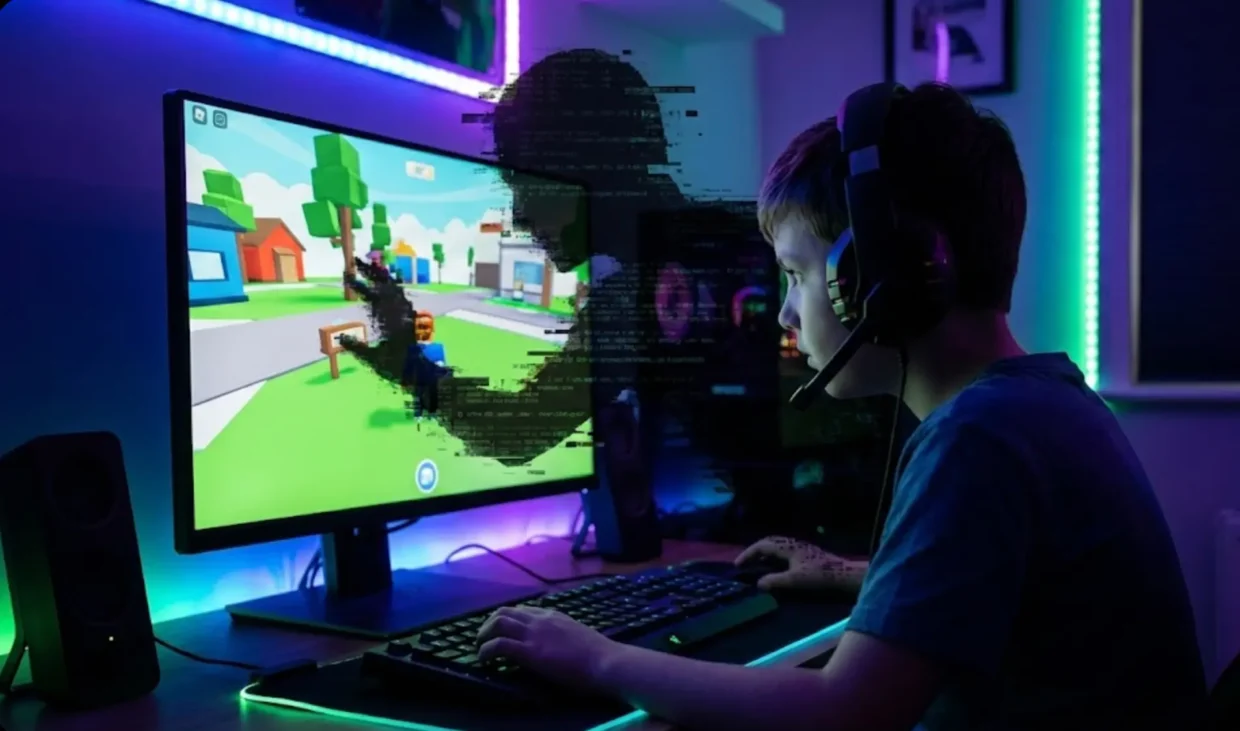
If you are the parent of a child between the ages of 7 and 17, the sounds of block-breaking in Minecraft or the chaotic noise of a Roblox obstacle course are likely the background soundtrack of your home life. We often view these games as digital playgrounds—creative, social, and generally harmless, provided we have the chat filters turned on and the credit card locked away.
However, there is a different kind of threat lurking in the servers of these massively popular games. It isn’t just about “stranger danger” or inappropriate language anymore. Today, the threats are increasingly technical.
Parents worry about who their children are talking to, but they rarely worry about who is talking to their router.
In the world of competitive and social gaming, toxic players are weaponizing internet connections. From IP Grabbing to DDoS attacks and the terrifying prospect of Swatting, the digital footprint of your child’s gaming console or PC can be exploited.
3 Best VPN for Gaming
Here is everything you need to know about these threats and, crucially, which specific tools—like NordVPN, Surfshark, and ExpressVPN—can act as the ultimate shield for your home network.
| 3 Best VPN for Gaming | Offer + Discount | URL |
|---|---|---|
| NordVPN | 77% off + 3 months free | Try NordVPN |
| ExpressVPN | 73% off + 4 months free | Try ExpressVPN |
| SurfShark | 87% off + 2 months free | Try SurfShark |
The Invisible ID Card: What is an IP Address?
To understand the threat, we first need to understand the target. Every device that connects to the internet—whether it’s an iPad, an Xbox, or a Gaming PC—is assigned a numerical label known as an IP (Internet Protocol) Address.
Think of an IP address as your home’s digital GPS coordinates. It tells the internet exactly where to send data so that a movie loads on your screen and not your neighbor’s.
Under normal circumstances, this is fine. But in the hands of a malicious actor, your IP address reveals two critical pieces of information:
- Your approximate physical location (usually down to the city or neighborhood level).
- Your network’s specific identity, allowing them to target your router directly.
The Threat: When Losing a Game Turns Personal

Why would anyone want your child’s IP address? Usually, it comes down to ego, “trolling,” or revenge for a lost match. In high-volume games like Roblox, Minecraft, Fortnite, or Call of Duty, emotions run high. When a “toxic” player gets angry, they may resort to technical harassment.
Here are the three main tactics used against young gamers:
1. IP Grabbing
This is the act of stealing a user’s IP address. In games like Minecraft or Roblox, this often happens through third-party interactions.
- How it happens: A player might send a link in the chat saying, “Click here for free Robux” or “Join my private server.” The moment your child clicks that link, a script logs their IP address before redirecting them.
- The Result: The attacker now has your home network’s address. They can scare your child by reciting their city or ISP in the game chat: “I know you live in Chicago. Watch out.” For a ten-year-old, this is terrifying.
2. DDoS Attacks (Distributed Denial of Service)
Once a toxic player has that IP address, they can launch a DDoS attack.
- How it happens: The attacker uses a network of infected computers (a botnet) to flood your home router with junk traffic. Imagine thousands of people trying to squeeze through your front door at the exact same time.
- The Result: Your home internet crashes completely. The game disconnects, the Wi-Fi stops working for the whole family, and your router becomes overwhelmed. This is often done to force a player to disconnect so the attacker can win the match by default.
3. Swatting (The Extreme Danger)
While rare, this is the nightmare scenario.
- How it happens: Using the location data derived from the IP address, a malicious actor calls emergency services (911) and reports a fake hostage situation or bomb threat at your address.
- The Result: Armed police arrive at your front door. This is a life-threatening situation that stems entirely from digital exposure.
The Solution: The VPN Bridge
The good news is that you don’t need to ban video games or become a cybersecurity expert to fix this. You simply need to mask the digital address. This is where a VPN (Virtual Private Network) becomes an essential piece of parenting tech.
When your child uses a VPN, their data travels through an encrypted tunnel to a secure server before hitting the open internet. If a toxic player tries to “grab” the IP, they only see the VPN server’s address, not your home address.
Furthermore, if they try to DDoS the connection, the VPN’s industrial-grade firewalls absorb the attack, keeping your home internet safe and online.
Which VPN Should You Choose?
Not all VPNs are created equal. Free VPNs are often too slow for gaming and can be dangerous themselves. For gaming safety, you need speed, DDoS protection, and router compatibility.
Here are the top 3 recommendations tailored for gaming families:
1. NordVPN – The Heavy Hitter for Speed & Security
If your child plays fast-paced competitive games like Fortnite or Call of Duty, NordVPN is often considered the gold standard.
- Why it’s great for gaming: It uses a proprietary technology called “NordLynx” which is incredibly fast, meaning your child won’t complain about “lag.”
- Threat Protection: It has a built-in feature that blocks malicious ads and trackers, adding an extra layer of safety if your child accidentally clicks a bad link in a Minecraft forum.
- Best for: Families who want the absolute fastest connection and top-tier security features.
2. Surfshark – The Best Value for Large Families
If your household is full of devices—tablets, phones, PCs, and consoles—Surfshark is likely your best option.
- Unlimited Devices: Unlike most providers that limit you to 5 or 6 devices, Surfshark allows you to protect unlimited devices on a single account. You can secure the kids’ gaming rig, your work laptop, and every iPhone in the house simultaneously.
- Camouflage Mode: This makes your VPN traffic look like regular internet traffic, which helps in bypassing strict school or ISP firewalls.
- Best for: Budget-conscious parents with many children or a high number of devices to protect.
3. ExpressVPN – The Premium, User-Friendly Choice
If you are not “tech-savvy” and just want something that works with a single click, ExpressVPN is the premium choice.
- Router App: Consoles like Xbox and PlayStation don’t support VPN apps natively. However, ExpressVPN sells routers (or has an app for existing routers) that makes protecting a console incredibly easy.
- Plug-and-Play: It is widely regarded as the easiest interface to use. It picks the fastest server automatically, so your child doesn’t have to fiddle with settings.
- Best for: Parents who want the simplest setup process, especially if you need to protect gaming consoles (Xbox/PS5) at the router level.
A Parent’s Action Plan: 4 Steps to Secure Gaming
If you want to secure your home network today, here is the step-by-step checklist.
Step 1: Install the VPN
Choose one of the providers above.
- For PC/Mac/Mobile Gamers: Simply download the NordVPN, Surfshark, or ExpressVPN app, log in, and click “Quick Connect.”
- For Console Gamers (Xbox/PlayStation/Switch): You cannot install the app on the console. You have two options:
- Smart DNS: All three providers offer a “Smart DNS” feature. You simply change a number in the console’s network settings. It doesn’t encrypt data, but it can mask location.
- Router Installation (Recommended): Install the VPN directly on your home router. This protects everydevice connected to Wi-Fi automatically.
Step 2: Educate on “Link Phishing”
Teach your child the Golden Rule of online gaming: Never click links sent by strangers. Even with a VPN, clicking a malicious link can download malware. Tell them: “If someone sends you a link for free Robux, skins, or coins, it’s a trap.”
Step 3: Stick to Verified Servers
In Minecraft, encourage your children to play on “Realms” or large, verified servers (like Hypixel) rather than small, unknown servers hosted by random individuals. The larger the server, the better the security infrastructure.
Step 4: Recognize the Signs
If your home internet suddenly cuts out every time your child is winning a match or getting into an argument online, it’s not a coincidence. It’s likely a DDoS attack. Resetting your router (unplugging it for 10 minutes) acts as a “digital refresh” and typically assigns you a new IP address from your provider.
Conclusion: Peace of Mind for the Digital Playground
Gaming is a wonderful way for children to socialize, learn problem-solving skills, and unwind. The goal isn’t to stop them from playing; it’s to ensure they are playing on a level playing field where their physical safety and your home network are secure.
The internet has evolved, and the “schoolyard bullies” have upgraded their tools. By equipping your home with a trusted service like NordVPN, Surfshark, or ExpressVPN, you are effectively putting a lock on your digital front door.
It ensures that when your child defeats a boss or wins a match, the only thing they take away from the game is the victory—not a security threat.