Fandango at Home (formerly Vudu) is one of the best digital platforms for watching the latest Hollywood movies in stunning 4K HDR often while they’re still in theaters in the US. But if you try to access it from outside the United States, you’ll run into this message:
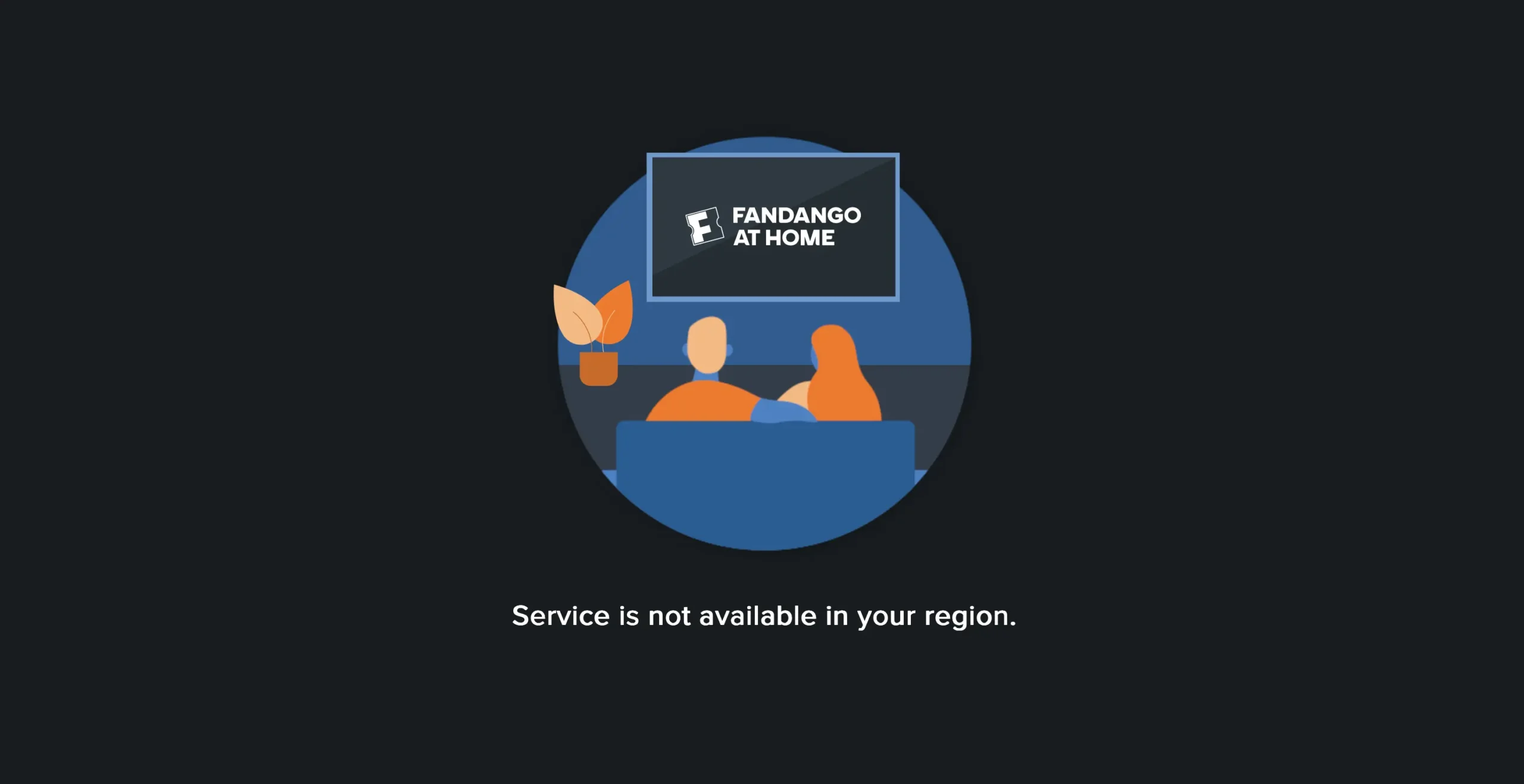
And that’s where this guide comes in.
If you live in Europe, Asia, Australia, or anywhere else, you can unblock Fandango at Home. In this guide, I’ll show you exactly how to do it with the right VPN, payment method, and device setup — so you can rent or buy early-access movies from wherever you are.
Let’s dive in.
What Is Fandango at Home and Why It’s Blocked Abroad
Fandango at Home is the new name for what used to be Vudu and FandangoNOW. After a long series of mergers and brand changes, it became the official digital rental and purchase service (TVOD) of NBCUniversal and Warner Bros. Discovery.
It’s a massive platform with:
- Over 250,000 titles including movies and full seasons of TV
- 4K UHD, Dolby Vision, HDR10, and Dolby Atmos support
- Exclusive Early Access rentals for films still in theaters
- A free-with-ads (AVOD) section with hundreds of movies
But here’s the catch: it only works in the United States.
Due to licensing deals with local distributors (like Sky, Canal+, or Foxtel), Fandango at Home is strictly geoblocked. That means:
- You can’t access the website or apps unless your IP address is in the US
- You can’t pay unless you have a US-based payment method
- Even if you bypass both, some streaming quality restrictions may apply without proper VPN configuration
Step 1: Use a VPN That Works with Fandango at Home
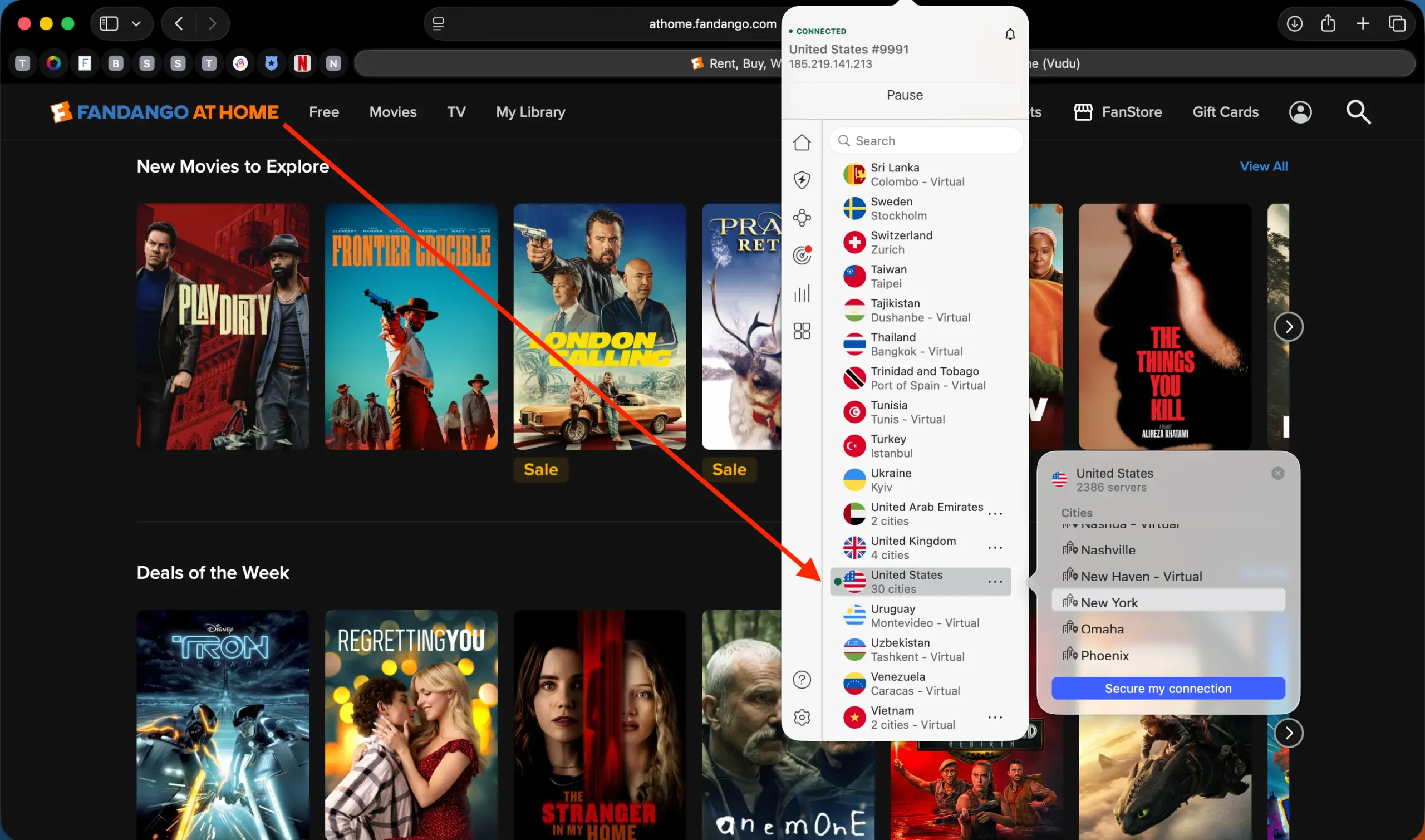
First, you need a VPN that gives you a reliable US IP address and doesn’t get blocked. Fandango’s detection is stronger than many think — similar to Hulu or Peacock.
Here are the VPNs that still work in December 2025 and have been tested for 4K streaming:
| VPN | Best For | Link |
|---|---|---|
| NordVPN | Top speeds, best server coverage | 77% off + 3 months free » |
| Surfshark | Great value, unlimited devices | 87% off + 3 months free » |
| ExpressVPN | Best for Smart TVs, router setup | Try ExpressVPN now » |
| CyberGhost | Easiest setup for beginners | 82% off + 2 months free » |
| PIA VPN | Strong customization, low price | 85% off + 4 months free » |
Pro tip:
Choose your VPN server location based on your continent for better speed:
| Your Location | Best US Server Region |
|---|---|
| Europe | New York, New Jersey, Virginia |
| Asia-Pacific | Los Angeles, San Francisco, Seattle |
| Australia/NZ | Los Angeles, San Jose |
| Latin America | Miami |
| Canada | Closest city in the US (e.g., Seattle for Vancouver) |
Step 2: Create a Fandango at Home Account
Once connected to a US server, go to:
You can browse the library, but to rent or buy, you’ll need an account and a valid payment method.
Step 3: How to Pay Without a US Credit Card
Fandango at Home requires a US-issued card or a US PayPal account — but there are smarter ways to handle this.
Easiest Option: Gift Cards
This is the most reliable method in 2025.
- Buy a Fandango at Home or Vudu gift card
– Use trusted sellers like MyGiftCardSupply or Bitrefill (Bitcoin accepted) - Connect VPN to the US
- Go to Account Settings > Payment Methods > Redeem Gift Card
- Enter the code and use a tax-free ZIP code like 97205 (Oregon)
💡 Why Oregon? It has 0% sales tax. If you enter a ZIP like 10001 (New York), you’ll be charged extra tax — and your gift card might not cover the full rental price.
Step 4: Test the Free Movies (AVOD) Before You Pay
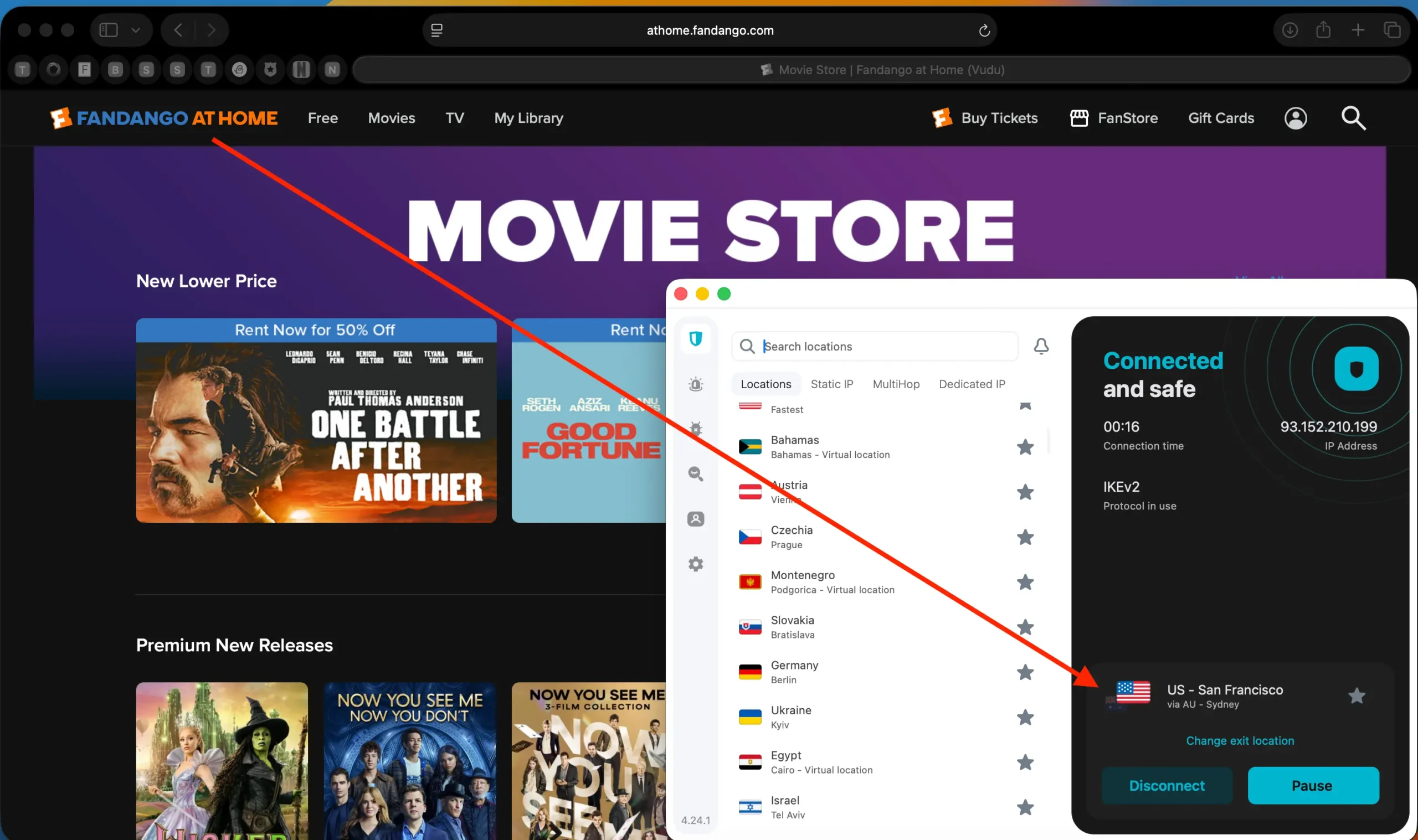
Here’s something most users overlook — Fandango at Home has a completely free section with ad-supported movies. You don’t even need to log in to start watching.
Just visit:
👉 athome.fandango.com/movies/free
This is the best way to check if your VPN is working correctly before you rent or buy anything. Pick a random movie, hit play, and see if the ads start loading.
If it plays smoothly with no geo-block message, you’re good to go.
Step 5: Enjoy Full 4K HDR Streaming (If Your VPN Supports It)
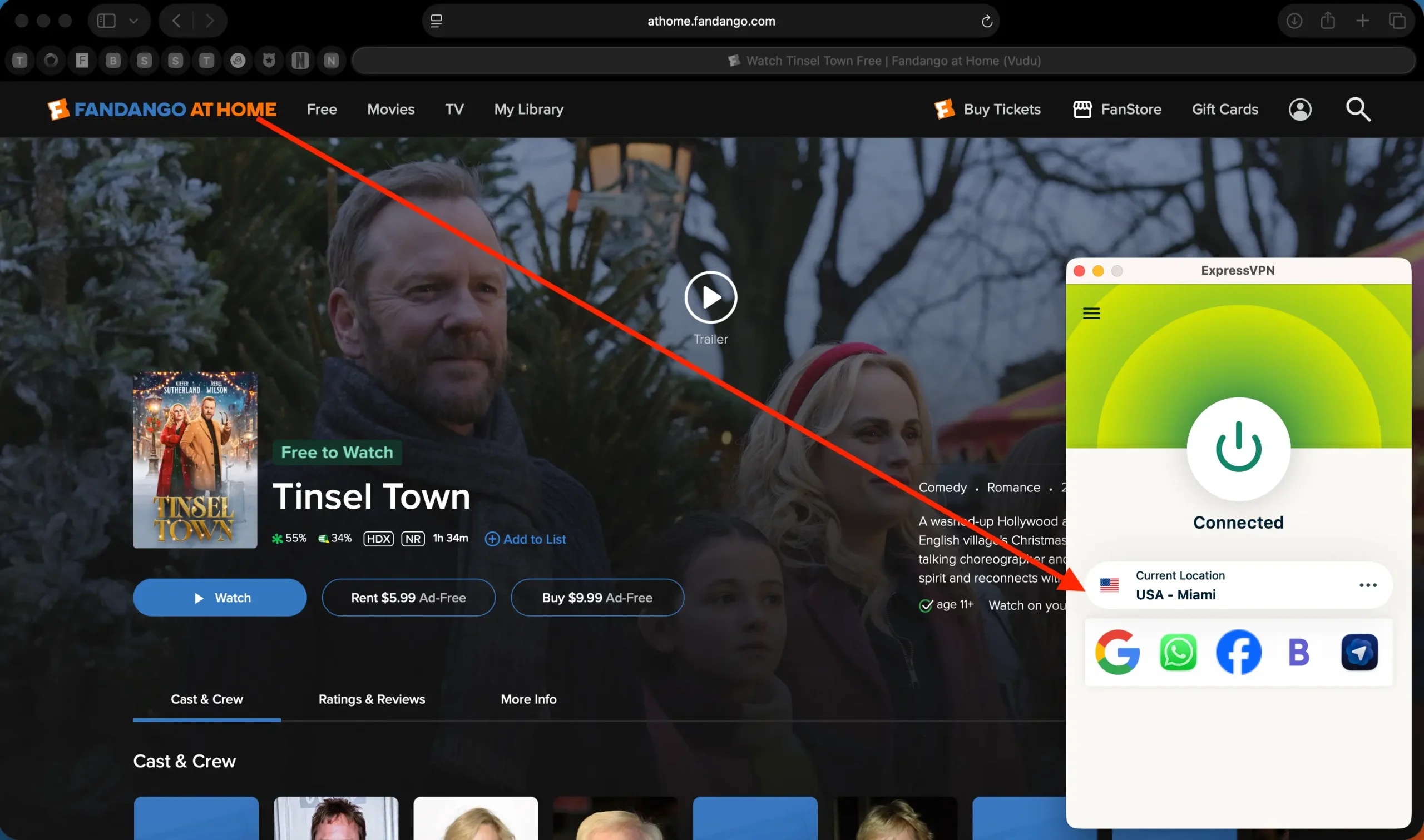
Fandango at Home is known for exceptional video and audio quality, often better than Netflix or Prime Video.
Here’s what you need for the best possible stream:
| Feature | Requirement |
|---|---|
| 4K UHD + HDR10 / Dolby Vision | Use Chrome, Edge, or a supported Smart TV |
| Dolby Atmos | Available on Apple TV, Roku, Android TV, and Xbox |
| High Bitrate | Requires stable VPN + 25 Mbps+ connection |
If you use a high-speed VPN like NordVPN or ExpressVPN, you’ll get buffer-free 4K playback even on Wi-Fi. I personally tested NordVPN with a New York server and streamed Dune: Part Two in 4K HDR without a single hiccup.
Step 6: Watch on Any Device
Once everything’s working, you can install the Fandango at Home app on your favorite device.
Supported platforms:
- Android TV, Google TV (best for VPN compatibility)
- Fire TV Stick (you may need to sideload the app using Downloader)
- Roku, Apple TV, Xbox, PS5 (limited region support)
- iPhone / iPad (you’ll need a US Apple ID)
- Web browsers (Chrome and Edge work best)
💡 If you can’t find the app in your store:
- For Android: use a trusted APK site like APKMirror
- For Apple: sign in with a secondary US App Store account
- On Fire TV: sideload the app with Downloader and connect VPN directly on device or via router
Troubleshooting: Fandango Not Working with VPN?
Here are the most common problems — and how to fix them:
Still seeing “Not available in your region”
Fix: Switch to another US server (New York, Los Angeles, Miami work best)
Video won’t play / black screen
Fix: Clear cookies, disable location services in browser settings
Payment declined
Fix: Use a gift card and tax-free ZIP like 97205 (Oregon)
Low video quality
Fix: Use NordVPN or ExpressVPN, avoid overcrowded servers, use Ethernet if possible
Final Checklist: Watch Fandango at Home from Anywhere
Here’s a quick recap of what you need:
- VPN that works with Fandango at Home (recommendations below)
- Connect to a US server (East or West Coast depending on your location)
- Use a gift card to add balance and avoid credit card issues
- Pick a tax-free ZIP code like 97205
- Enjoy 4K HDR movies or free titles from anywhere in the world
Best VPNs for Fandango at Home
If you’re serious about streaming Fandango from abroad, use one of these tried-and-tested VPNs:
| VPN | Highlight | Deal |
|---|---|---|
| 🥇 NordVPN | Fastest 4K streaming | 77% off + 3 months free » |
| 🥈 Surfshark | Unlimited devices | 87% off + 3 months free » |
| 🥉 ExpressVPN | Best for smart TVs | Try ExpressVPN now » |
| 🛡 CyberGhost | Easiest for beginners | 82% off + 2 months free » |
| 💸 PIA VPN | Best budget pick | 85% off + 4 months free » |
Is It Legal to Use a VPN with Fandango at Home?
Using a VPN is perfectly legal in most countries and Fandango’s Terms of Service don’t explicitly ban VPN usage. Just keep in mind:
- You’re responsible for complying with local laws
- Fandango might limit your account if they detect repeated geo-jumps, but VPN users are rarely banned
Bottom line: thousands of streamers do this every day. Just don’t abuse the system, and you’ll be fine.
Final Thoughts
Fandango at Home is one of the best-kept secrets in digital streaming — offering early access to blockbusters, stunning quality, and a huge selection of movies. And with the right VPN setup, you can unlock it no matter where you are in the world.
Once you’ve tested it with a gift card and the free movie section, it quickly becomes a favorite alternative to Netflix, Apple TV, or Amazon Prime.
Now all that’s left is to grab some popcorn and hit “Play.”
Ready to stream Fandango at Home in 4K?
FAQ
Can I watch Fandango at Home outside the US?
No, it’s geo-blocked. But you can bypass it using a reliable VPN like ExpressVPN or NordVPN.
Is Fandango at Home the same as Vudu?
Yes, it’s the rebranded version of Vudu — same content, new name.
Why does Fandango say “not available in your region”?
Because your IP isn’t from the US. Fandango blocks access based on your location.
Which VPN works best for Fandango?
ExpressVPN, NordVPN, and Surfshark all work well when connected to US servers.