Staying in touch with family and friends or running a business in Nepal became unexpectedly hard in 2025, when WhatsApp—along with Facebook, Instagram, and more than 20 other platforms—suddenly vanished. The social media blackout made one thing clear: in Nepal, digital freedom can disappear at any time.
If you rely on WhatsApp for communication, here’s the most complete, practical, and up-to-date guide to unblocking WhatsApp in Nepal—no matter what happens next.
Why Was WhatsApp Blocked in Nepal?
Let’s get straight to the point. In September 2025, the Nepalese government blocked access to WhatsApp and dozens of other social media and messaging apps. The official reason? Major global platforms failed to comply with new, strict government registration requirements. The real-world result? Millions of people lost their connection with the world, their families, their jobs, and their businesses overnight.
Whether you’re an expat, digital nomad, traveler, or local, the lesson is clear: access to WhatsApp and other social apps in Nepal can be switched off at any moment.
Why a VPN Is the Only Real Solution
Trying to download WhatsApp from the App Store? Blocked. Opening the app on Wi-Fi or data? Blocked. Switching SIM cards? Still blocked.
The only method that really works to unblock WhatsApp in Nepal—even when all the traditional ways fail—is using a VPN.
How Does a VPN Work?
A VPN (Virtual Private Network) encrypts your internet traffic and sends it through a server in another country (like India, Singapore, or anywhere WhatsApp works).
Your real location is masked, your online activity is private, and suddenly, WhatsApp (plus Instagram, YouTube, etc.) is back—just like you never left home.
What Makes VPNs So Effective?
- Your internet provider (ISP) and government can’t see what apps you use.
- Websites and apps “see” you as if you’re browsing from another country.
- You stay protected on public Wi-Fi, in hotels, and in cafés—no snooping.
The 3 Best VPNs for WhatsApp in Nepal (with Direct Links)
Not all VPNs are created equal. Here’s what actually works in Nepal—these are tried, tested, and reliable even during strict blocks:
1. NordVPN
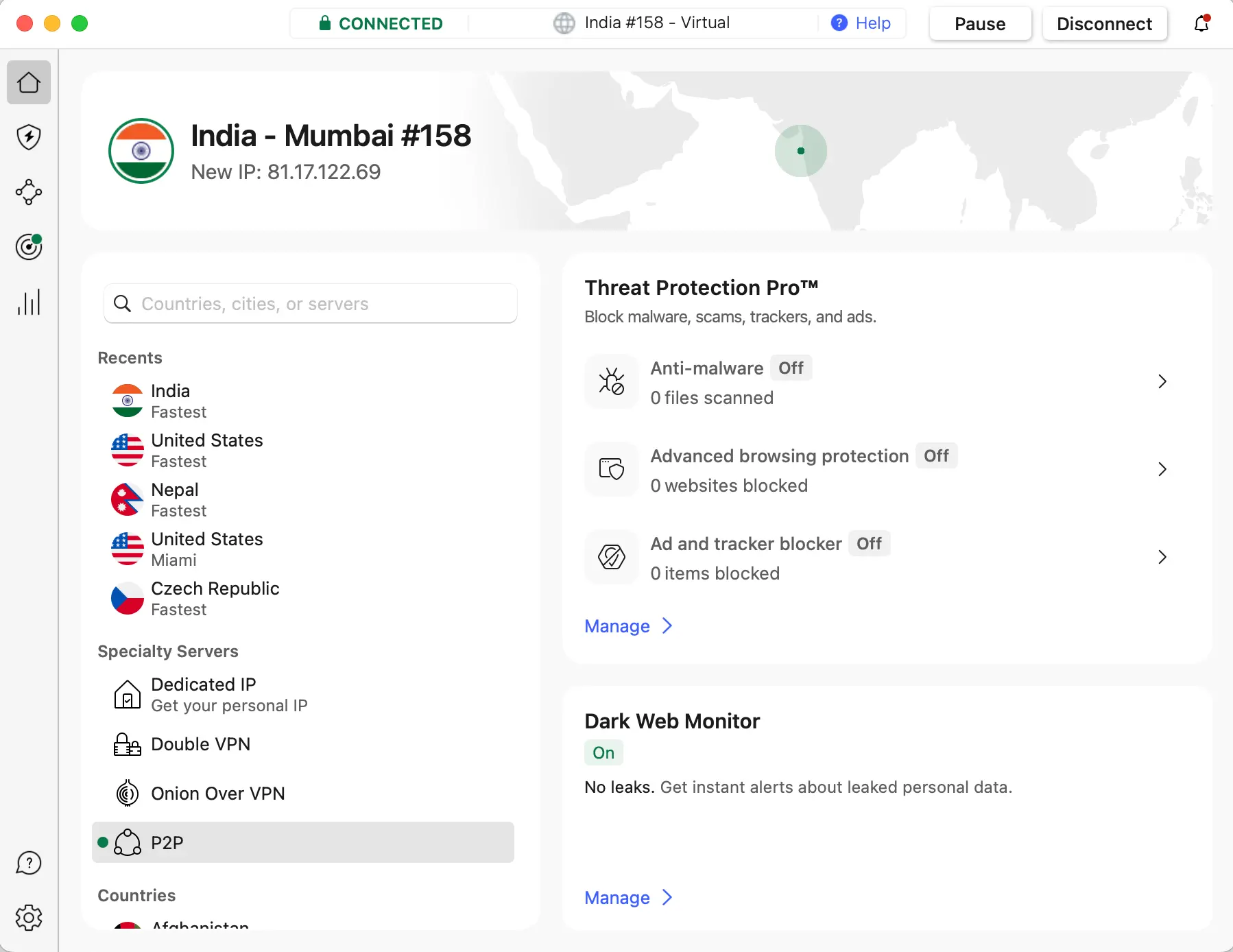
- Obfuscated servers to defeat government blocks.
- Fast connections in Asia and worldwide.
- Apps for every device (Android, iOS, Windows, Mac).
- Extra features: Threat Protection, Double VPN.
- 30-day money-back guarantee.
- 👉 Get NordVPN here
2. ExpressVPN
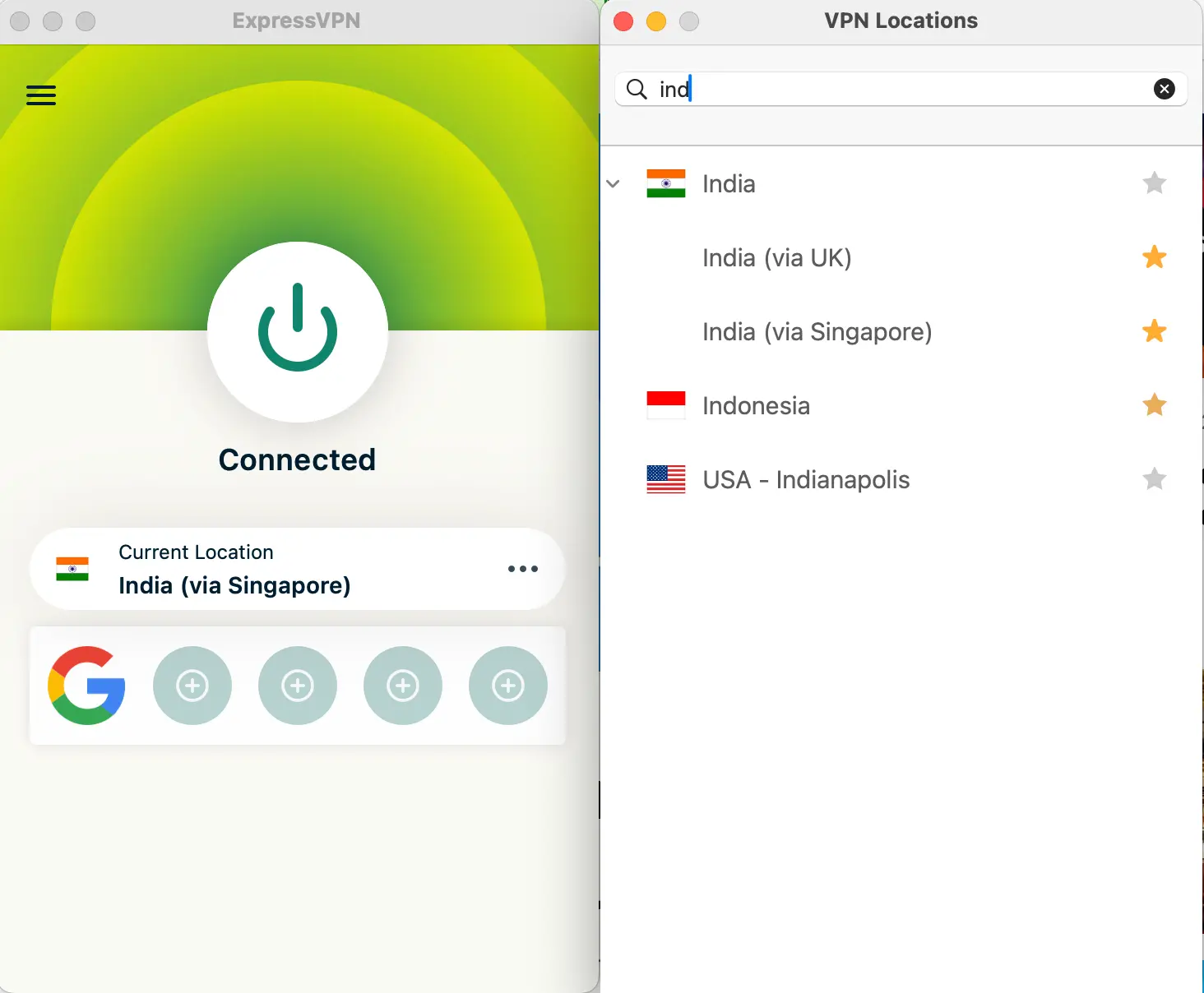
- Automatic stealth/obfuscation—no setup needed.
- Super-fast and extremely reliable, even if VPNs are targeted.
- 24/7 live chat support.
- RAM-only servers for maximum privacy.
- 30-day risk-free trial.
- 👉 Get ExpressVPN here
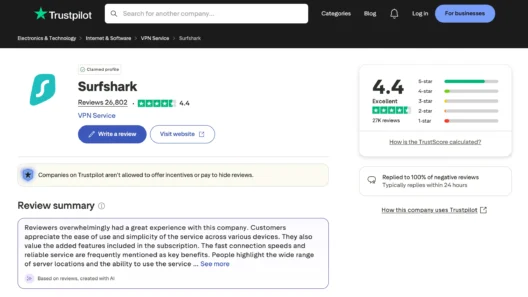
3. Surfshark
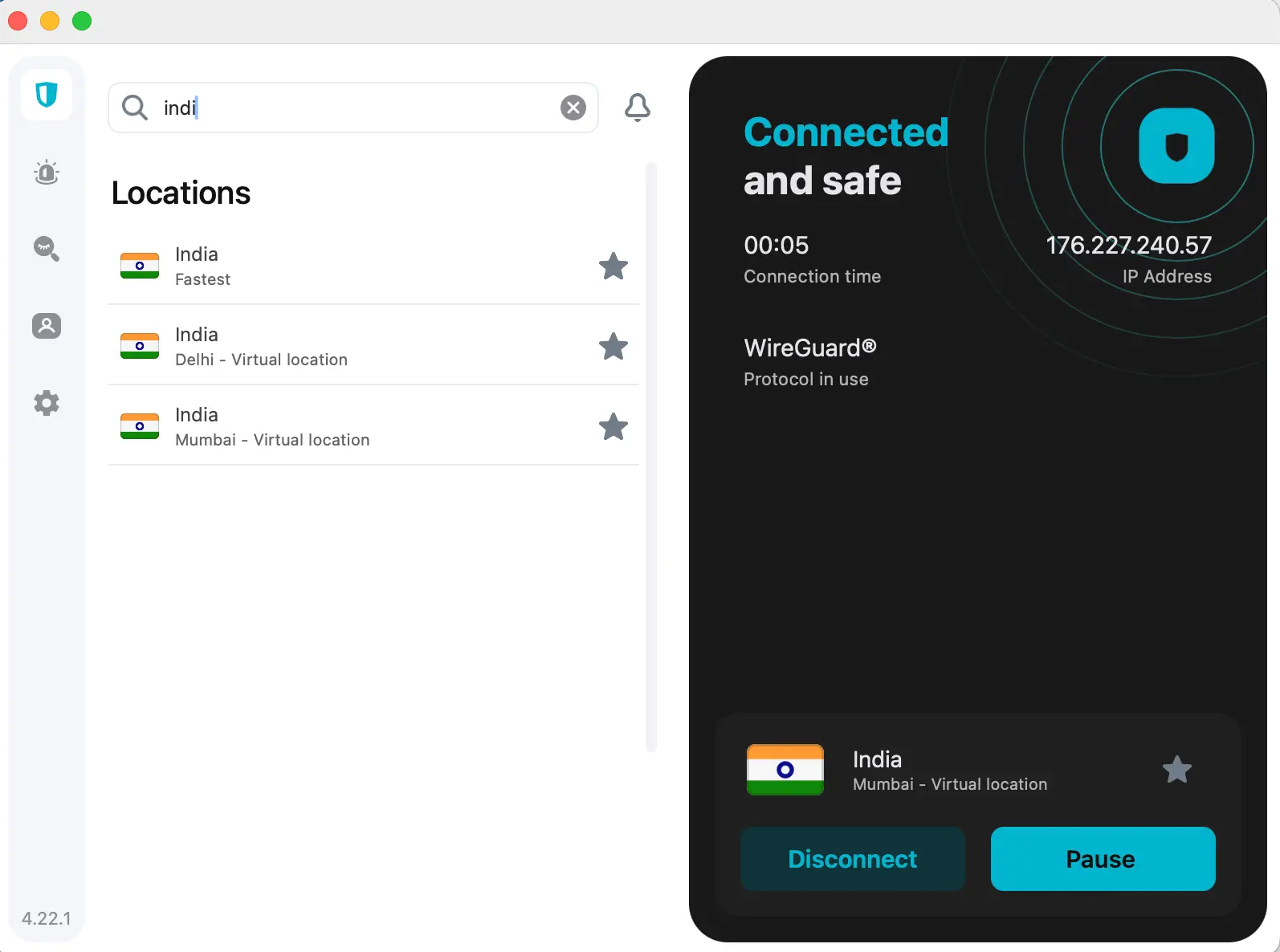
- Unlimited devices—perfect for sharing with friends or family.
- Physical server in Kathmandu for the best local speeds.
- Camouflage Mode (stealth) for bypassing blocks.
- Great long-term price.
- 30-day money-back guarantee.
- 👉 Get Surfshark here
How to Unblock WhatsApp in Nepal: Step-by-Step (For Any User)
Let’s make this totally practical—here’s the process for anyone, even total beginners.
1. Choose Your VPN
- Pick one of the above:
NordVPN,
ExpressVPN, or
Surfshark - Avoid free VPNs—they’re often slow, easily blocked, or risky for your data.
2. Create Your Account and Install the App
- Sign up for your chosen VPN (all three take less than 3 minutes).
- Download and install the VPN app to your smartphone, laptop, or tablet.
3. Log In and Connect to a Server
- Open the app and log in.
- Connect to a server outside Nepal (for best results: India, Singapore, UK, or any country where WhatsApp works).
4. Check Your VPN Status
- Make sure the VPN shows you as “connected.”
- Pro tip: Test your IP location (many VPNs have a built-in tool, or try whatismyip.com).
5. Open WhatsApp and Start Messaging
- Launch WhatsApp.
- You should now be able to chat, make calls, send media, and use all features.
Troubleshooting: If WhatsApp Still Won’t Work
Don’t panic! Here are some easy fixes:
- Switch VPN servers (choose a different country/location).
- Close and reopen WhatsApp after connecting to the VPN.
- Clear WhatsApp cache/data (on Android: Settings → Apps → WhatsApp → Storage → Clear cache).
- Restart your phone or device and try again.
- Update the WhatsApp app to the latest version.
If nothing works, contact your VPN provider’s 24/7 support. (All three above have live chat with real people.)
Advanced Tips: The Power User’s Guide
Want even more stability and security?
Set Up VPN on Your Home Router
- Protects your entire household—every device connected to your Wi-Fi is covered, even Smart TVs or guests’ phones.
- Most top VPNs provide easy setup tutorials.
Use MultiHop / Double VPN
- Available on Surfshark and NordVPN.
- Sends your data through two countries for even greater privacy.
Enable the VPN Kill Switch
- Blocks your internet if the VPN disconnects, so you never leak your real location.
Why You Should Avoid Free VPNs
Let’s be honest:
Free VPNs sound tempting, but they can cost you much more in the long run.
- They’re often slow and unreliable (especially for WhatsApp calls).
- Many log your activity, show ads, or even sell your data.
- They get blocked much faster during censorship spikes.
If your privacy and communication matter, invest a few dollars in a real VPN:
Real-World Scenarios: Who Needs This?
- Expats and Students Abroad: Stay connected with family back home.
- Travelers in Nepal: Don’t lose access to booking apps, guides, or emergency contacts.
- Remote Workers and Digital Nomads: Your business communication shouldn’t depend on politics.
- Local Businesses: Reach customers and suppliers, even when the government tries to pull the plug.
Final Thoughts: Stay Connected, No Matter What
No one wants to wake up to find WhatsApp blocked, but in Nepal, it’s happened before and could happen again.
With a quality VPN, you’re protected against government blocks, nosy ISPs, and even hackers on public Wi-Fi.
Ready to unblock WhatsApp—fast, safe, and forever?
Protect your connection. Defend your freedom. And never miss a message again.
FAQ: Using WhatsApp & VPN in Nepal
Is it legal to use a VPN in Nepal?
Yes! VPN use is legal for privacy and accessing legal content.
Will my WhatsApp messages be safe?
Absolutely. With a reputable VPN, your chats and calls are encrypted and private.
Does the VPN work for WhatsApp on iPhone and Android?
Yes! All three VPNs have easy-to-use apps for every major device.
Can I use one VPN for all my devices?
Yes—especially with Surfshark’s unlimited device policy, but all three support multiple devices.
What if WhatsApp gets blocked again?
Just open your VPN, connect, and you’re back online—no more stress.