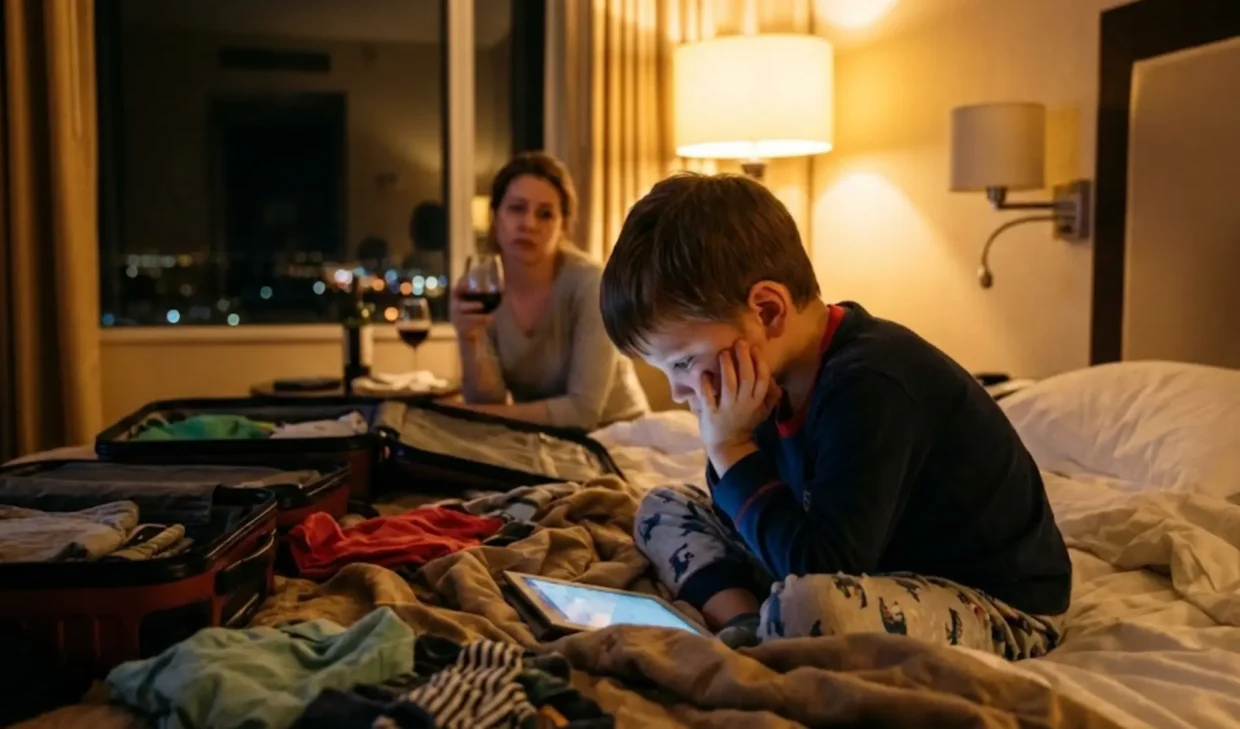
The Reality: Hotel Wi-Fi Is Not Safe for Kids’ Devices
After a delayed flight and a chaotic check-in, I usually hand over the iPads just to buy a few moments of peace. But one family vacation changed how I think about hotel internet forever.
My 8-year-old was logging into Minecraft. My 4-year-old was already deep into Bluey on YouTube Kids. And I was sipping coffee, thinking: “They’re finally occupied.”
But here’s the thing — hotel Wi-Fi isn’t secure. Just because you enter a room number and surname doesn’t mean hackers can’t see what’s happening.
Public Wi-Fi (including hotel networks) are prime hunting grounds for cybercriminals, and children’s devices are often the weakest link. Here’s what I’ve learned — and what I do now every single trip.
5 Hidden Dangers of Hotel Wi-Fi for Kids
1. Man-in-the-Middle Attacks (Stolen Passwords)
Hackers sitting in the hotel bar can intercept unencrypted data between your child’s tablet and the router. This is called a Man-in-the-Middle (MitM) attack and it’s terrifyingly easy.
If your child logs into Roblox or Instagram, their username and password can be stolen in seconds. No alert, no warning — you just lose access one day.
Real-life nightmare: My son got locked out of his Fortnite account. A hacker had reset the password using intercepted login info.
2. Session Hijacking (Gaming Account Theft)
Gaming accounts are worth real money. My son’s Roblox profile has years of upgrades and skins. Hackers can steal session cookies — which let them impersonate the user without needing a password.
Once inside, they drain in-game currency or sell the account on shady forums. It happened to our friend’s daughter, and it was a disaster.
3. Evil Twin Wi-Fi Networks (Fake Hotspots)
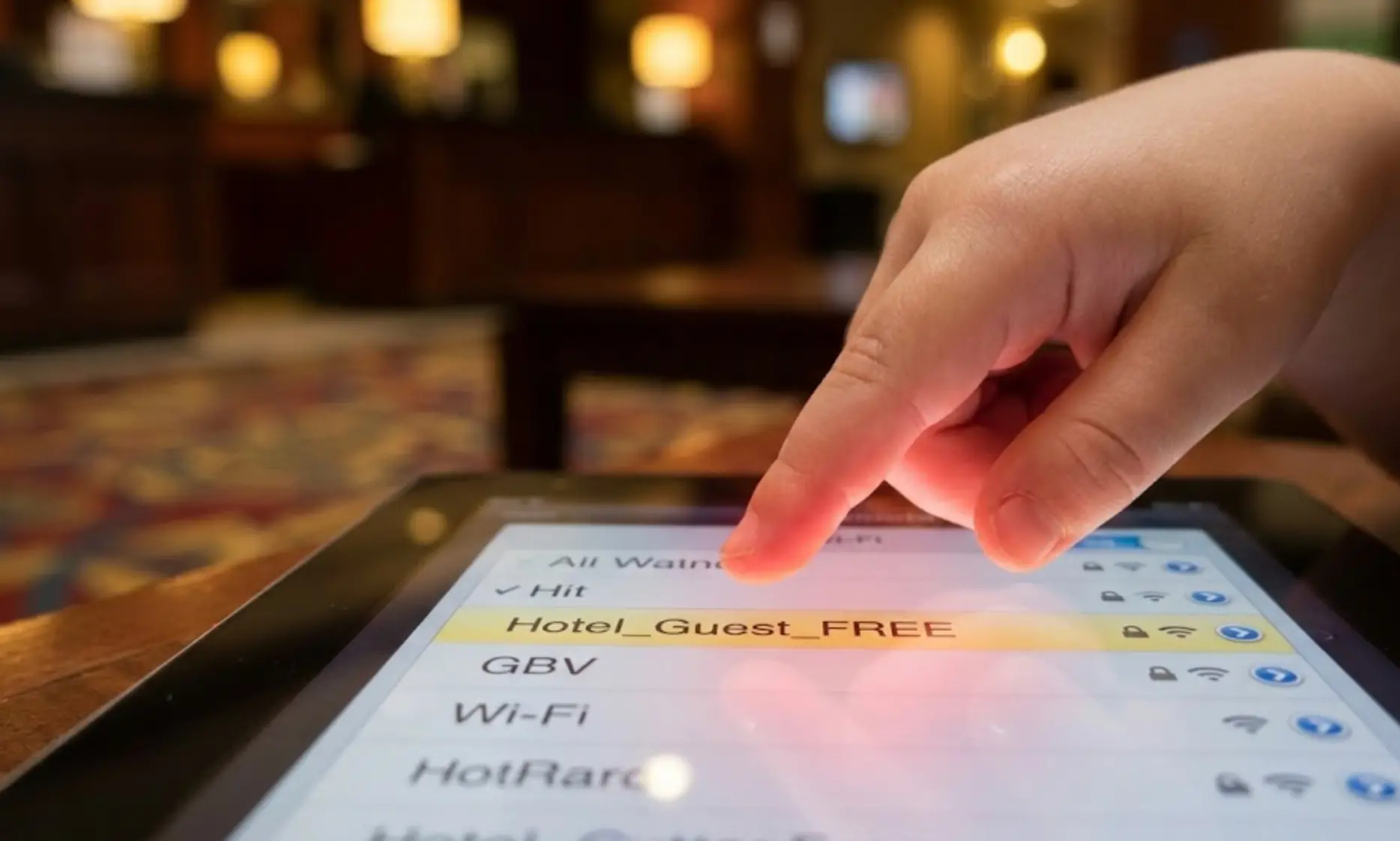
Hackers create rogue Wi-Fi with names like Hotel_Guest_FREE or Hotel_Premium. Kids see it, click it, and connect.
But it’s fake. Once connected, the hacker controls what your child sees, and can inject malware or phishing pages. My 4-year-old can’t read yet — but he knows what a Wi-Fi symbol looks like. That’s all it takes.
4. Fake Software Updates (Malware & Ransomware)
Ever seen a pop-up saying: “Flash Player needs updating to watch this video?” On a fake hotel network, that’s spyware or ransomware.
Kids often tap “OK” without thinking. The result? A compromised tablet that could leak personal info or lock the screen until you pay a ransom.
5. Privacy Leaks and Location Tracking
On unsecured networks, strangers can monitor app usage and browsing habits, building digital profiles of your child.
In some cases, they can even triangulate your child’s location within the hotel — based on network traffic. It’s beyond creepy, and I won’t take that risk anymore.
My Simple Fix: A VPN with Military‑Grade Encryption

After this happened to us, I found the solution — and it took under 5 minutes.
A Virtual Private Network (VPN) encrypts all the data leaving your child’s device. Think of it as a secret tunnelthrough the hotel’s network. Even if hackers are “listening,” all they see is scrambled nonsense.
No passwords to steal and no sessions to hijack. No pop-ups to trick them.
Benefits of a VPN for Traveling Families
- AES-256 Encryption: Same level used by banks and military.
- Blocks Tracking: Stops ad trackers and spying scripts.
- Kill Switch: Instantly disables internet if VPN drops.
- Multiple Devices: Protect all your family’s gadgets on one account.
Best VPNs for Kids’ Tablets in 2026
Here’s what we’ve personally used — tested on family trips, from city hotels to beach resorts.
| VPN Provider | Why Families Love It | Top Safety Feature | Monthly Cost |
|---|---|---|---|
| Surfshark | Unlimited devices — perfect for big families. Easy to use. | CleanWeb (blocks ads & malware) | ~$1.99 |
| NordVPN | Fastest for streaming & games. Great for Roblox & YouTube. | Threat Protection | ~$2.99 |
| ExpressVPN | Most beginner-friendly. One-click setup for kids. | Network Lock (Kill Switch) | ~$3.49 |
Our Pick: Surfshark — I have it on 7 devices, including the backup iPad!
My 5‑Step “Travel Tech” Setup Before Every Trip
- Download VPN Apps at Home
Never wait until the hotel. Do it over your secure home Wi-Fi. Log in and test before leaving.
| 3 VPN for Gaming | Offer + Discount | URL |
|---|---|---|
| NordVPN | 77% off + 3 months free | Try NordVPN |
| ExpressVPN | 73% off + 4 months free | Try ExpressVPN |
| SurfShark | 87% off + 2 months free | Try SurfShark |
- Install on All Tablets
I set it up on both iPads and my phone. No device connects without protection. - Enable the Kill Switch
If the VPN disconnects (which happens on weak hotel signals), the Kill Switch shuts off the internet. No leaks. - Teach the “Green Icon” Rule
My kids know: No YouTube or games until the VPN is active. I showed them the icon and made it part of our vacation routine. - Turn It On First Thing at the Hotel
Before checking WhatsApp or Netflix, I connect the VPN. Takes 2 seconds.
Real Talk: Why I Never Travel Without a VPN Now
Family vacations are expensive. We spend hundreds (or thousands) to make memories and one careless click on a public Wi-Fi can ruin it all.
Ever tried comforting a kid who just lost their Roblox account? It’s brutal.
A VPN costs less than one latte per month and gives me peace of mind that’s honestly priceless.
Now, I can hand over the iPads without stress and enjoy my cappuccino (or wine) while the boys watch their shows — safely.