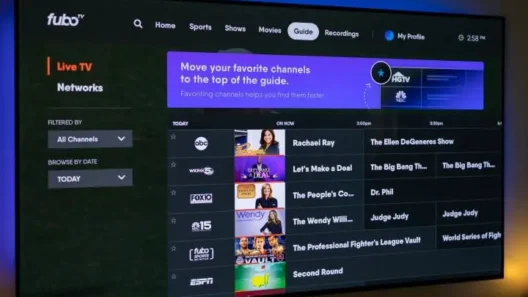
Stream Fubo smoothly anywhere on Apple TV, Roku & Firestick
Fubo is one of the best streaming platforms for live sports, news, and entertainment—but only if you can access it. Whether you’re traveling, living abroad, or just want Fubo to work properly on your Apple TV, Roku, or Firestick, you need a VPN that actually works.
I’ve tested them. And here’s the no-BS guide to the best VPNs for Fubo, what platforms they support, and which one makes the most sense for your setup.
Why You Need a VPN for Fubo
Let’s clear one thing up. Fubo isn’t available everywhere. It officially works only in:
- 🇺🇸 United States
- 🇨🇦 Canada
- 🇪🇸 Spain
If you’re outside those countries—or even inside, but dealing with weird geo‑blocking errors—you’re gonna need a VPN.
A VPN helps by:
- Changing your IP address so Fubo thinks you’re in the right country
- Protecting your traffic with encryption
- Bypassing ISP throttling so you can stream at full speed
- Letting you use Fubo on restricted Wi-Fi networks (hotels, airports, schools)
What Makes a VPN Great for Fubo?
Not all VPNs are up to the job. Fubo is picky and actively blocks many servers.
Here’s what you should look for:
| Feature | Why It Matters |
|---|---|
| ✅ Reliable US servers | Most Fubo content is tied to a US IP address |
| ⚡ High speeds | Live sports require zero lag or buffering |
| 📺 Device compatibility | Works on Apple TV, Firestick, Roku—even if VPN apps aren’t supported |
| 🧱 Obfuscation | Helps you bypass VPN detection by Fubo |
| 🔒 Security features | Kill switch, DNS leak protection, no-logs policy |
6 Best VPNs for Fubo in 2025
Here are the top VPNs I tested that consistently worked with Fubo, even when others failed.
1. NordVPN – 77% off
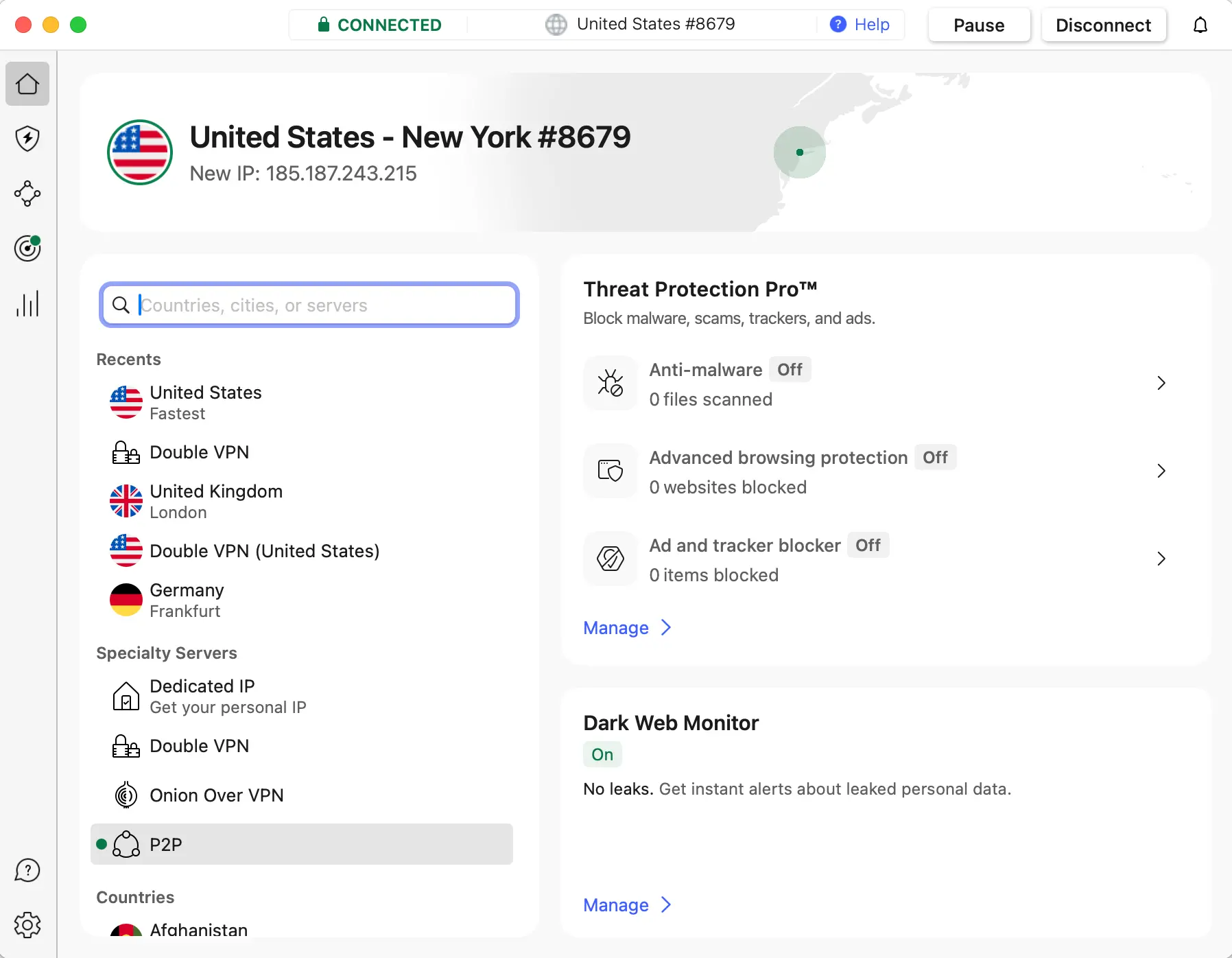
✅ Best overall performance for Fubo
- Massive server network, especially in the US
- Excellent speeds with NordLynx (based on WireGuard)
- Works on Apple TV (tvOS 17+), Firestick, Roku (via router/hotspot)
- Apps for Windows, Mac, Android, iOS, Fire TV
- Obfuscated servers for bypassing VPN blocks
- Kill switch, no logs, DNS leak protection
🟩 Tested On:
✅ Apple TV | ✅ Firestick | ✅ Roku (via router)
📌 Why I Recommend It:
It’s fast, reliable, and the most consistent VPN I’ve used with Fubo across all devices. NordVPN is basically my go-to for streaming sports in HD.
2. Surfshark – 87% off
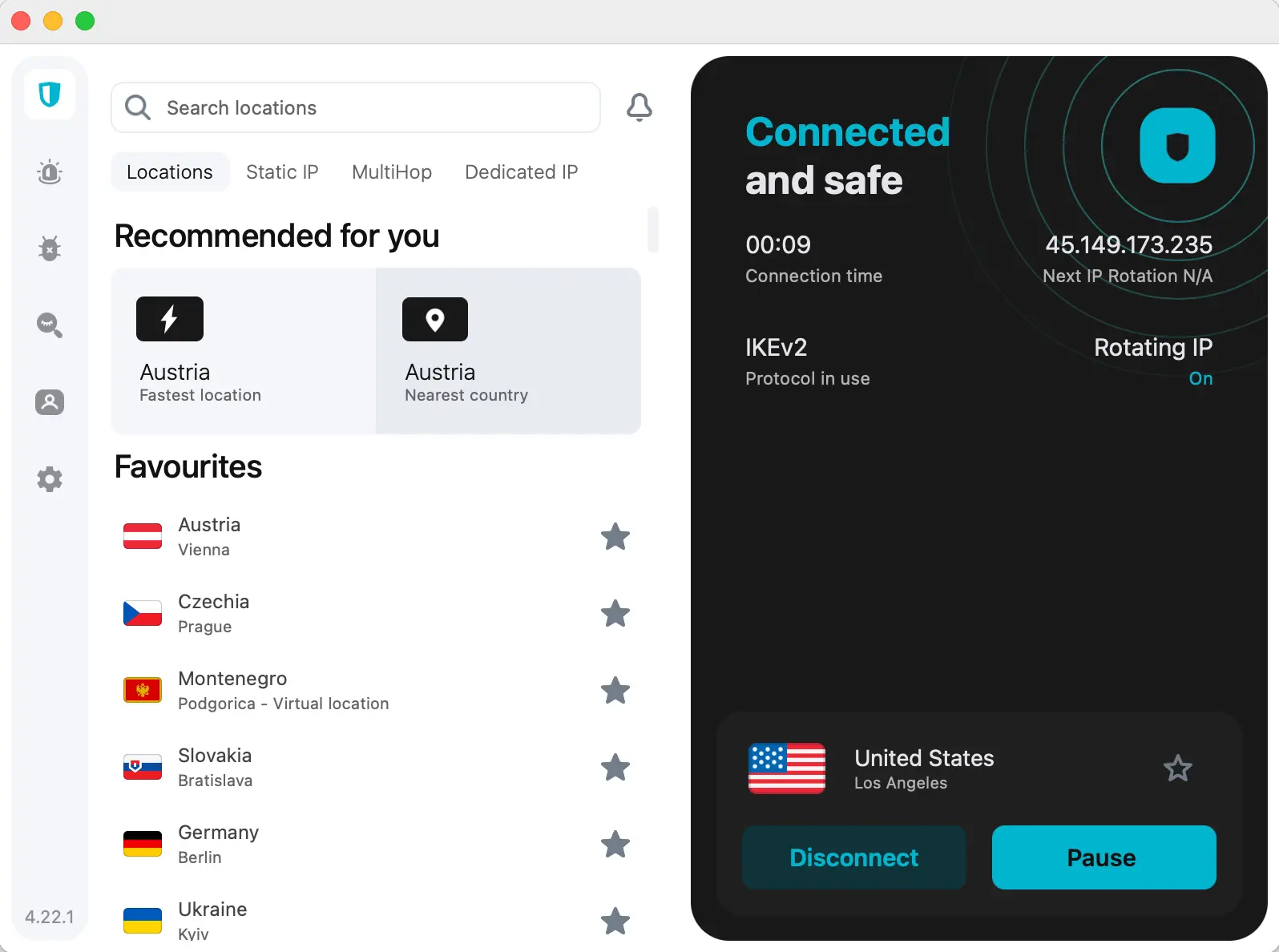
✅ Best value VPN for unlimited devices
- Unlimited device connections (great for families or shared households)
- Reliable Fubo unblocking, even during major sports events
- Solid speeds, WireGuard supported
- CleanWeb (ad + malware blocking) included
- Supports router setup + hotspot sharing
🟩 Tested On:
✅ Apple TV | ✅ Firestick | ✅ Roku (via router/hotspot)
📌 Why I Recommend It:
For the price, you won’t find a better deal. Surfshark is one of the few VPNs that works well with Fubo and doesn’t limit the number of devices.
3. ExpressVPN – 73% off + 4 months free
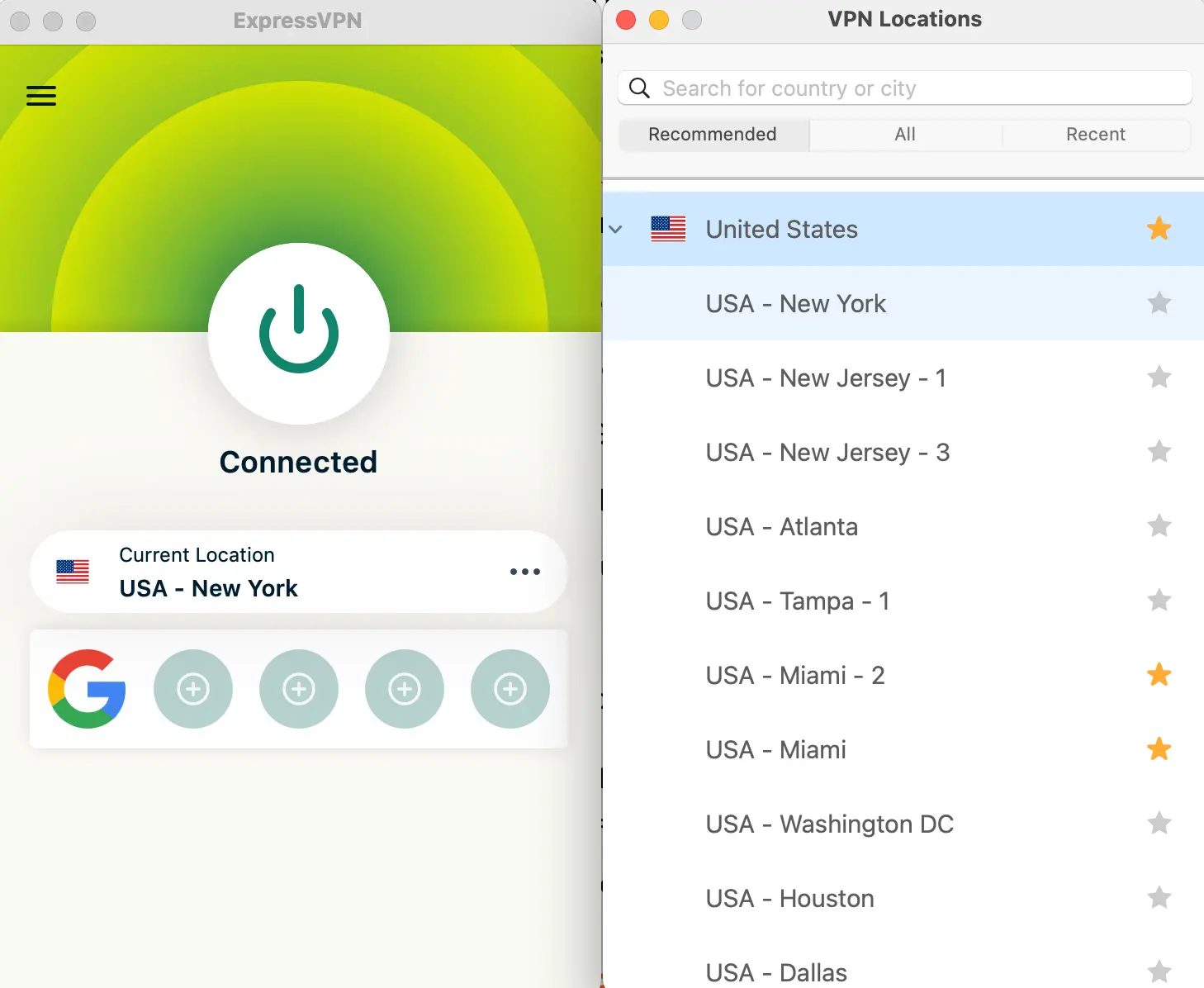
✅ Most stable and user-friendly VPN
- Ultra-fast servers across 105+ countries
- Simple, polished apps for every platform
- Works flawlessly with Fubo (rarely gets blocked)
- Excellent for use with smart TVs, Firesticks, and routers
- Includes MediaStreamer Smart DNS for Apple TV and consoles
🟩 Tested On:
✅ Apple TV | ✅ Firestick | ✅ Roku (via router or DNS)
📌 Why I Recommend It:
If you just want it to work, this is it. Especially good for tech-averse users or households with mixed devices.
4. CyberGhost – 82% off
✅ Streaming-optimized servers for Fubo
- Over 1,000+ US servers
- Servers labeled for specific platforms (e.g., “Fubo US”)
- Good apps for Windows, Mac, Android, Firestick
- Supports router installation
- Decent speeds, strong encryption
🟩 Tested On:
✅ Firestick | ✅ Apple TV (via router or Smart DNS) | ✅ Roku (via router)
📌 Why I Recommend It:
Easy to use, affordable, and ideal if you mainly stream on one or two devices.
5. Private Internet Access (PIA) – 85% off
✅ Best for power users & custom setups
- Thousands of servers across the US
- Split tunneling, port forwarding, advanced configurations
- Works on Firestick, PC, Android, routers
- Allows 10 simultaneous connections
- Fast speeds, open-source transparency
🟩 Tested On:
✅ Firestick | ✅ Apple TV (via router) | ✅ Roku (via router/hotspot)
📌 Why I Recommend It:
Ideal for those who like to tinker or need more control. Strong privacy history, great price.
6. Proton VPN – 64% off
✅ Most privacy-focused VPN
- Based in Switzerland (strong privacy laws)
- Secure Core routing for extra anonymity
- Decent US server coverage
- Works on Firestick, PCs, and via router
- Free plan (but streaming only on paid)
🟩 Tested On:
✅ Firestick | ✅ Apple TV (via router) | ✅ Roku (via router)
📌 Why I Recommend It:
If you care more about privacy + security, but still want decent Fubo streaming, this is your best bet.
Quick Comparison Table
| VPN | Speed | Works on Apple TV | Works on Firestick | Works on Roku |
|---|---|---|---|---|
| NordVPN | ⭐⭐⭐⭐⭐ | ✅ Native App (tvOS 17+) | ✅ Yes | ✅ Router |
| Surfshark | ⭐⭐⭐⭐ | ✅ Yes | ✅ Yes | ✅ Router |
| ExpressVPN | ⭐⭐⭐⭐⭐ | ✅ Smart DNS / Router | ✅ Yes | ✅ Router |
| CyberGhost | ⭐⭐⭐ | ✅ Router / DNS | ✅ Yes | ✅ Router |
| PIA | ⭐⭐⭐⭐ | ✅ Router | ✅ Yes | ✅ Router |
| Proton VPN | ⭐⭐⭐ | ✅ Router | ✅ Yes | ✅ Router |
My Real Recommendations
- If you want the fastest & most consistent VPN for Fubo across all devices:
👉 Get NordVPN – 77% Off + 3 months free - If you want the best price + unlimited devices:
👉 Get Surfshark – 87% Off + 2 months free - If you want it super simple + no stress:
👉 Get ExpressVPN – 73% Off + 4 Free Months
Want help setting up your VPN on Apple TV, Firestick, or Roku?
Check out my other guide: [How to Watch Fubo on Apple TV, Firestick & Roku]